Embedded Linux
Use the Yocto SDK's CMake Toolchain File for Target Builds
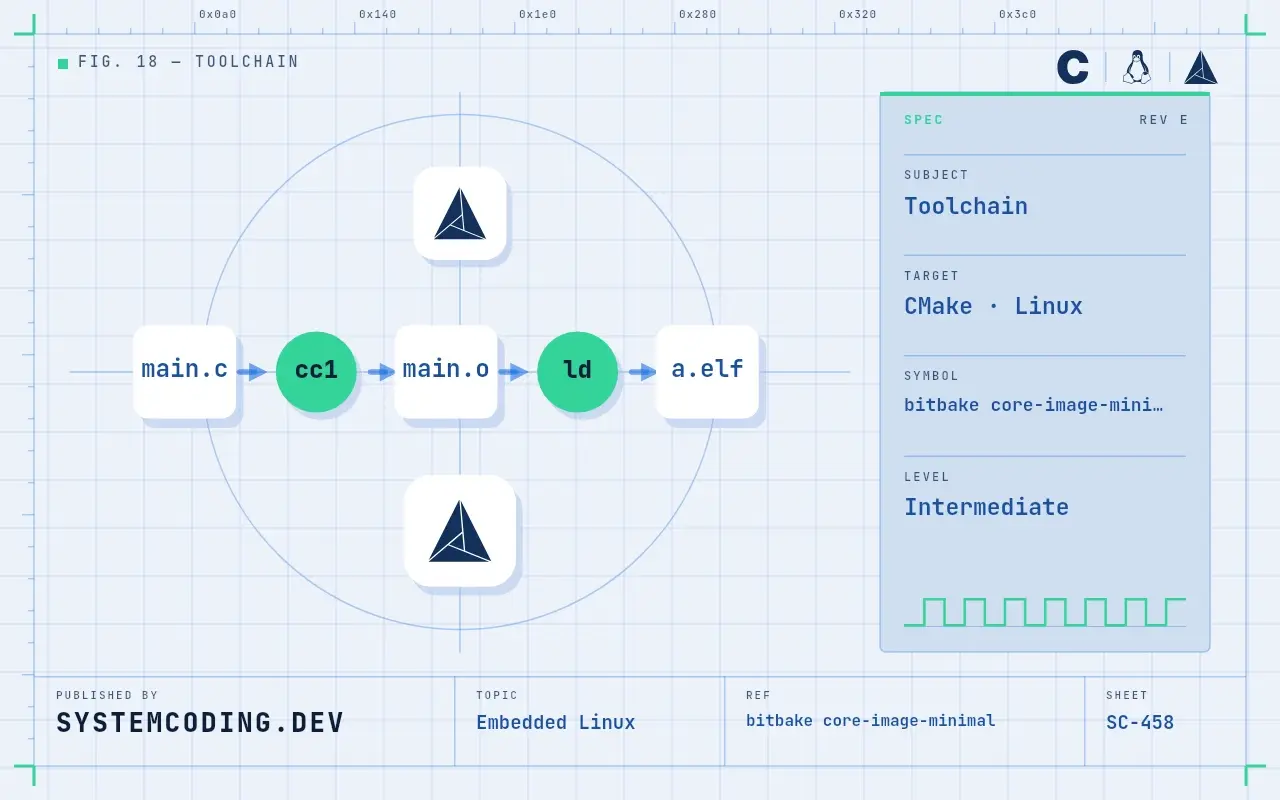
Build a CMake project for your board with the toolchain file shipped in the Yocto SDK, set install paths with DESTDIR, and run tests under qemu-user.
7 min read
Tag
17 posts
Build a CMake project for your board with the toolchain file shipped in the Yocto SDK, set install paths with DESTDIR, and run tests under qemu-user.
Install a Yocto SDK, source its environment script, and cross-compile a C program with the CC variable it sets, then check the result before running it.
Extract a recipe's source into a Git tree with devtool modify on Yocto 5.0, edit and rebuild it, then turn your commits into patches with devtool finish.
Turn a Yocto 5.0 image into a flashable SD card image with a boot and a root partition by setting WKS_FILE and IMAGE_FSTYPES for the wic tool.
Build a Yocto 5.0 standard SDK installer with bitbake -c populate_sdk, install it, source the environment script and cross-compile a program.
Learn when to set IMAGE_FEATURES in an image recipe and EXTRA_IMAGE_FEATURES in local.conf, which features exist on Yocto 5.0, and how to verify the result.
Add packages to a Yocto 5.0 image with IMAGE_INSTALL:append in local.conf or a custom image recipe, and avoid the += ordering trap that silently drops them.
A custom image is a recipe that inherits core-image, sets IMAGE_FEATURES and IMAGE_INSTALL, and names the output formats. Here is a complete my-image recipe.
Point DL_DIR and SSTATE_DIR at directories outside any build tree and every Yocto build on the machine reuses the same downloads and cached task output.
MACHINE picks the hardware, DISTRO picks the policy and the image recipe picks the contents. Here is how to choose and change each one.
local.conf holds your per-build settings and bblayers.conf lists the layers to parse. Here is what each variable does and the order BitBake reads them.
After bitbake core-image-minimal finishes, runqemu boots it in QEMU with no board. Here are the options for graphics, networking and getting out again.