Build and Install the Yocto Standard SDK With populate_sdk
Build a Yocto 5.0 standard SDK installer with bitbake -c populate_sdk, install it, source the environment script and cross-compile a program.
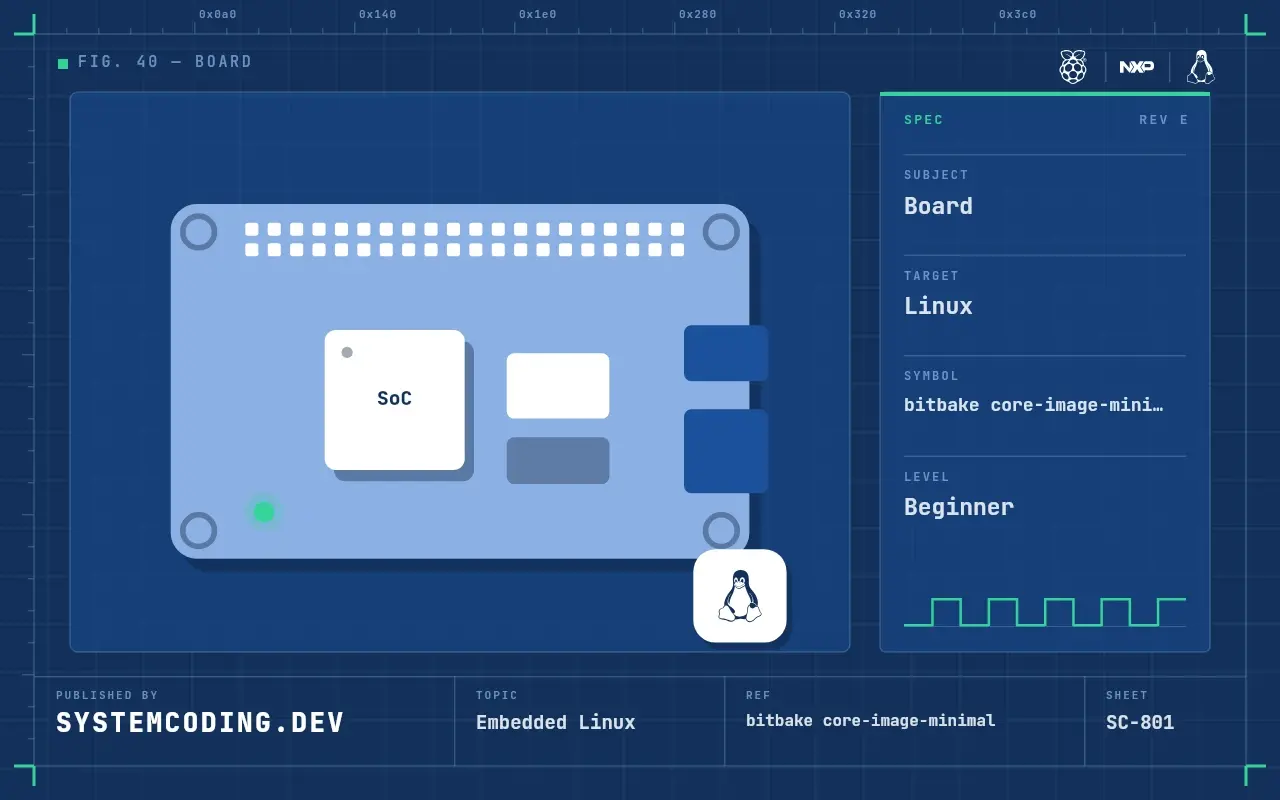
Not everyone who writes code for your device wants to build an entire Linux distribution. An application developer needs a cross compiler, a C library and the headers and libraries that match the image running on the board, installed in one step on an ordinary laptop. The Yocto Project calls that package the standard SDK, and the build system produces it as a self-extracting shell script. This post builds one for a qemuarm64 image on Yocto Project 5.0 (Scarthgap) with the populate_sdk task, installs it, sources the environment script and cross-compiles a program with it. The extensible SDK, which carries a build system with it, is a separate topic covered later in this cluster.
What the standard SDK contains
The SDK manual describes the standard SDK as a cross-development toolchain and libraries tailored to the contents of a specific image. Two sysroots sit inside it. The native sysroot holds tools that run on your development machine, including the cross compiler. The target sysroot holds the headers and libraries that the image contains, so a program linked against it finds exactly the shared libraries that are on the board. An environment setup script ties them together by exporting the variables a build needs.
That tailoring is the point. A toolchain from a distribution package knows nothing about your image, so a library you added with IMAGE_INSTALL is missing from its sysroot. The SDK built from your image has it.
Build the installer
You build an SDK from an image recipe. With the build environment sourced and MACHINE = "qemuarm64" set in conf/local.conf, ask for the populate_sdk task of the image:
bitbake core-image-minimal -c populate_sdkNOTE: Tasks Summary: Attempted 5214 tasks of which 4977 didn't need to be rerun and all succeeded.The first run builds the cross toolchain for your host and the target packages, so it takes a while, and the task counts depend on what the shared state cache already holds. The result lands under tmp/deploy/sdk/:
ls tmp/deploy/sdk/poky-glibc-x86_64-core-image-minimal-cortexa57-qemuarm64-toolchain-5.0.4.sh
poky-glibc-x86_64-core-image-minimal-cortexa57-qemuarm64-toolchain-5.0.4.host.manifest
poky-glibc-x86_64-core-image-minimal-cortexa57-qemuarm64-toolchain-5.0.4.target.manifest
poky-glibc-x86_64-core-image-minimal-cortexa57-qemuarm64-toolchain-5.0.4.testdata.jsonThe file name follows the pattern in the manual: the distro and C library, the host architecture, the image, the target tuning and machine, toolchain, then the release. Your release number may differ, since the point release changes with the branch you checked out. The .sh file is the installer. The two manifests list every package inside, host side and target side, which is useful for license review and for answering "does the SDK have OpenSSL headers?" without installing it.
Add -c populate_sdk only when you need it. bitbake -c populate_sdk does not build the image itself, only the SDK for it.
Install it on the developer machine
Copy the .sh file to the machine that will use it, make it executable if the copy dropped the mode, and run it. It asks for a target directory and defaults to /opt/poky/<version>:
chmod +x poky-glibc-x86_64-core-image-minimal-cortexa57-qemuarm64-toolchain-5.0.4.sh
./poky-glibc-x86_64-core-image-minimal-cortexa57-qemuarm64-toolchain-5.0.4.sh -d ~/sdk/qemuarm64Poky (Yocto Project Reference Distro) SDK installer version 5.0.4
=================================================================
You are about to install the SDK to "/home/dev/sdk/qemuarm64". Proceed [Y/n]? Y
Extracting SDK........................................done
Setting it up...done
SDK has been successfully set up and is ready to be used.
Each time you wish to use the SDK in a new shell session, you need to source the environment setup script e.g.
$ . /home/dev/sdk/qemuarm64/environment-setup-cortexa57-poky-linuxThe -d option gives the directory so the installer runs without a prompt, which is what you want in scripts and CI. The manual notes that the chosen directory must be writable by the user running the installer. If it is not, the installer says so and exits, and you either change the permissions or install elsewhere. A home directory path avoids needing root.
Source the environment script
Installing is a one-time act. Using the SDK means sourcing the setup script in every new shell. The script name starts with environment-setup and ends with the target tuning, so one machine can hold several SDKs without clashes:
. ~/sdk/qemuarm64/environment-setup-cortexa57-poky-linux
echo "$CC"aarch64-poky-linux-gcc -mcpu=cortex-a57+crc -fstack-protector-strong -O2 -D_FORTIFY_SOURCE=2 -Wformat -Wformat-security -Werror=format-security --sysroot=/home/dev/sdk/qemuarm64/sysroots/cortexa57-poky-linuxThat one line explains how the SDK works. CC is not a bare compiler name. It carries the architecture flags, the hardening options and, most important, --sysroot pointing at the target sysroot. Any build system that honours CC, CXX, CFLAGS and LDFLAGS therefore cross-compiles correctly without further arguments. The flags shown are what the 5.0 default configuration produces for this tuning, and a different distro setting changes them. Treat CC as an opaque value you pass on, and read it only when something goes wrong.
The script also sets ARCH and CROSS_COMPILE for kernel and U-Boot builds, SDKTARGETSYSROOT and PKG_CONFIG_SYSROOT_DIR so pkg-config looks in the target sysroot, and OECORE_NATIVE_SYSROOT for the host tools.
Cross-compile a program
A short program proves the whole path:
#include <stdio.h>

int main(void)
{
    puts("hello from the SDK");
    return 0;
}$CC hello.c -o hello
file hellohello: ELF 64-bit LSB pie executable, ARM aarch64, version 1 (SYSV), dynamically linked, interpreter /lib/ld-linux-aarch64.so.1, BuildID[sha1]=3f2c0b6e9d1a47c58be21f0a9c64d7e35a18b2c4, for GNU/Linux 3.14.0, not strippedThe architecture is ARM aarch64 and the interpreter path is the one the image's glibc provides, so the binary runs on the board and not on your laptop. The BuildID differs for every build, and the minimum kernel version comes from the toolchain's headers.
For CMake projects the SDK ships a toolchain file, and the setup script exports its location through the OECORE_NATIVE_SYSROOT variable:
cmake -S . -B build \
    -DCMAKE_TOOLCHAIN_FILE="$OECORE_NATIVE_SYSROOT/usr/share/cmake/OEToolchainConfig.cmake"
cmake --build build
Autotools projects work the same way, since the script already exports CONFIGURE_FLAGS, so ./configure ${CONFIGURE_FLAGS} is usually enough.
Put more into the target sysroot
The sysroot holds what the image holds, plus the development packages for it. When your application needs a library the image does not carry, name its development package in local.conf before building the SDK:
TOOLCHAIN_TARGET_TASK:append = " openssl-dev"The leading space matters here for the same reason it does with IMAGE_INSTALL:append. Rebuild with -c populate_sdk and the new installer contains the OpenSSL headers and libraries. TOOLCHAIN_HOST_TASK does the same for host-side tools, such as an extra native utility that your build scripts call.
Check what is inside before you distribute it
An SDK that lacks one header costs every developer a rebuild, so inspect the target manifest before you hand the installer out. Each line names a package, its architecture and its version, so a grep answers "is it there" in a second:
grep -E 'openssl|zlib' tmp/deploy/sdk/*.target.manifestopenssl-dev cortexa57 3.2.4-r0
zlib-dev cortexa57 1.3.1-r0If the package you need is missing, add it with TOOLCHAIN_TARGET_TASK and rebuild. The versions printed here are examples, and yours follow the recipes in your checkout. Keeping the manifests next to the installer, for example as release artifacts, also gives you a record of exactly what a given SDK shipped, which matters when a bug report arrives six months later from someone running an older installer.
When the standard SDK is not right
The standard SDK is a fixed snapshot. If the image changes, you rebuild and redistribute the installer, and every developer reinstalls. A team that changes recipes often will want the extensible SDK, whose devtool can update and extend itself. A developer who only needs a compiler and has no image to match can use a plain cross toolchain from their distribution, and a quick one-off program can be built inside the full build tree instead. The SDK pays off most for application teams working against a stable image.