Use the Yocto SDK's CMake Toolchain File for Target Builds
Build a CMake project for your board with the toolchain file shipped in the Yocto SDK, set install paths with DESTDIR, and run tests under qemu-user.
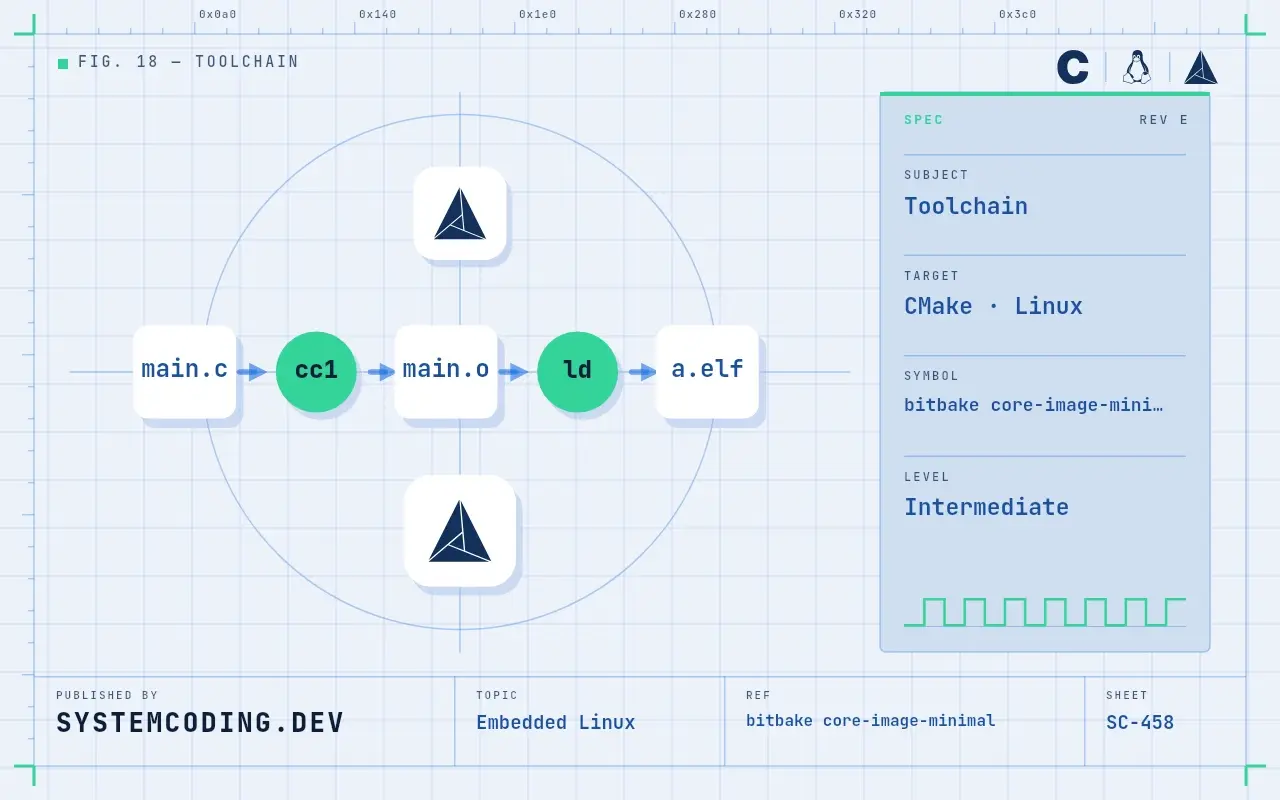
A hand-written CMake toolchain file is a few lines, and every project on the team ends up with its own slightly different copy. The Yocto SDK removes the copies: it ships a toolchain file generated from the same configuration as the image, with the compiler, the flags and the sysroot already filled in, and its environment script exports the path to it. This post uses that file to build a small CMake project for a 32-bit Arm board on Yocto Scarthgap 5.0, installs the result into a staging directory, and runs the project's tests under qemu-user so they pass on the build machine before the code reaches hardware. The process is short once you know where the file is, and the failures are all in the same few places.
Where the toolchain file lives
The SDK installer places a CMake toolchain file in its native sysroot, the part of the SDK that runs on your computer. The environment script exports the location, so you do not need to remember the path:
. ~/sdk/environment-setup-cortexa7t2hf-neon-poky-linux-gnueabi
echo "$OE_CMAKE_TOOLCHAIN_FILE"/home/dev/sdk/sysroots/x86_64-pokysdk-linux/usr/share/cmake/OEToolchainConfig.cmakeIf your SDK does not set that variable, look for the file by name under the native sysroot. The file is a plain CMake script, and reading it once teaches you what a toolchain file does. An abridged version of what it contains:
set(CMAKE_SYSTEM_NAME Linux)
set(CMAKE_SYSTEM_PROCESSOR arm)
set(CMAKE_C_COMPILER $ENV{OECORE_NATIVE_SYSROOT}/usr/bin/arm-poky-linux-gnueabi/arm-poky-linux-gnueabi-gcc)
set(CMAKE_SYSROOT $ENV{SDKTARGETSYSROOT})
set(CMAKE_FIND_ROOT_PATH $ENV{SDKTARGETSYSROOT})
set(CMAKE_FIND_ROOT_PATH_MODE_PROGRAM NEVER)
set(CMAKE_FIND_ROOT_PATH_MODE_LIBRARY ONLY)
set(CMAKE_FIND_ROOT_PATH_MODE_INCLUDE ONLY)
set(CMAKE_FIND_ROOT_PATH_MODE_PACKAGE ONLY)
The exact lines differ between releases, and the structure does not. Because it reads environment variables such as OECORE_NATIVE_SYSROOT and SDKTARGETSYSROOT, the file only works in a shell where the environment script has been sourced. That is the reason for the most common failure, covered below.
A project to build
A small project with a library, an executable and a test shows every part of the flow. The library computes a checksum, the program prints one, and the test checks a known value:
#include <stddef.h>
#include <stdint.h>
#include "crc.h"

uint32_t crc32_update(uint32_t crc, const uint8_t *data, size_t len)
{
	crc = ~crc;
	for (size_t i = 0; i < len; i++) {
		crc ^= data[i];
		for (int k = 0; k < 8; k++)
			crc = (crc >> 1) ^ (0xEDB88320u & (0u - (crc & 1u)));
	}
	return ~crc;
}#ifndef CRC_H
#define CRC_H
#include <stddef.h>
#include <stdint.h>
uint32_t crc32_update(uint32_t crc, const uint8_t *data, size_t len);
#endif#include <stdio.h>
#include <string.h>
#include "crc.h"
int main(void)
{
const char *msg = "123456789";
uint32_t got = crc32_update(0, (const uint8_t *)msg, strlen(msg));
printf("crc32(\"123456789\") = 0x%08X\n", got);
return got == 0xCBF43926u ? 0 : 1;
}The value 0xCBF43926 is the standard CRC-32 check value for the ASCII string 123456789, the figure published for this algorithm. The test returns zero when the code produces it.
cmake_minimum_required(VERSION 3.20)
project(crcdemo C)

enable_testing()

add_library(crc crc.c)
target_include_directories(crc PUBLIC ${CMAKE_CURRENT_SOURCE_DIR})

add_executable(crc_test crc_test.c)
target_link_libraries(crc_test PRIVATE crc)
add_test(NAME crc_known_value COMMAND crc_test)

install(TARGETS crc_test RUNTIME DESTINATION bin)
install(TARGETS crc ARCHIVE DESTINATION lib)
install(FILES crc.h DESTINATION include)
Configure, build and install
Point CMake at the SDK's file, pick a generator and a build type:
cmake -S . -B build-arm -G Ninja \
    -DCMAKE_TOOLCHAIN_FILE="$OE_CMAKE_TOOLCHAIN_FILE" \
    -DCMAKE_BUILD_TYPE=Release \
    -DCMAKE_INSTALL_PREFIX=/usr
cmake --build build-arm-- The C compiler identification is GNU 13.3.0
-- Check for working C compiler: /home/dev/sdk/sysroots/x86_64-pokysdk-linux/usr/bin/arm-poky-linux-gnueabi/arm-poky-linux-gnueabi-gcc - skipped
-- Configuring done
-- Generating done
[4/4] Linking C executable crc_testThe compiler path is inside the SDK's native sysroot, which confirms the toolchain file was read. Install into a staging directory with DESTDIR, not into the host's /usr:
DESTDIR=$PWD/stage cmake --install build-arm
file stage/usr/bin/crc_test | cut -d, -f1-3-- Installing: /home/dev/crcdemo/stage/usr/bin/crc_test
-- Installing: /home/dev/crcdemo/stage/usr/lib/libcrc.a
-- Installing: /home/dev/crcdemo/stage/usr/include/crc.h
stage/usr/bin/crc_test: ELF 32-bit LSB pie executable, ARMCMAKE_INSTALL_PREFIX=/usr is the path the files will have on the board, and DESTDIR shifts the real location to the staging tree. The ARM and 32-bit in the file output are the check that matters.
Run the tests without the board
CMake can wrap test commands in an emulator. With user-mode QEMU, an Arm binary runs on your workstation, and the SDK's sysroot supplies the loader and libc. Tell CMake about it with CMAKE_CROSSCOMPILING_EMULATOR, a list with the program and its arguments:
cmake -S . -B build-arm -DCMAKE_TOOLCHAIN_FILE="$OE_CMAKE_TOOLCHAIN_FILE" \
    -DCMAKE_CROSSCOMPILING_EMULATOR="qemu-arm;-L;$SDKTARGETSYSROOT"
cmake --build build-arm
ctest --test-dir build-arm --output-on-failureTest project /home/dev/crcdemo/build-arm
Start 1: crc_known_value
1/1 Test #1: crc_known_value .................. Passed 0.02 sec
100% tests passed, 0 out of 1 tests runThe timing will differ, and the shape is fixed. CMake prefixes each test command with qemu-arm -L <sysroot>, so crc_test runs under emulation and exits with its own status. A failure prints the program's output because of --output-on-failure, which shows the computed value next to the expected one.
The emulator proves the logic. It does not prove hardware access, timing or interrupt behavior, so keep a separate test run on the board for anything that opens a device.
The failures you will see
Three problems cover most first attempts.
The environment script was not sourced. The toolchain file reads OECORE_NATIVE_SYSROOT, and with the variable unset CMake builds a nonsense compiler path and reports:
CMake Error at CMakeLists.txt:2 (project):
  The CMAKE_C_COMPILER:

    /usr/bin/arm-poky-linux-gnueabi/arm-poky-linux-gnueabi-gcc

  is not a full path to an existing compiler tool.
Source the environment script in this shell and reconfigure. CMake caches the failed choice, so delete the build directory first.
A stale cache. CMake remembers the compiler and flags in CMakeCache.txt. If you first configure without the toolchain file and add it later, the cache keeps the host compiler. Always start a cross build in a fresh directory, and name it for the target, such as build-arm, so it cannot be confused with a host build.
A library found on the host. If find_package returns a path outside the SDK sysroot, the CMAKE_FIND_ROOT_PATH_MODE_* settings were overridden by the project. Print what was found with message(STATUS ...) or look at the cache:
grep -E 'ZLIB_(LIBRARY|INCLUDE_DIR)' build-arm/CMakeCache.txtZLIB_INCLUDE_DIR:PATH=/home/dev/sdk/sysroots/cortexa7t2hf-neon-poky-linux-gnueabi/usr/include
ZLIB_LIBRARY_RELEASE:FILEPATH=/home/dev/sdk/sysroots/cortexa7t2hf-neon-poky-linux-gnueabi/usr/lib/libz.soBoth paths begin with the SDK's target sysroot, which is what you want. A path starting /usr means the host's zlib was picked.
Deploy and check on the board
Copy the staged tree to the board and run the binary there too:
rsync -a stage/ [email protected]:/
ssh [email protected] /usr/bin/crc_testcrc32("123456789") = 0xCBF43926The same line appeared in the emulator run and appears here, which is what you want from a cross build: one result in both places. If the hardware prints something different, the difference is in the platform, not in the build, and it is a finding worth chasing.
Add a dependency from the SDK sysroot
Most real projects need a library beyond libc. With the toolchain file loaded, find_package and pkg_check_modules search the SDK sysroot only, because of the find-path modes. A project that needs zlib adds two lines, and the same lines work on the host and the target:
find_package(ZLIB REQUIRED)

add_executable(crc_pack pack.c)
target_link_libraries(crc_pack PRIVATE crc ZLIB::ZLIB)
The ZLIB::ZLIB imported target carries the include directory and the library path, taken from the sysroot. If the SDK does not contain zlib's development files, CMake stops at configure time with a message that it could not find ZLIB_LIBRARY and ZLIB_INCLUDE_DIR, and the answer is to add zlib-dev to the image's SDK package list and rebuild the SDK, not to point CMake at the host's copy. Pointing at the host's copy produces a binary that links an x86 library.
For a library that has only a .pc file, use pkg-config through CMake. The environment script sets PKG_CONFIG_SYSROOT_DIR and PKG_CONFIG_PATH for the SDK, so the lookup already reads the right directories:
find_package(PkgConfig REQUIRED)
pkg_check_modules(GPIOD REQUIRED IMPORTED_TARGET libgpiod)
target_link_libraries(crc_pack PRIVATE PkgConfig::GPIOD)
After configuring, verify in the cache that the library came from the SDK, as shown above. The pattern to remember is that the SDK's sysroot is the only source of target libraries, and a dependency you cannot find there is a dependency the image does not have.
The primary sources for this post are the CMake toolchains manual and Yocto SDK Manual.