Write a TCP Echo Server in C from Scratch
Build a TCP echo server in C with socket, bind, listen and accept, handle one client at a time, and check every error on Linux.
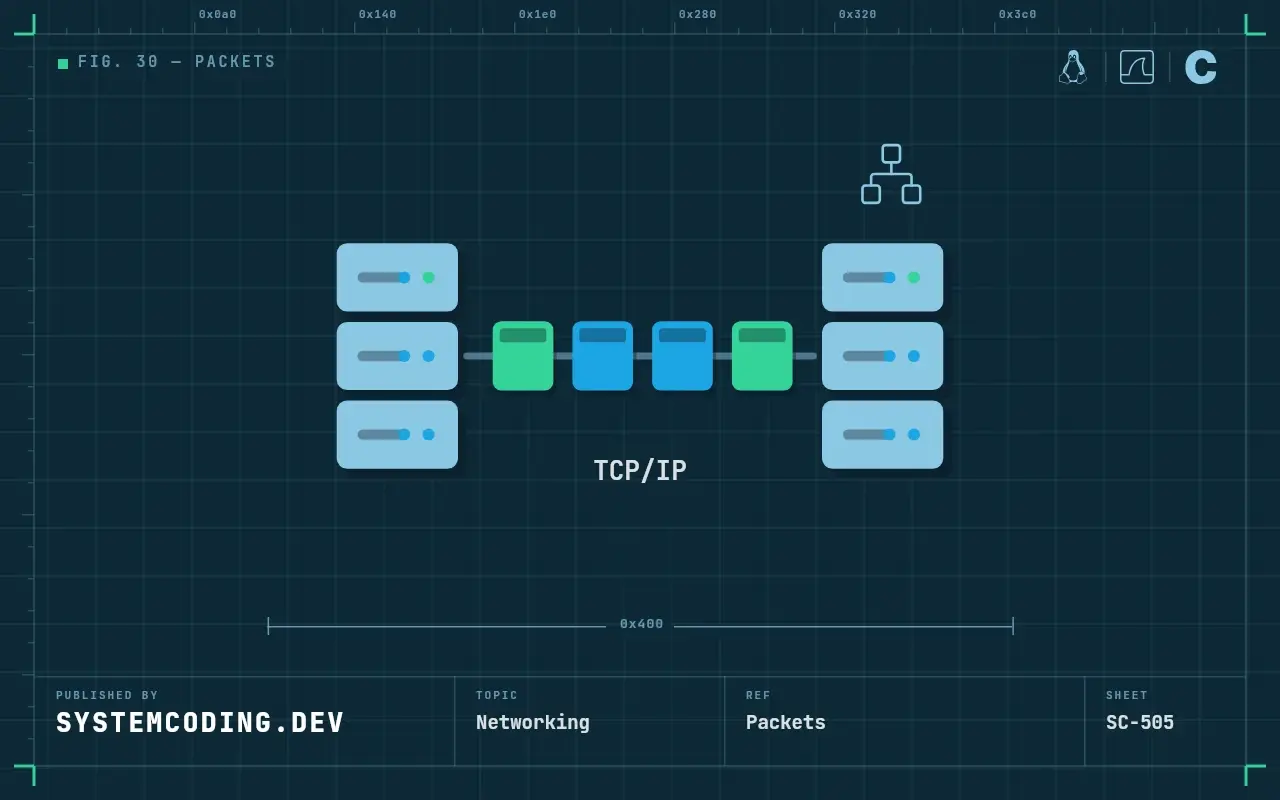
An echo server sends back whatever a client sends it. It is the smallest useful network program, and it exercises every call a TCP server needs: socket, bind, listen, accept, recv, send and close. This post builds one step by step in C on Linux 6.12 with glibc 2.40, serves one client at a time, and explains each line. If the word socket is new, read what a socket is first.
The calls are specified in POSIX.1-2024 and documented in the listen(2) and accept(2) man pages.
The plan
A TCP server follows a fixed sequence:
Create a stream socket with
socket(AF_INET, SOCK_STREAM, 0).Set
SO_REUSEADDRso a quick restart does not fail withEADDRINUSE.Fill a
sockaddr_inwith the wildcard address and port 7070, thenbind.Call
listento turn the socket into a passive one that queues incoming connections.Loop:
accepta connection, copy data back until the client closes, thenclosethe connection.
Port 7070 is above 1023, so no special privilege is needed. The real echo service uses port 7, which is privileged.
Creating and configuring the listener
socket returns a descriptor or -1. Right after it, enable SO_REUSEADDR with setsockopt. Without it, restarting the server soon after stopping it often fails, because the old connections are still in the TIME_WAIT state and keep the port reserved.
int listener = socket(AF_INET, SOCK_STREAM, 0);
if (listener < 0) { perror("socket"); return EXIT_FAILURE; }

int yes = 1;
if (setsockopt(listener, SOL_SOCKET, SO_REUSEADDR, &yes, sizeof yes) < 0) {
    perror("setsockopt");
    return EXIT_FAILURE;
}
setsockopt takes the level (SOL_SOCKET for generic options), the option name, a pointer to the value and its size. The value is an int where nonzero means on.
Binding and listening
The wildcard address INADDR_ANY means "every local interface". Both it and the port must be in network byte order, so convert with htonl and htons:
struct sockaddr_in addr = {0};
addr.sin_family = AF_INET;
addr.sin_addr.s_addr = htonl(INADDR_ANY);
addr.sin_port = htons(7070);

if (bind(listener, (struct sockaddr *)&addr, sizeof addr) < 0) {
    perror("bind");
    return EXIT_FAILURE;
}
if (listen(listener, 16) < 0) {
    perror("listen");
    return EXIT_FAILURE;
}
The second argument to listen is the backlog: the number of connections the kernel may complete and hold in a queue until your program calls accept. Sixteen is plenty for a learning server. On Linux the effective value is also capped by net.core.somaxconn.
The accept loop
accept blocks until a client finishes the TCP handshake, then returns a new descriptor for that one connection. Passing a sockaddr_in lets you learn who connected:
for (;;) {
    struct sockaddr_in peer;
    socklen_t plen = sizeof peer;
    int conn = accept(listener, (struct sockaddr *)&peer, &plen);
    if (conn < 0) {
        if (errno == EINTR) continue;
        perror("accept");
        break;
    }
    char text[INET_ADDRSTRLEN];
    inet_ntop(AF_INET, &peer.sin_addr, text, sizeof text);
    printf("client %s:%u connected\n", text, (unsigned)ntohs(peer.sin_port));
    echo(conn);
    close(conn);
    printf("client closed\n");
}
plen is both input and output: you pass the buffer size, and the kernel writes back the real address length. EINTR means a signal interrupted the wait, so you simply try again.
The echo loop and partial sends
TCP is a byte stream, so recv returns however many bytes happen to be available, up to the buffer size. A return of 0 means the peer closed its sending side, and -1 is an error. The part beginners miss is that send may accept fewer bytes than you asked, so you must loop until everything is written:
static int send_all(int fd, const char *buf, size_t len)
{
    while (len > 0) {
        ssize_t n = send(fd, buf, len, MSG_NOSIGNAL);
        if (n < 0) {
            if (errno == EINTR) continue;
            return -1;
        }
        buf += n;
        len -= (size_t)n;
    }
    return 0;
}

static void echo(int conn)
{
    char buf[1024];
    for (;;) {
        ssize_t n = recv(conn, buf, sizeof buf, 0);
        if (n < 0) {
            if (errno == EINTR) continue;
            perror("recv");
            return;
        }
        if (n == 0) return;
        if (send_all(conn, buf, (size_t)n) < 0) {
            perror("send");
            return;
        }
    }
}
MSG_NOSIGNAL stops Linux from raising SIGPIPE when the client has vanished, so a failed send returns -1 with EPIPE instead of killing the process.
The complete program
#define _DEFAULT_SOURCE
#include <arpa/inet.h>
#include <errno.h>
#include <netinet/in.h>
#include <stdio.h>
#include <stdlib.h>
#include <sys/socket.h>
#include <unistd.h>

static int send_all(int fd, const char *buf, size_t len)
{
    while (len > 0) {
        ssize_t n = send(fd, buf, len, MSG_NOSIGNAL);
        if (n < 0) {
            if (errno == EINTR) continue;
            return -1;
        }
        buf += n;
        len -= (size_t)n;
    }
    return 0;
}

static void echo(int conn)
{
    char buf[1024];
    for (;;) {
        ssize_t n = recv(conn, buf, sizeof buf, 0);
        if (n < 0) {
            if (errno == EINTR) continue;
            perror("recv");
            return;
        }
        if (n == 0) return;
        if (send_all(conn, buf, (size_t)n) < 0) {
            perror("send");
            return;
        }
    }
}

int main(void)
{
    int listener = socket(AF_INET, SOCK_STREAM, 0);
    if (listener < 0) { perror("socket"); return EXIT_FAILURE; }

    int yes = 1;
    if (setsockopt(listener, SOL_SOCKET, SO_REUSEADDR, &yes, sizeof yes) < 0) {
        perror("setsockopt");
        return EXIT_FAILURE;
    }

    struct sockaddr_in addr = {0};
    addr.sin_family = AF_INET;
    addr.sin_addr.s_addr = htonl(INADDR_ANY);
    addr.sin_port = htons(7070);

    if (bind(listener, (struct sockaddr *)&addr, sizeof addr) < 0) {
        perror("bind");
        return EXIT_FAILURE;
    }
    if (listen(listener, 16) < 0) {
        perror("listen");
        return EXIT_FAILURE;
    }
    printf("echo server listening on port 7070\n");

    for (;;) {
        struct sockaddr_in peer;
        socklen_t plen = sizeof peer;
        int conn = accept(listener, (struct sockaddr *)&peer, &plen);
        if (conn < 0) {
            if (errno == EINTR) continue;
            perror("accept");
            break;
        }
        char text[INET_ADDRSTRLEN];
        inet_ntop(AF_INET, &peer.sin_addr, text, sizeof text);
        printf("client %s:%u connected\n", text, (unsigned)ntohs(peer.sin_port));
        echo(conn);
        close(conn);
        printf("client closed\n");
    }

    close(listener);
    return EXIT_FAILURE;
}
Compile with gcc -std=c11 -Wall -Wextra -o echo_server echo_server.c. Start it, then from a second terminal run nc 127.0.0.1 7070, type hello and press Enter. The server prints:
echo server listening on port 7070
client 127.0.0.1:52814 connected
client closed
The client side prints hello, which is the echoed line. The client port will differ on each run. The nc option that exits on end of input varies between netcat versions, so if nc waits, press Ctrl-D.
The limit of this design
This server handles one client at a time. While it is inside echo, a second client completes its handshake and waits in the kernel's queue, but gets no reply until the first one disconnects. A client that connects and never sends anything blocks everybody. Fixes are one process per connection, threads, or an event loop with poll or epoll. Those are the next steps once this version is solid.
Reading the program as the kernel sees it
It helps to follow one connection through the kernel's eyes. After listen, the kernel owns a listening socket with two queues behind it. When a client's SYN arrives, the kernel records a half-open entry and answers with SYN-ACK. When the client's ACK arrives, the entry moves to the accept queue, a list of fully established connections waiting for your program. Your call to accept removes one entry from that queue and wraps it in a new socket with its own descriptor. If the queue is empty, accept sleeps until an entry appears.
This explains a behaviour that surprises people. A client can connect successfully and even send data while your server is busy elsewhere, because the kernel finished the handshake and buffered the bytes on its own. The data sits in the receive buffer of the not-yet-accepted socket. Your program only sees it after the next accept and recv. A successful connect on the client therefore proves that the kernel is listening, not that your code is ready.
Testing it with other tools
You do not need to write a client to try the server. Any tool that opens a TCP connection works. nc 127.0.0.1 7070 opens an interactive session where each line you type comes back. In another terminal, ss -ltnp lists listening TCP sockets, and you should see one entry for port 7070 owned by your process. While a client is connected, ss -tnp shows the established connection with both endpoints. These tools read the same kernel tables that your program manipulates, which makes them useful for checking that your mental model matches reality.
If you press Ctrl-C in the server while a client is connected, the client sees the connection close. Run the server again straight away and it binds without an error, which is SO_REUSEADDR doing its job. Comment out the setsockopt call, repeat the experiment, and you will usually get bind: Address already in use for about a minute, until the lingering connections leave TIME_WAIT.
Handling errors well
A server that exits on the first error is a poor server. Here, each failure is handled according to what it means. Errors during setup, such as socket, bind and listen, are fatal because the program cannot work without them, so the code prints a message and exits. Errors on one connection are different. If recv or send fails for one client, the server closes that client and returns to accept, because one broken peer must not stop the service for everyone else. An EINTR is never an error, just a reason to retry.
One more case deserves care: accept can fail with ECONNABORTED when a client resets a connection before you accept it, and with EMFILE when the process has run out of descriptors. The first is harmless and the loop can continue. The second means something is leaking descriptors, and the usual cause is a missing close on an error path. In this program every path through the loop reaches close(conn), which is the property to preserve as the code grows.