Advertise a BLE Beacon on nRF52 With the Zephyr Bluetooth Stack
Advertise a non-connectable BLE beacon on an nRF52 with Zephyr: advertising data, bt_le_adv_start parameters, intervals and an iBeacon payload.
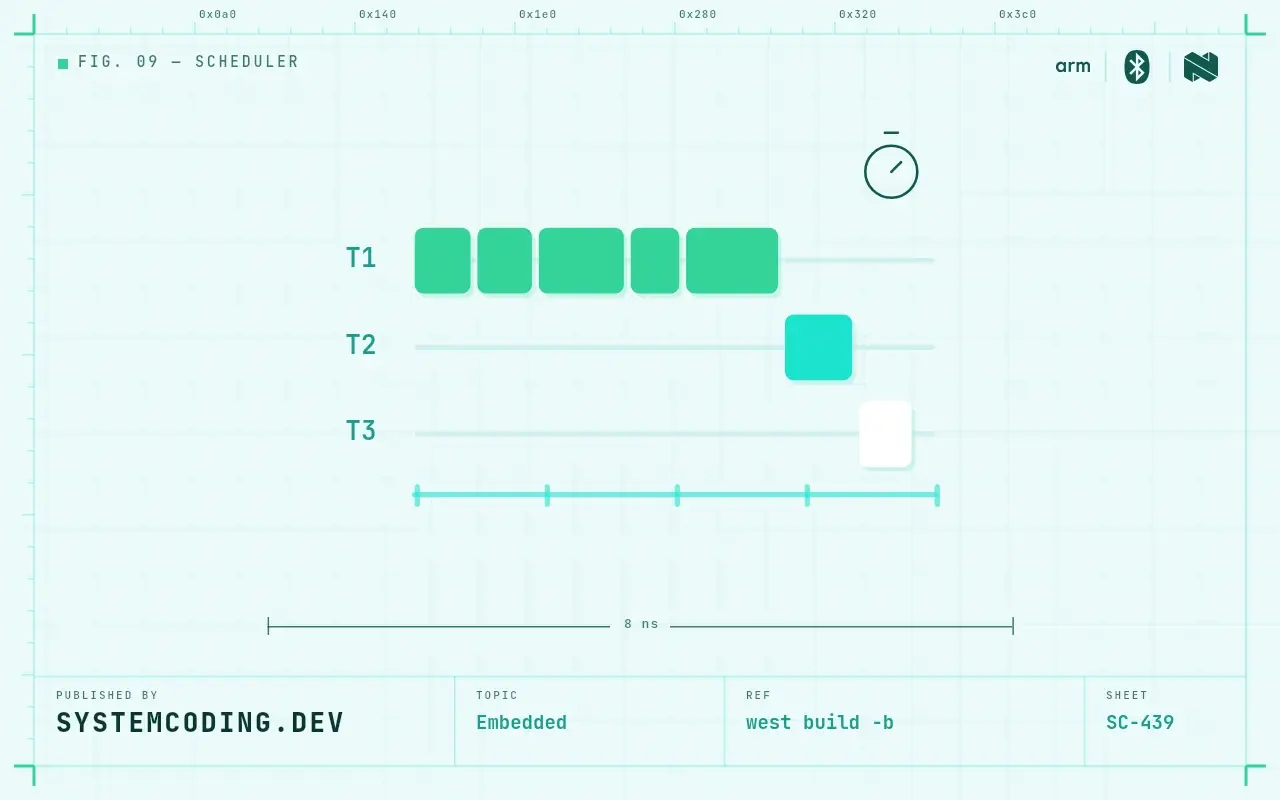
A BLE beacon is the simplest useful Bluetooth device: it does not accept connections, it just repeats a short packet so that any phone or scanner nearby can read it. Asset tags, proximity markers and sensor broadcasts all work this way, and because there is no connection, the power cost is only the advertising events. This post builds a non-connectable beacon on an nRF52840 with the Zephyr Bluetooth host in the nRF Connect SDK v2.9, explains the advertising packet layout, shows how to set the interval and builds an iBeacon payload by hand. The packet format comes from the Bluetooth Core Specification and the Assigned Numbers document.
Advertising in one paragraph
A BLE peripheral that wants to be found transmits advertising packets on the three advertising channels, 37, 38 and 39, once per advertising interval, plus a small random delay of 0 to 10 ms that prevents two devices from colliding forever. Each packet carries up to 31 bytes of payload in the legacy format, organised as a sequence of AD structures, each of the form length, type, data. A scanner listening on those channels sees the payload. A beacon uses a non-connectable advertising type, so a scanner cannot connect and the device does not listen for connection requests, which saves power.
Project configuration
Create an application as in the first-application post and set these options in prj.conf:
CONFIG_BT=y
CONFIG_BT_BROADCASTER=y
CONFIG_BT_DEVICE_NAME="SC_Beacon"
CONFIG_LOG=y
CONFIG_BT_BROADCASTER=y builds the broadcaster role only, with no peripheral or central machinery, and so a smaller image than CONFIG_BT_PERIPHERAL. With the Nordic controller the application is linked with the SoftDevice Controller, which CONFIG_BT selects by default in the nRF Connect SDK.
The advertising data
In Zephyr, advertising data is an array of struct bt_data, built with helper macros:
#include <zephyr/kernel.h>
#include <zephyr/bluetooth/bluetooth.h>
#include <zephyr/bluetooth/gap.h>
#include <zephyr/logging/log.h>

LOG_MODULE_REGISTER(beacon, LOG_LEVEL_INF);

static const struct bt_data ad[] = {
	BT_DATA_BYTES(BT_DATA_FLAGS, BT_LE_AD_NO_BREDR),
	BT_DATA(BT_DATA_NAME_COMPLETE, CONFIG_BT_DEVICE_NAME,
		sizeof(CONFIG_BT_DEVICE_NAME) - 1),
};
The first element is the flags AD structure, type 0x01. BT_LE_AD_NO_BREDR is bit 2, "BR/EDR not supported", which every BLE-only device sets. The second element is the complete local name, type 0x09. With the name "SC_Beacon", which is 9 characters, the whole payload is 3 bytes for flags plus 11 bytes for the name structure, 14 bytes in total, comfortably under 31.
The on-air bytes for this payload are:
02 01 04            flags: length 2, type 0x01, value 0x04
0A 09 53 43 5F 42 65 61 63 6F 6E   name: length 10, type 0x09, "SC_Beacon"
Each structure starts with its length, which counts the type byte and data but not itself. 0x0A is 10: one type byte and nine name bytes.
Starting a non-connectable advertiser
int main(void)
{
int err = bt_enable(NULL);
if (err) {
LOG_ERR("bt_enable failed (%d)", err);
return 0;
}
struct bt_le_adv_param param = BT_LE_ADV_PARAM_INIT(
0, /* no options: non-connectable, scannable not needed */
BT_GAP_ADV_SLOW_INT_MIN, /* 1000 ms */
BT_GAP_ADV_SLOW_INT_MAX, /* 1200 ms */
NULL);
err = bt_le_adv_start(¶m, ad, ARRAY_SIZE(ad), NULL, 0);
if (err) {
LOG_ERR("advertising failed (%d)", err);
return 0;
}
LOG_INF("beacon running");
return 0;
}[00:00:00.009,000] <inf> beacon: beacon runningThree details matter in bt_le_adv_start. With no BT_LE_ADV_OPT_CONNECTABLE option, the advertising type is non-connectable, so the controller sends ADV_NONCONN_IND. Adding BT_LE_ADV_OPT_SCANNABLE would let scanners request a scan response with more data. The interval is in units of 0.625 ms; BT_GAP_ADV_SLOW_INT_MIN is 0x0640, which is 1,600 units, or 1 s, and BT_GAP_ADV_SLOW_INT_MAX is 0x0780, or 1.2 s. The last two arguments are the scan response data, absent here.
Open the nRF Connect for Mobile app and scan. A device named SC_Beacon appears with a signal strength reading, and the raw data view shows the two structures from the table above. Its entry shows no Connect button because it is non-connectable.
Choosing the interval
The advertising interval trades discoverability against power. A short interval, such as 100 ms, makes a phone find the device within a fraction of a second and costs more battery, since the radio wakes ten times a second. A long interval, 1 to 2 s, saves most of the average current and makes a user wait. Bluetooth allows intervals from 20 ms to 10.24 s, according to the Core Specification. For a non-connectable beacon that nobody pairs with, 1 s is a common compromise, and a tracker that must be found quickly might use 250 ms.
To use an arbitrary interval, build the parameters with numeric units. Convert milliseconds to the 0.625 ms unit by multiplying by 8 and dividing by 5:
#define ADV_MS(ms) ((ms) * 8 / 5)

struct bt_le_adv_param param = BT_LE_ADV_PARAM_INIT(
	0, ADV_MS(500), ADV_MS(500) + 8, NULL);
500 ms becomes 800 units. The maximum is set slightly above the minimum, because the controller needs a range to place events around the other radio activity.
An iBeacon payload
An iBeacon is a manufacturer-specific advertising structure. Apple's company identifier is 0x004C, and the payload after it is: type 0x02, length 0x15, a 16-byte UUID, a 2-byte major, a 2-byte minor and a 1-byte measured power at one metre. Zephyr's beacon sample shows the layout:
#include <zephyr/bluetooth/bluetooth.h>

#define IBEACON_RSSI 0xC8   /* -56 dBm at 1 m, as a signed byte */

static const struct bt_data ibeacon_ad[] = {
	BT_DATA_BYTES(BT_DATA_FLAGS, BT_LE_AD_NO_BREDR),
	BT_DATA_BYTES(BT_DATA_MANUFACTURER_DATA,
		0x4c, 0x00,                       /* company id, little endian */
		0x02, 0x15,                       /* iBeacon type and length */
		0x8a, 0xb5, 0x2d, 0xe1, 0x44, 0x6c, 0x4c, 0x1c,
		0x9b, 0x7e, 0x5a, 0x3a, 0x11, 0x07, 0xd2, 0x90, /* UUID */
		0x00, 0x01,                       /* major */
		0x00, 0x02,                       /* minor */
		IBEACON_RSSI),
};
The flags structure takes 3 bytes, and the manufacturer structure is 1 length byte, 1 type byte, 2 company bytes, 2 header bytes, 16 UUID bytes, 4 major and minor bytes and 1 power byte, 27 bytes. Together that is 30 bytes, within the 31-byte legacy limit with one byte to spare. Pass ibeacon_ad to bt_le_adv_start in place of ad. A scanner app that understands iBeacons shows the UUID, major 1 and minor 2. The UUID in the example is made up. Use your own generated UUID, and note that the iBeacon format is Apple's, so a product that targets iOS ranging should check Apple's current specification. Android devices with other beacon formats such as Eddystone use different AD types.
Updating the payload while running
A beacon often changes its data, for example a counter or a sensor value. Use bt_le_adv_update_data, which replaces the advertising data without stopping the advertiser:
static uint8_t counter;
static struct bt_data live[] = {
	BT_DATA_BYTES(BT_DATA_FLAGS, BT_LE_AD_NO_BREDR),
	BT_DATA_BYTES(BT_DATA_MANUFACTURER_DATA, 0xFF, 0xFF, 0x00),
};

void beacon_tick(void)
{
	counter++;
	live[1] = (struct bt_data)BT_DATA_BYTES(BT_DATA_MANUFACTURER_DATA,
						0xFF, 0xFF, counter);
	bt_le_adv_update_data(live, ARRAY_SIZE(live), NULL, 0);
}
The company identifier 0xFFFF is reserved for testing in the Bluetooth assigned numbers, so it suits a private experiment but not a product. Call beacon_tick from a timer or the main loop once a second, and a scanner shows the last byte increment.
Changing the address
By default the device advertises its static random address, derived at first boot and stored. Privacy features can rotate a resolvable private address on a timer, which stops a passive observer from tracking one device by its address; enable CONFIG_BT_PRIVACY=y for a connectable device that bonds. A non-connectable beacon that broadcasts a fixed identifier like an iBeacon UUID is trackable anyway, so address rotation gives it no benefit.
Troubleshooting
If bt_enable returns an error, make sure CONFIG_BT=y is in the merged .config. If the beacon does not appear in a scan, confirm that bt_le_adv_start returned 0, move the phone closer and check that the app is not filtering by name or service UUID. If the payload is rejected with -EINVAL, the advertising data may exceed 31 bytes. Total up each structure's length plus one. A device that advertises well on the development kit but not on a custom board often has an antenna or crystal issue, not a software one.
When a beacon is the wrong design
A beacon broadcasts to everyone and cannot be addressed or authenticated, so anything sensitive does not belong in it. If the data is large, more than 31 bytes, use extended advertising, which the controller supports up to 255 bytes per chain, with CONFIG_BT_EXT_ADV=y. If a phone must read a value on demand, use a connectable GATT service, as the next post shows.