Play Any Media File With playbin and uridecodebin
Play local files, HTTP streams and network URLs in GStreamer with playbin, and use uridecodebin when you need your own sinks, with C and gst-launch examples.
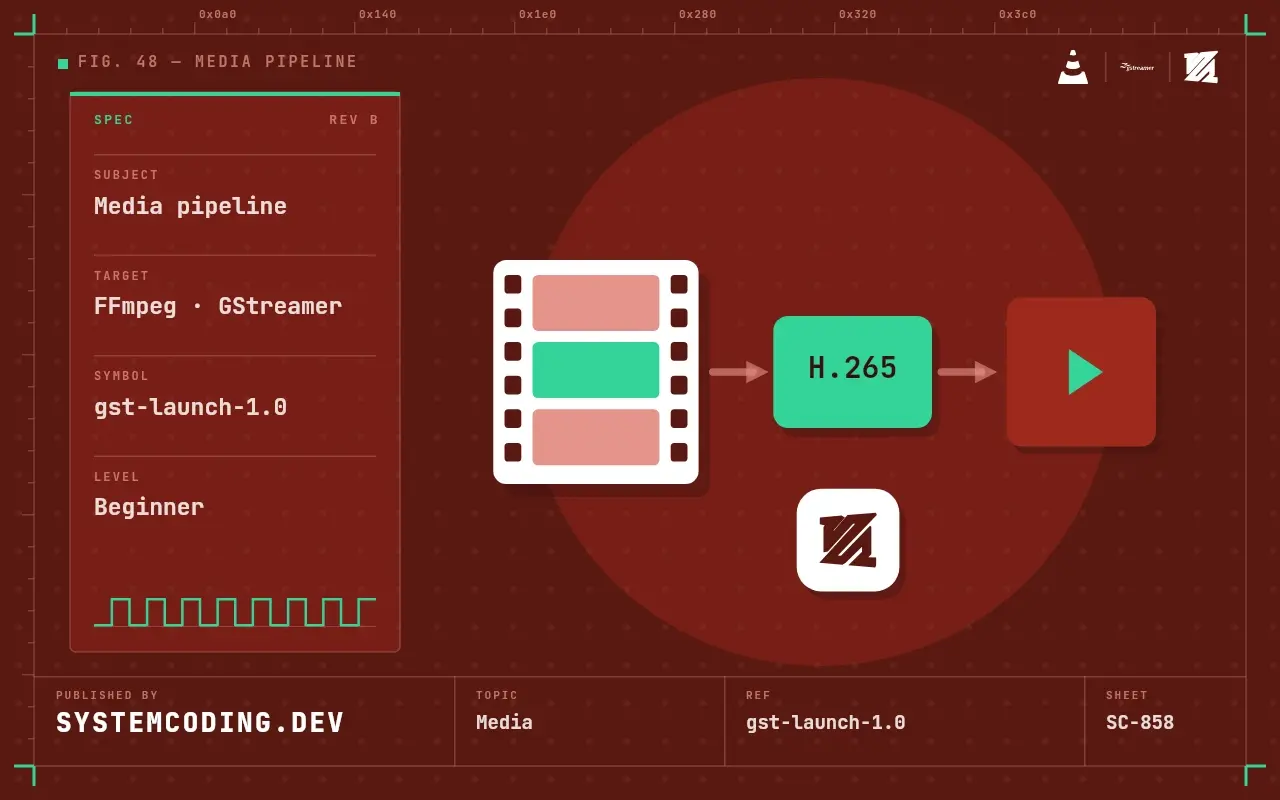
Most GStreamer pipelines you will ever write by hand are building blocks for something special: a custom encoder, a filter, a camera capture. Playing a file is not special, and GStreamer knows that. It ships two ready-made bins that do the whole job of opening a URI, finding the right demuxer and decoders, and sending the result to a sink. playbin does everything including the output. uridecodebin does the input half and leaves the output to you. This post shows both with a command and a C program, and explains how to choose, using GStreamer 1.26.
What playbin assembles for you
Given a URI, playbin builds this chain internally: a source chosen by the URI scheme (file://, http://, rtsp://), a decodebin that detects the container and codec and creates demuxers and decoders, converters for audio and video, and the sinks. It also handles subtitles, multiple audio tracks, buffering for network sources, seeking and volume. In GStreamer 1.x the current implementation is playbin3, which gst-play-1.0 and playbin pick depending on version and environment, but the properties you will use below are the same.
You can try it without writing a line of code:
gst-launch-1.0 playbin uri=file:///home/maria/Videos/demo.mp4The uri property takes a real URI, not a path. A plain path such as /home/maria/Videos/demo.mp4 makes the pipeline fail with No URI handler implemented for "/home/...". Convert paths with gst_filename_to_uri in code, or by prefixing file:// and percent-encoding spaces on the command line. The tool prints the usual state changes and a window opens with the video and sound.
There is a friendlier front end built on the same element:
gst-play-1.0 /home/maria/Videos/demo.mp4gst-play-1.0 accepts plain paths, shows a keyboard help line, and supports seeking with the arrow keys. It is the right tool for "does GStreamer play this file", and gst-launch-1.0 playbin is the right tool when you want to set properties.
A complete player in C
The minimum program creates playbin, sets uri, goes to PLAYING, and waits on the bus for an error or end-of-stream.
#include <gst/gst.h>
#include <stdio.h>

int main(int argc, char *argv[])
{
    gst_init(&argc, &argv);
    if (argc < 2) {
        g_printerr("usage: %s <file>\n", argv[0]);
        return 2;
    }

    GError *err = NULL;
    gchar *uri = gst_filename_to_uri(argv[1], &err);
    if (!uri) {
        g_printerr("bad path: %s\n", err->message);
        g_clear_error(&err);
        return 1;
    }

    GstElement *play = gst_element_factory_make("playbin", "play");
    if (!play) {
        g_printerr("playbin is not available\n");
        g_free(uri);
        return 1;
    }
    g_object_set(play, "uri", uri, NULL);
    g_free(uri);

    if (gst_element_set_state(play, GST_STATE_PLAYING) == GST_STATE_CHANGE_FAILURE) {
        g_printerr("cannot start playback\n");
        gst_object_unref(play);
        return 1;
    }

    GstBus *bus = gst_element_get_bus(play);
    GstMessage *msg = gst_bus_timed_pop_filtered(
        bus, GST_CLOCK_TIME_NONE, GST_MESSAGE_ERROR | GST_MESSAGE_EOS);

    int rc = 0;
    if (msg) {
        if (GST_MESSAGE_TYPE(msg) == GST_MESSAGE_ERROR) {
            GError *e = NULL;
            gchar *dbg = NULL;
            gst_message_parse_error(msg, &e, &dbg);
            g_printerr("error: %s\n", e->message);
            g_clear_error(&e);
            g_free(dbg);
            rc = 1;
        } else {
            g_print("finished\n");
        }
        gst_message_unref(msg);
    }

    gst_object_unref(bus);
    gst_element_set_state(play, GST_STATE_NULL);
    gst_object_unref(play);
    return rc;
}
Build it with gcc player.c -o player $(pkg-config --cflags --libs gstreamer-1.0). gst_bus_timed_pop_filtered blocks without a main loop, which is the shortest correct way to wait in a command-line program. A GUI program uses a bus watch on the GLib main loop instead. Playing a file that exists ends with:
finishedand a missing file prints something like:
error: Resource not found.The program frees uri after setting it because g_object_set copies strings. It sets the state to NULL before unref, which releases devices and threads cleanly.
Useful playbin properties
The properties that matter early are on the element and can be set with g_object_set or on the command line:
| Property | Type | Purpose |
|---|---|---|
uri | string | what to play |
volume | double | 0.0 to 10.0, with 1.0 as 100 percent |
mute | boolean | silence without losing the volume setting |
video-sink | element | replace the automatic video sink |
audio-sink | element | replace the automatic audio sink |
suburi | string | an external subtitle file |
flags | flags | switch video, audio, text, soft volume and others on or off |
For example, to play only the audio of a video file, turn off the video flag by value or choose the audio-only sink path:
gst-launch-1.0 playbin uri=file:///home/maria/Videos/demo.mp4 video-sink=fakesinkvideo-sink=fakesink swaps the window for a sink that discards frames. The video is still decoded, so this is for testing; to avoid decoding altogether use the flags property, whose names gst-inspect-1.0 playbin lists.
Network sources work the same way
Only the URI changes:
gst-launch-1.0 playbin uri=https://example.com/media/demo.mp4For HTTP, playbin uses souphttpsrc from the good plugin set and enables buffering, posting GST_MESSAGE_BUFFERING while data fills. If you pause when the percentage is below 100 and resume when it reaches 100, playback never stutters on a slow link. Live sources such as RTSP are the exception: they never buffer, and you must not pause them for buffering.
uridecodebin: decoding without the output
uridecodebin is the input half of playbin. Give it a URI and it creates one sometimes source pad for each decoded stream: raw video on one, raw audio on another. It is what you use when the output is not a window and a speaker, for example writing frames to disk, or feeding an encoder.
gst-launch-1.0 uridecodebin uri=file:///home/maria/Videos/demo.mp4 ! videoconvert ! x264enc ! mp4mux ! filesink location=copy.mp4 -eThis works on a file that has only a video stream, because gst-launch-1.0 links the first compatible pad it finds to the next element. A file with audio would leave the audio pad unlinked, which GStreamer reports as a not-linked error only if no pad has a peer, so a real transcoder names the pads or handles pad-added, as the dynamic pads post in this series shows.
The decision between the two is easy to state:
| You want | Use |
|---|---|
| Play on screen and speakers, with seek and volume | playbin |
| Decode to raw frames or samples and send them elsewhere | uridecodebin |
| Control exactly which decoder runs | build the chain yourself with filesrc, a demuxer and a decoder |
Seeking, pausing and position queries
Playing is only the start. A player pauses, seeks and reports position, and playbin supports all three through the element API. Pause and resume are state changes:
gst_element_set_state(play, GST_STATE_PAUSED);
gst_element_set_state(play, GST_STATE_PLAYING);
Seeking is a function call that needs flags, a position and the format. A flush seek discards queued data so the picture jumps immediately, and key-unit snapping lets the demuxer land on the nearest keyframe, which is much faster for long files:
#include <gst/gst.h>

gboolean jump_to_seconds(GstElement *play, gint seconds)
{
    return gst_element_seek_simple(
        play, GST_FORMAT_TIME,
        GST_SEEK_FLAG_FLUSH | GST_SEEK_FLAG_KEY_UNIT,
        (gint64)seconds * GST_SECOND);
}

void print_position(GstElement *play)
{
    gint64 pos = 0, dur = 0;
    if (gst_element_query_position(play, GST_FORMAT_TIME, &pos) &&
        gst_element_query_duration(play, GST_FORMAT_TIME, &dur)) {
        g_print("%" GST_TIME_FORMAT " / %" GST_TIME_FORMAT "\n",
                GST_TIME_ARGS(pos), GST_TIME_ARGS(dur));
    }
}0:01:12.000000000 / 0:03:12.480000000Both functions fail if the pipeline has not prerolled yet, which is why you query after the first ASYNC_DONE or STATE_CHANGED message to PAUSED or PLAYING, not right after set_state. A seek on a live source such as RTSP returns FALSE, because there is nothing to seek in.
Choosing the sinks
The default sinks come from autovideosink and autoaudiosink, which pick the highest-ranked working element. On a Linux desktop that is typically a GL or Wayland sink and a PipeWire or PulseAudio sink. If you run on a headless machine, set video-sink to fakesink and audio-sink to fakesink, or the pipeline fails to start with a message that no display is available. In a kiosk on a framebuffer, choose kmssink explicitly. Setting sinks is the main reason applications create playbin in code rather than using gst-play-1.0.