How FFmpeg Inputs, Streams, Codecs and Outputs Fit Together
Learn the FFmpeg pipeline of demuxer, decoder, filter, encoder and muxer, and how every command-line option attaches to one of those stages.
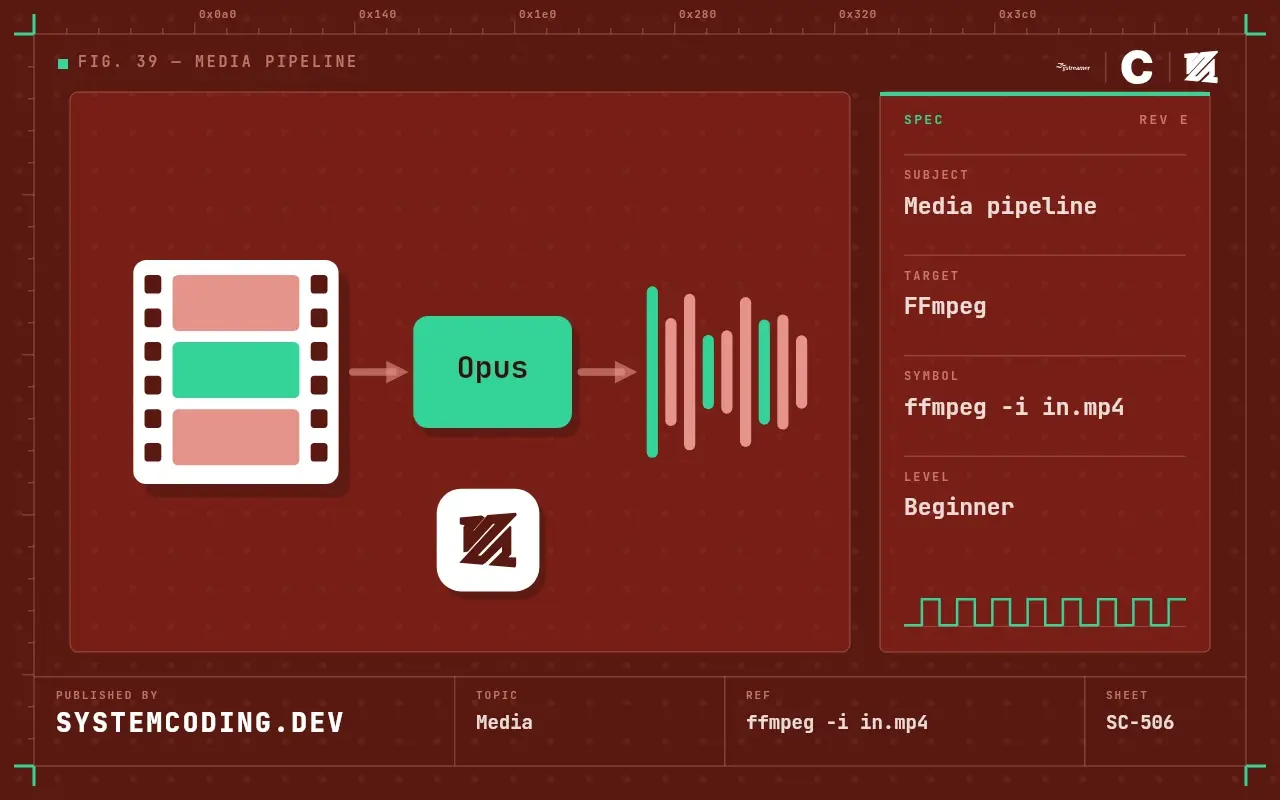
Most FFmpeg confusion comes from one missing picture. People paste a command that worked on a forum, change a filename, and get a file with no sound or a file that took forty minutes to produce. The command line looks like a flat list of flags, but it is not flat. Every flag attaches to one specific stage of a pipeline, and once you can name the stages, the command reads like a sentence. This post walks that pipeline for FFmpeg 7.1, using one small command as the running example, and shows where -i, -c, -map, -vf and the output filename each belong.
The pipeline in five stages
FFmpeg is a command-line front end over the libav libraries. A transcode moves data through five stages, in this order:
The demuxer opens an input file (the container) and splits it into streams of packets.
The decoder turns compressed packets into raw frames: pictures for video, samples for audio.
The filter graph changes the raw frames: scale, crop, mix, delay.
The encoder compresses the raw frames into new packets.
The muxer interleaves the packets of every stream and writes the output container.
If you remember nothing else, remember that the middle three stages work on raw data and the outer two work on containers. A file name like holiday.mp4 only describes stages one and five. The codec inside it, h264 for example, is a stage-two or stage-four concern.
Each word in "input, stream, codec, output" in the title is a thing in this picture. The input and output are containers. A stream is one track inside a container. A codec is the algorithm a decoder or encoder uses on a stream. The FFmpeg documentation describes the same flow in its ffmpeg manual, in the "Detailed description" section, which is the primary source for this post.
One command, annotated
Here is a complete command that exercises every stage:
ffmpeg -i holiday.mov -vf scale=1280:-2 -c:v libx264 -crf 23 -c:a aac -b:a 128k holiday.mp4Read left to right and sort each token into its stage:
| Token | Stage it controls | What it does |
|---|---|---|
-i holiday.mov | demuxer | Opens the input container |
-vf scale=1280:-2 | filter graph | Resizes decoded video frames |
-c:v libx264 | encoder | Picks the video encoder |
-crf 23 | encoder | Sets a constant quality target for that encoder |
-c:a aac | encoder | Picks the audio encoder |
-b:a 128k | encoder | Sets the audio bit rate |
holiday.mp4 | muxer | Names the output and, by extension, chooses the MP4 muxer |
Notice that nothing in this command names a decoder. FFmpeg probes the input, finds the streams, and picks a decoder for each one automatically. You can force one with -c:v h264 placed before -i, but you almost never need to.
Options belong to the file that follows them
This is the rule that explains most surprises. An FFmpeg option applies to the next file name on the command line, whichever side of the pipeline that file is on. Options before -i are input options. Options after the last -i and before an output filename are output options for that output.
ffmpeg -ss 30 -i holiday.mov -t 10 -c copy clip.mp4Here -ss 30 sits before -i, so it is an input option: the demuxer seeks to the 30 second mark before reading. -t 10 sits after, so it is an output option: the muxer stops after ten seconds of output. The two flags look similar and sit one token apart, but they act at different stages. The trim post in this cluster covers when that difference changes the result.
The same rule makes -c:v libx264 in the first example an output option. If you placed -c:v libx264 before -i, FFmpeg would treat it as a request for an input decoder named libx264, which does not exist, and fail with an error about an unknown decoder.
Multiple outputs work the same way. Each output file name closes its own group of options:
ffmpeg -i holiday.mov \
  -c:v libx264 -crf 23 -an small.mp4 \
  -c:v libx265 -crf 28 -an smaller.mkv
The first group (-c:v libx264 -crf 23 -an) applies only to small.mp4. The second applies only to smaller.mkv. One decode feeds both encoders, so the input is read once.
Streams, and which ones get used
A container can hold many streams. Inspect an input to see them. ffmpeg -i holiday.mov with no output prints the stream list and then complains that no output was given, which is fine for a quick look:
Input #0, mov,mp4,m4a,3gp,3g2,mj2, from 'holiday.mov':
  Duration: 00:02:14.40, start: 0.000000, bitrate: 18204 kb/s
  Stream #0:0(und): Video: h264 (High), yuv420p, 1920x1080, 17950 kb/s, 29.97 fps
  Stream #0:1(und): Audio: aac (LC), 48000 Hz, stereo, 254 kb/s
At least one output file must be specified
The numbers will differ for your file. The notation is what matters: Stream #0:1 means input file index 0, stream index 1. Input files are numbered from zero in the order of the -i options, and streams are numbered from zero inside each file. Stream specifiers such as -c:v (all video streams) and -c:a:1 (the second audio stream in the output) use the same idea.
When you do not say which streams to use, FFmpeg picks defaults: the best video stream (by resolution), the best audio stream (by channel count), and the best subtitle stream. That is why a one-liner works on a simple file and silently drops the second audio track of a file with three languages. To override the defaults, you use -map. The post on -map in this cluster goes through it; for now, remember that the moment you write one -map, the automatic selection is off for that output.
Codecs versus containers
Beginners often use "format" and "codec" as one word, and the command line punishes that. They are separate choices:
| Question | Answer lives in | Example options |
|---|---|---|
| How is the picture compressed? | codec | -c:v libx264, -c:v libvpx-vp9 |
| How are the tracks packaged? | container | the output extension, or -f mp4 |
| Can this container hold this codec? | the muxer | an error if not |
The -f option forces a container format and is needed mostly when the output name has no useful extension, such as a pipe: -f mpegts -. In normal use the extension picks the muxer. The compatibility cheat sheet later in this cluster lists which codecs each container accepts.
A special codec name deserves its own mention. -c copy does not choose an encoder at all. It tells FFmpeg to skip stages two, three and four, and copy the compressed packets from demuxer to muxer. That is why it is fast, and why it cannot be combined with filters: with no decoded frames, there is nothing for a filter to touch. FFmpeg 7.1 reports an error if you ask for both on the same stream.
Where filters sit, and the two ways to write them
Simple filters apply to one stream in and one stream out. -vf is the video shorthand and -af the audio one:
ffmpeg -i holiday.mov -vf "scale=1280:-2,fps=30" -af "volume=0.8" out.mp4The comma chains two video filters, scale then fps, in that order. When a filter needs more than one input or output, such as stacking two videos, you move to -filter_complex, which names the inputs and outputs of each filter explicitly. The filters cluster covers that.
Here is the quick decision rule:
One input stream, one output stream:
-vfor-af.Several inputs or outputs, or a filter that combines streams:
-filter_complex.No re-encoding wanted: neither, use
-c copy.
A mental checklist before you run anything
When a command surprises you, walk the pipeline in order:
Which inputs did I list, and in what order? That fixes the input indices.
Which streams did FFmpeg pick, or did my
-mappick? Check the stream mapping block it prints before encoding starts.Does any filter run, and on which stream?
Which encoder got each stream, and with what settings?
Did the muxer for this extension accept those codecs?
FFmpeg prints a "Stream mapping" block just before it starts encoding. For the first command in this post it looks like this:
Stream mapping:
  Stream #0:0 -> #0:0 (h264 (native) -> h264 (libx264))
  Stream #0:1 -> #0:1 (aac (native) -> aac (native))
Each line is one input stream, one output stream, the decoder and the encoder. The word native marks FFmpeg's own built-in implementation. libx264 marks an external library encoder. Reading that block takes five seconds and answers most "why is there no audio" questions before you open a forum thread.
We learned to read that block first the hard way: a three-hour batch job that produced files with the commentary track instead of the main dialogue, because the default stream choice looked at channel count and the commentary was in surround. The mapping block showed it on the first file.