Use the Automatic Variables $@, $< and $^ in Makefiles
What $@, $<, $^ and $? mean inside a make recipe, with a Makefile that uses each one and the mistakes that make $< and $^ behave unexpectedly.
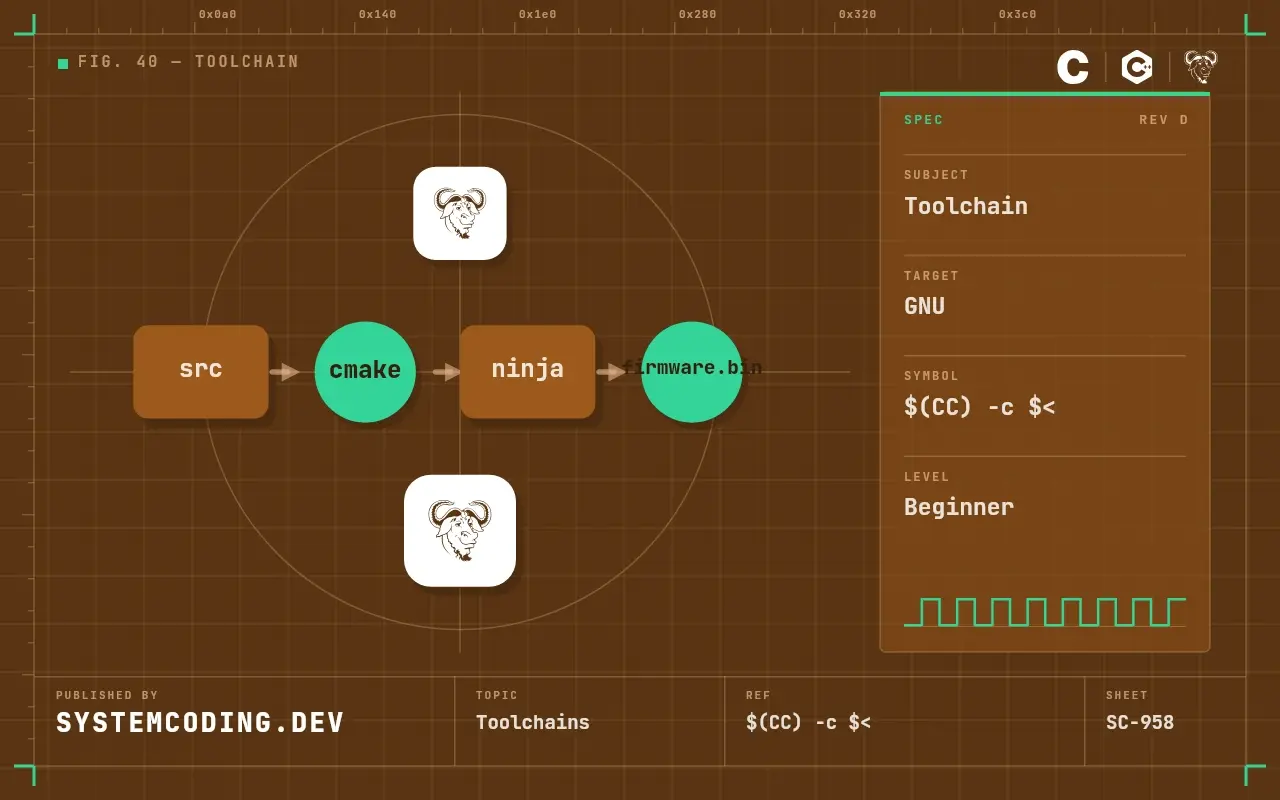
A Makefile that repeats a file name in the rule line and again in the recipe is a Makefile waiting for a typo. GNU Make fixes that with automatic variables: short names that make fills in fresh for every rule it runs, so the recipe can refer to the target and the prerequisites without spelling them out. The three you will use daily are $@, $< and $^. This post defines each, shows them in a working C build, adds $? and $*, and then covers the traps: using $< in a rule with several prerequisites, expecting $^ to repeat names, and forgetting that these variables only exist inside a recipe. Everything here follows the GNU Make 4.4.1 manual's section on automatic variables.
The ones that matter
| Variable | Value inside a recipe |
|---|---|
$@ | The file name of the target the recipe is building |
$< | The name of the first prerequisite |
$^ | The names of all prerequisites, with duplicates removed |
$? | The prerequisites that are newer than the target |
$* | The stem matched by a pattern rule, such as foo in foo.o |
They are called automatic because you never assign them. make sets them each time it prepares to run a recipe, and the values are different for every target.
A rule that shows all three
A small program makes the values visible. Print them instead of compiling.
show: a.txt b.txt a.txt
	@echo "target:        $@"
	@echo "first prereq:  $<"
	@echo "all prereqs:   $^"

a.txt b.txt:
touch $@make showtouch a.txt
touch b.txt
target: show
first prereq: a.txt
all prereqs: a.txt b.txtLook at the last line. The rule listed a.txt twice, and $^ shows it once. That is the deduplication, and it is what you want when you pass $^ to a linker. If you need the duplicates, because a static library order matters, use $+, which keeps every occurrence in order.
The touch $@ rule has two targets. For each one make runs the recipe once and $@ is the one currently being built, which is how one line creates two different files.
Using them to build C
The classic use is the link step and the compile step.
CC     := gcc
CFLAGS := -Wall -O2

app: main.o util.o
	$(CC) -o $@ $^

main.o: main.c util.h
	$(CC) $(CFLAGS) -c $< -o $@

util.o: util.c util.h
	$(CC) $(CFLAGS) -c $< -o $@
In the link rule, $@ is app and $^ is main.o util.o, so the command is gcc -o app main.o util.o. In the compile rules, $< is the .c file, the first prerequisite, and $@ is the object. The header is a prerequisite too, but it comes after the source, so $< is still the source file. This is the reason for a convention: always list the main input first.
makegcc -Wall -O2 -c main.c -o main.o
gcc -Wall -O2 -c util.c -o util.o
gcc -o app main.o util.oIf you had written the compile rule as main.o: util.h main.c, $< would be util.h, and the command would try to compile a header. That is the single most common bug with automatic variables. Do not use $^ in a compile rule either: it would pass main.c util.h to gcc -c together, and GCC would complain about compiling multiple files with -o.
$? for incremental work
$? lists only the prerequisites newer than the target. It is the right tool for an archive update, where you want to replace only the members that changed.
libutil.a: a.o b.o c.o
	ar rcs $@ $?
On the first build all of them are newer, because the archive does not exist, so ar gets all three. After you edit only b.c and rebuild, $? is just b.o, and ar r replaces that one member. For a link step, use $^ instead: the linker needs every object, not only the changed ones.
$* in pattern rules
In a pattern rule, $* is the part of the name that the % matched.
%.o: %.c
	@echo "compiling stem $* from $< into $@"
$(CC) $(CFLAGS) -c $< -o $@compiling stem main from main.c into main.oUse it sparingly. $* is mostly handy for deriving a related name, such as a log file $*.log, and its behaviour in non-pattern rules is a GNU extension that older make implementations treat differently. When writing portable Makefiles, stay with $@, $< and $^.
Directory and file parts: the D and F variants
Older GNU Make versions have variants that take only the directory or only the file portion: $(@D), $(@F), $(<D), $(<F). They are still available.
build/obj/%.o: src/%.c
	mkdir -p $(@D)
	$(CC) $(CFLAGS) -c $< -o $@
$(@D) is build/obj for the target build/obj/main.o, so the recipe creates the directory it is about to write into. The portable and more flexible way for new code is the dir and notdir functions, $(dir $@) and $(notdir $@), but $(@D) is shorter. Note that $(@D) has no trailing slash and $(dir $@) does.
Where they work and where they do not
Automatic variables are defined only in the recipe. They are not available in the target or prerequisite lists on the rule line, with one exception covered by .SECONDEXPANSION in a later post.
app: [email protected]This does not do what it looks like. On the rule line, $@ is empty at the time make reads the Makefile, so [email protected] becomes .c. If you need the target name in the prerequisites, use a pattern rule with %, which is what it exists for.
A second pitfall is quoting. The variable value is substituted before the shell sees the line, so a file name with a space breaks it. Make is not good with spaces in file names. Avoid them, or quote with care: "$@" helps for a single name, but $^ expands to a space separated list of names and cannot be quoted as a unit.
A third is the dollar sign itself. To pass a literal dollar to the shell, for example in awk '{print $$1}' or a shell variable, double it: $$. A single $ is always read by make.
count:
	@for f in $^; do echo "$$f"; done
Here $^ is expanded by make, and $$f becomes $f for the shell loop.
A complete example with a static library
The variables compose well in a project that builds a library and a program that uses it. The library rule uses $@ and $^, and the program rule uses $< for the compile and $^ plus -l flags for the link.
CC     := gcc
CFLAGS := -Wall -O2
AR     := ar

app: main.o libutil.a
	$(CC) -o $@ main.o -L. -lutil

libutil.a: a.o b.o
	rm -f $@
	$(AR) rcs $@ $^

%.o: %.c util.h
	$(CC) $(CFLAGS) -c $< -o $@
The deletion before ar matters: ar r adds and replaces members but never drops one you removed from the list, so recreating the archive keeps it honest. Reading the recipe, you never have to repeat a file name. Rename libutil.a in the rule line and the recipe follows, which is the whole reason automatic variables exist.
If you ever need to debug what a variable expanded to, print it with @echo as in the first example, or run make -n to see the final commands without running them. The expansion that make shows is exactly what the shell receives, so a wrong value shows up immediately.