Cross-Compile Zig for a Cortex-M Target With build.zig
Write a build.zig that targets thumb-freestanding for a Cortex-M4, add a linker script and vector table, and produce a flashable ELF and binary with Zig 0.14.
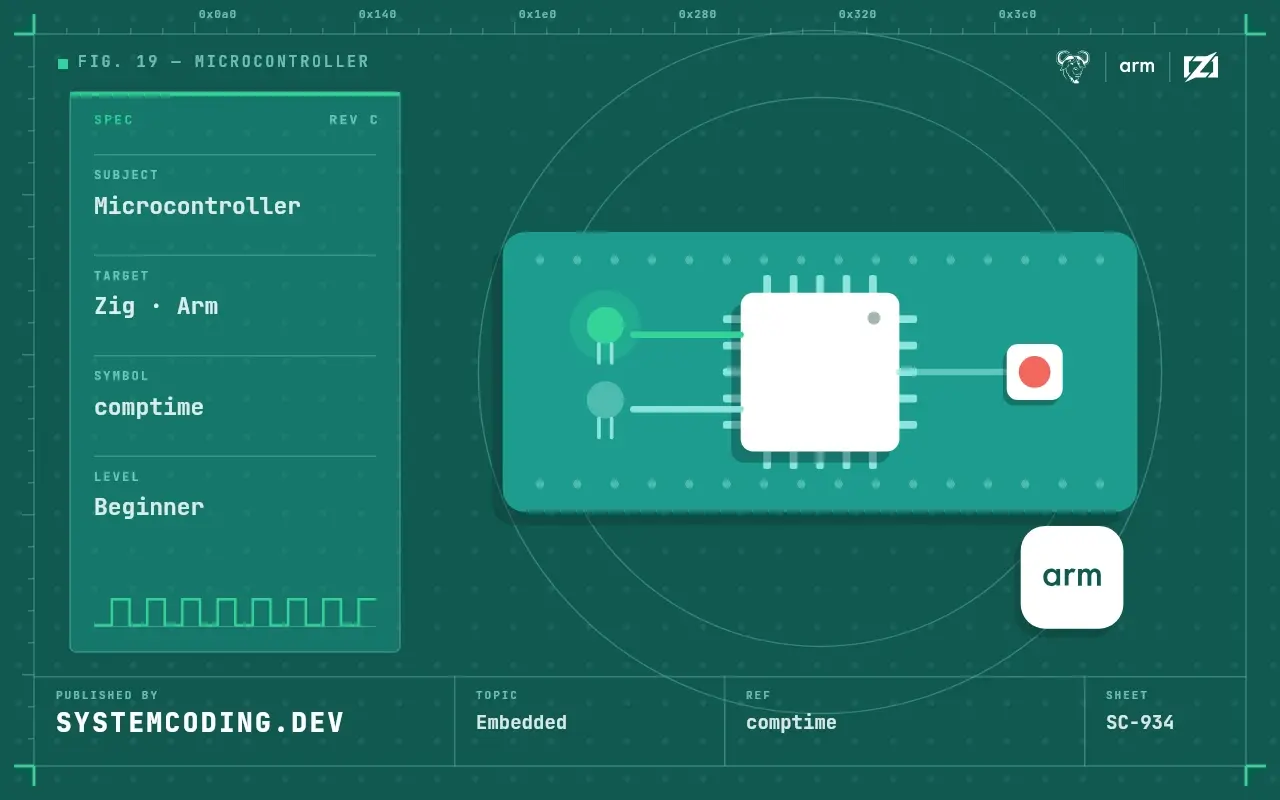
Zig is the one compiler here that needs no separate cross toolchain. The same zig binary that builds for your laptop builds for a Cortex-M4, because LLVM's Arm backend and the standard library's target tables ship inside it. What you supply is the description of the chip: which instruction set, which memory map, where the program starts. This post writes that description from scratch for an STM32F446 on a Nucleo board using Zig 0.14, and ends with a blinking LED and an ELF file ready for a debugger. It uses no framework, so each line shows what a framework would hide. It is the Zig entry in the TinyGo, Zig and Ada guide, and it assumes you know what a linker script is, at least by name.
The language reference and the build system documentation at ziglang.org are the authority for every function used here. Zig's build API changes between releases, so pin 0.14.0 if you follow along.
What a bare-metal target needs
A hosted program starts when the operating system loads it and calls main. A Cortex-M program starts when the core resets. It then reads the first two 32-bit words of memory at address zero (which the chip maps to flash): the initial stack pointer and the address of the reset handler. Everything else, copying initialized data into RAM and clearing the zero-initialized section, is code you provide. That gives four artifacts:
A target description in
build.zig: the CPU architecture, the operating system and the ABI.A linker script that places sections in flash and RAM.
A vector table and a reset handler in Zig.
The application code.
Describe the target
The name for a Cortex-M4 target in Zig is architecture thumb, operating system freestanding, ABI eabi, and the CPU model cortex_m4. A Cortex-M4F with a floating-point unit would use eabihf and the cortex_m4 model with the FPU feature enabled, but we avoid floats here.
const std = @import("std");

pub fn build(b: *std.Build) void {
    const target = b.resolveTargetQuery(.{
        .cpu_arch = .thumb,
        .os_tag = .freestanding,
        .abi = .eabi,
        .cpu_model = .{ .explicit = &std.Target.arm.cpu.cortex_m4 },
    });

    const optimize = b.standardOptimizeOption(.{});

    const exe = b.addExecutable(.{
        .name = "blink.elf",
        .root_source_file = b.path("src/main.zig"),
        .target = target,
        .optimize = optimize,
        .single_threaded = true,
    });
    exe.setLinkerScript(b.path("linker.ld"));

    b.installArtifact(exe);

    const bin = b.addObjCopy(exe.getEmittedBin(), .{ .format = .bin });
    const install_bin = b.addInstallBinFile(bin.getOutput(), "blink.bin");
    b.getInstallStep().dependOn(&install_bin.step);
}
resolveTargetQuery turns the partial description into a full target. The query names three things, and each rules out a default: .os_tag = .freestanding means no operating system, so there is no std.os and no main convention; .abi = .eabi selects the Arm embedded ABI; and .cpu_model picks the exact core, which decides the instruction set and which instructions the code generator may use. Setting the CPU model matters: without it Zig emits code for a generic Arm that may not run on your core.
standardOptimizeOption adds the -Doptimize= flag, so zig build -Doptimize=ReleaseSmall works with no extra code. addObjCopy creates a second output: the raw binary that flashing tools read, extracted from the ELF.
Write the linker script
The linker script tells the linker where the chip's memories are and what goes where. For an STM32F446RE, flash starts at 0x08000000 with 512 KB, and RAM starts at 0x20000000 with 128 KB:
ENTRY(resetHandler)

MEMORY
{
    FLASH (rx)  : ORIGIN = 0x08000000, LENGTH = 512K
    RAM   (rwx) : ORIGIN = 0x20000000, LENGTH = 128K
}

_stack_top = ORIGIN(RAM) + LENGTH(RAM);

SECTIONS
{
    .text : {
        KEEP(*(.vectors))
        *(.text*)
        *(.rodata*)
    } > FLASH

    .data : {
        _sdata = .;
        *(.data*)
        _edata = .;
    } > RAM AT > FLASH
    _sidata = LOADADDR(.data);

    .bss : {
        _sbss = .;
        *(.bss*)
        *(COMMON)
        _ebss = .;
    } > RAM
}
Five points matter. KEEP(*(.vectors)) stops the linker discarding the vector table as unreferenced code, and listing it first puts it at the very start of flash, where the core looks. _stack_top is the end of RAM, because the Arm stack grows downward. The .data section has two addresses: it runs in RAM but is stored in flash, written > RAM AT > FLASH, and _sidata records the flash copy so the reset handler can copy from it. .bss holds variables that start at zero, takes no flash space, and must be cleared at start-up. The symbols _sdata, _edata, _sbss and _ebss give the reset code its loop bounds.
Write the vector table and reset handler
const std = @import("std");

extern var _stack_top: u8;
extern var _sidata: u8;
extern var _sdata: u8;
extern var _edata: u8;
extern var _sbss: u8;
extern var _ebss: u8;

export fn resetHandler() callconv(.c) noreturn {
    const data_len = @intFromPtr(&_edata) - @intFromPtr(&_sdata);
    const src: [*]const u8 = @ptrCast(&_sidata);
    const dst: [*]u8 = @ptrCast(&_sdata);
    for (0..data_len) |i| dst[i] = src[i];

    const bss_len = @intFromPtr(&_ebss) - @intFromPtr(&_sbss);
    const bss: [*]u8 = @ptrCast(&_sbss);
    for (0..bss_len) |i| bss[i] = 0;

    main();
}

export fn defaultHandler() callconv(.c) noreturn {
    while (true) {}
}

export const vector_table linksection(".vectors") = [_]?*const anyopaque{
    @ptrCast(&_stack_top),
    @ptrCast(&resetHandler),
    @ptrCast(&defaultHandler), // NMI
    @ptrCast(&defaultHandler), // HardFault
};

const RCC_AHB1ENR: *volatile u32 = @ptrFromInt(0x4002_3830);
const GPIOA_MODER: *volatile u32 = @ptrFromInt(0x4002_0000);
const GPIOA_ODR: *volatile u32 = @ptrFromInt(0x4002_0014);

fn main() noreturn {
    RCC_AHB1ENR.* |= 1 << 0; // clock for GPIOA
    GPIOA_MODER.* = (GPIOA_MODER.* & ~@as(u32, 0b11 << 10)) | (0b01 << 10); // PA5 output

    while (true) {
        GPIOA_ODR.* ^= 1 << 5;
        var i: u32 = 0;
        while (i < 800_000) : (i += 1) {
            std.mem.doNotOptimizeAway(i);
        }
    }
}
Read the file from the top. The extern var lines import the linker script's symbols; Zig sees each as a single byte whose address is the value the script assigned. The reset handler uses callconv(.c) because the core calls it with the C calling convention, and noreturn because it never comes back. It first copies the initialized-data image from flash to RAM, then clears .bss, then calls main.
The vector table is an exported constant placed in the .vectors section by linksection. Its first entry is the stack pointer, its second is the reset handler, and the next two are the non-maskable interrupt and HardFault, both mapped to a handler that loops so that a fault is visible under a debugger. A real project fills in every entry up to the chip's last interrupt, and the Cortex-M4 Devices Generic User Guide describes the layout.
The three constants are the registers: RCC_AHB1ENR enables the clock to GPIO port A, without which writes to the port are ignored; GPIOA_MODER sets pin 5 as an output by writing 01 in bits 11:10; GPIOA_ODR is the output data register whose bit 5 drives the LED on a Nucleo-F446RE. The addresses and bits come from the STM32F446 reference manual (RM0390). The delay loop uses std.mem.doNotOptimizeAway so that the optimizer cannot delete a loop with no effect. At the default 16 MHz internal oscillator, 800,000 iterations of a few instructions each gives a visible blink, and the exact period depends on the optimization mode.
Build and inspect
zig build -Doptimize=ReleaseSmall
ls zig-out/binblink.bin blink.elfCheck that the vector table landed at the start of flash:
arm-none-eabi-objdump -s -j .text zig-out/bin/blink.elf | head -4zig-out/bin/blink.elf: file format elf32-littlearm
Contents of section .text:
8000000 00000220 41000008 29000008 29000008 ... A...)...)...The first word is 0x20020000, the stack pointer: RAM start 0x20000000 plus 128 KB. It is printed in little-endian byte order. The next words are the handler addresses, each with its lowest bit set, which the Cortex-M reads as "Thumb code". The exact addresses depend on your build. If the table is not at 0x08000000, the board will not boot.
To flash with an ST-Link, use:
st-flash write zig-out/bin/blink.bin 0x8000000Or load the ELF through OpenOCD and GDB, which is the better route for debugging.
Errors you will meet
| Symptom | Cause | Fix |
|---|---|---|
error: no field named 'root_source_file' | You are on Zig 0.15 or later, where the build API moved to root_module | Use Zig 0.14 or port the build to b.createModule |
Link error undefined symbol: _stack_top | The linker script is not set | Call exe.setLinkerScript |
| Board does nothing, no LED | Clock to GPIOA not enabled, or the vector table is not first | Check RCC_AHB1ENR and the objdump output |
| Huge ELF in Debug mode | Safety checks and panic code are linked in | Use -Doptimize=ReleaseSmall for flashing |
| Program faults immediately | Stack pointer wrong, or wrong CPU model | Verify _stack_top and cortex_m4 |
The Debug build of a freestanding program often fails to link or does not fit, because the default panic handler pulls in code that expects an operating system. Release modes avoid that, and a real project overrides the panic handler.