Use .PHONY Targets Correctly in Makefiles
Declare clean, all and test as .PHONY so a file with the same name cannot stop them, and learn phony prerequisites, subdirectory loops and force rules.
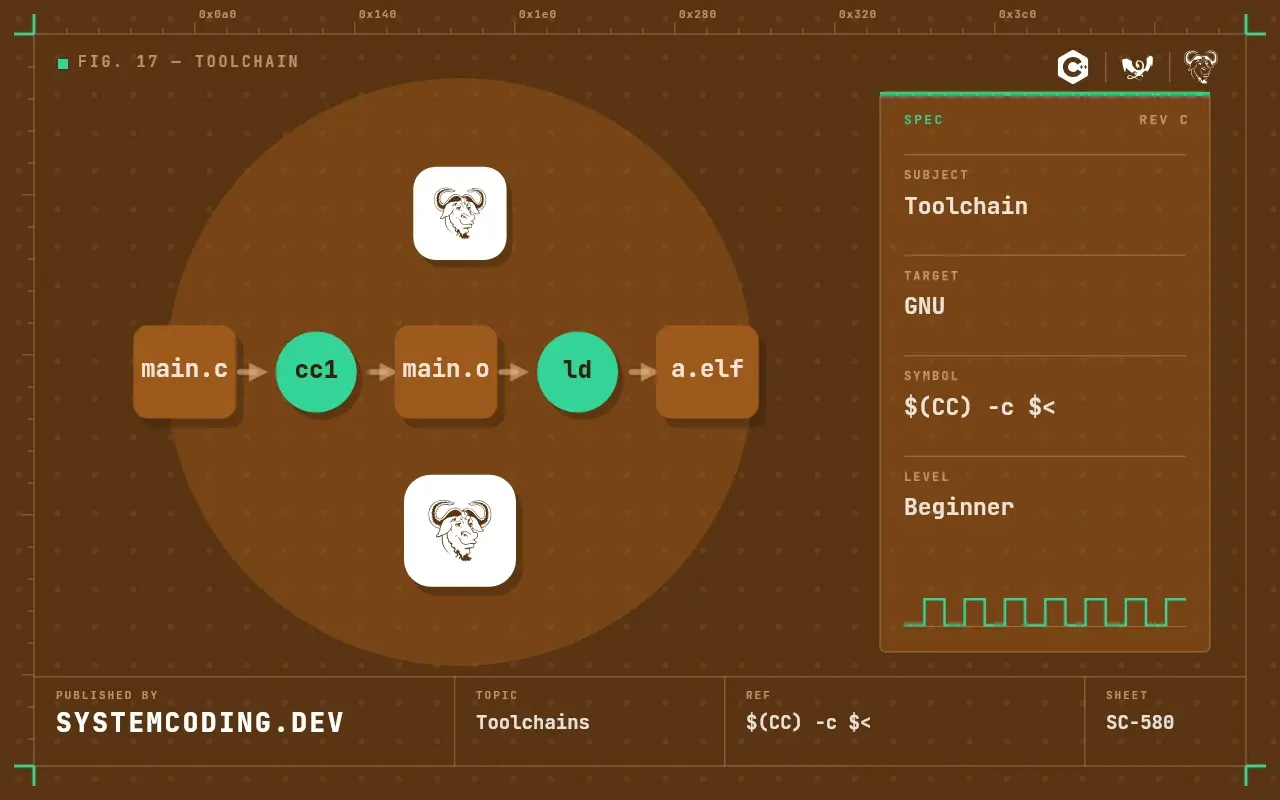
Most Makefiles have a target called clean, and most of them work, until the day someone creates a file named clean in the project directory. From then on make clean prints "make: 'clean' is up to date." and does nothing. The reason is that make assumes every target is a file. If a file with that name exists and has no prerequisites newer than itself, there is nothing to do. The .PHONY special target is the fix: it tells make that certain names are actions, not files, so their recipes always run when requested. This post shows the failure, applies the cure, explains how phony targets interact with prerequisites, and lists the cases where .PHONY is the wrong tool. The behaviour is specified in the "Phony Targets" section of the GNU Make 4.4.1 manual.
Reproducing the problem
Start with an ordinary Makefile.
app: main.o
	gcc -o app main.o

main.o: main.c
	gcc -c main.c

clean:
	rm -f app main.o
Build, clean, and everything works.
make
make cleangcc -c main.c
gcc -o app main.o
rm -f app main.oNow create a file that happens to be named like the target, which is easy to do with a directory called test or a script called clean.
make
touch clean
make cleangcc -c main.c
gcc -o app main.o
make: 'clean' is up to date.The file clean exists, the rule has no prerequisites, so make concludes that the target is current. The same happens for a target named test when the repository has a test directory, which is why test targets are the most common victims.
The cure
List the action names as prerequisites of the special target .PHONY.
.PHONY: all clean test

all: app

app: main.o
	gcc -o app main.o

main.o: main.c
	gcc -c main.c

test: app
	./app --self-test

clean:
	rm -f app main.o
With that line in place make never looks for files called all, clean or test. It runs the recipe whenever the target is requested, whatever the file system contains. There is a second benefit that is easy to overlook. make normally tries implicit rules for a target, searching for a file it could be built from. For a phony target it skips that search, which makes the run slightly faster in large Makefiles with many rules.
How phony prerequisites behave
A phony target can be a prerequisite of other targets, and it can have prerequisites of its own. all is the standard example: it has no recipe and exists only to name the real outputs.
.PHONY: all
all: app docs
make with no argument builds the first target, so putting all first makes the default build everything. The prerequisites app and docs are real files and are rebuilt only if out of date.
There is a subtle rule: because a phony target is never a file, make always considers it out of date, so every target that lists it as a prerequisite is also considered out of date and its recipe runs. That makes phony prerequisites a tool to force a rule, but it also means you must not put a phony target in the prerequisite list of a real file unless you want that file rebuilt every time.
.PHONY: version
version:
	@echo "building at $$(date +%s)"

app: main.o version
	gcc -o app main.o
Here app is relinked on every run, because version is phony and therefore always newer. If you wanted that, good. If you only wanted a message printed, use an order-only prerequisite after a | instead, which orders the work without forcing a rebuild.
Running a recipe in each subdirectory
A common use of phony targets is a loop over subdirectories. The wrong way is to write a shell for loop in one recipe, because an error in one directory does not stop the loop unless you write extra code, and make -j cannot parallelise it. The right way gives each directory its own phony target.
SUBDIRS := lib app tests

.PHONY: all $(SUBDIRS)

all: $(SUBDIRS)

$(SUBDIRS):
	$(MAKE) -C $@

app: lib
tests: app
The subdirectory names are targets, and because they are marked phony, make does not treat the existing directories as up-to-date files. The last two lines state ordering: lib before app before tests. A failure in one stops the build, and with -j independent directories run in parallel. Note the use of $(MAKE) rather than the literal make, which passes the right flags and the jobserver down to the sub-build.
Cases where .PHONY is wrong
A target that is a real file. If all builds a file called all, do not declare it phony. This is rare, but a package target that writes package.tar.gz should name the real file as the target.
Pattern rules. You cannot mark a pattern like %.o phony, because the special target takes names, not patterns.
Stamp files. If you want an action to run once and then be skipped until its inputs change, such as running a code generator, make the target a real file that the recipe touches, called a stamp file. A phony target would run every time.
gen.stamp: schema.json
	./generate schema.json
	touch $@
A reader who is tempted to write .PHONY: generate for this should ask whether the work is idempotent and slow. If it is, the stamp file is better.
The name of a directory you build into. Declaring a directory phony makes its recipe run every time, which re-runs mkdir. Directories are better handled with order-only prerequisites.
Common spelling and placement mistakes
The special target must be spelled with a capital and a leading dot: .PHONY. A lower-case .phony is just a normal target with a strange name, and make will not warn you. It does not have to come before the targets it names, as make reads the whole file first, but placing it right above the targets, or listing it once at the top, keeps it findable. You can add to it with several lines, since prerequisites accumulate.
.PHONY: clean
.PHONY: test
Finally, remember the opposite effect when you debug. make -n clean shows the commands that would run, and for a phony target they always appear. If you expected "nothing to be done" and see commands, check that the name is not also a prerequisite of something else that is rebuilt every time.
A checklist for phony targets
Before you commit a Makefile, read its list of targets and ask three questions of each. Does it produce a file with that exact name? If so, it is not phony. If it produces nothing, or something with a different name, is it declared? And is it the prerequisite of any real file? Phony prerequisites of real files are the usual source of builds that never settle, so each one should be there on purpose.
It also helps to check the conventions other people expect. Users type make all, make clean, make install, make check and make test, and a Makefile that accepts them all behaves the way the GNU coding standards describe. A target named distclean removes everything clean does and also the files produced by configuration, so it is phony too. Finally, remember that a phony target's name still shares the namespace of the directory, so adding a directory named docs to a project that has a phony docs target is exactly the situation .PHONY protects against: the build keeps working, because make docs runs the recipe whatever ls shows.