Targets, Prerequisites and Recipes in Make Explained
What a make rule is made of: the target, its prerequisites and the recipe, how make walks the dependency graph and decides what is out of date.
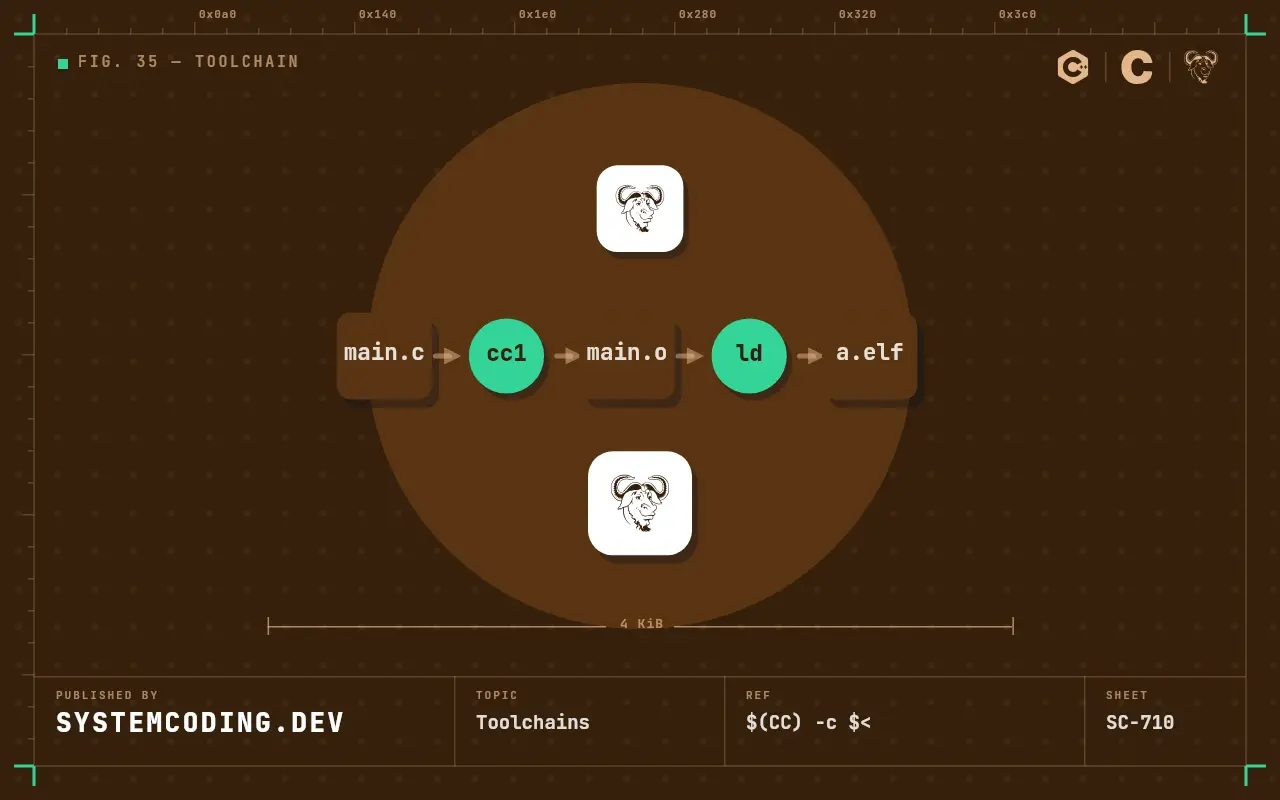
Everything make does comes from one idea: a rule. A rule says that a file can be produced from other files by running some commands. Once you can read a rule, you can read any Makefile, from a ten-line script to the one that builds an operating system. This post defines the three parts of a rule, explains the graph make builds from them, shows how it decides what to run, and covers the cases beginners mix up: targets that are not files, rules without recipes, and prerequisites that are not up to date. The examples use GNU Make 4.4.1 and follow the terminology of the GNU Make manual.
The shape of a rule
target: prerequisite1 prerequisite2
	recipe command 1
	recipe command 2
The target is the thing the rule produces. Usually it is a file name.
The prerequisites are the things the target is built from. They are file names too, or the names of other targets.
The recipe is the list of shell commands that creates the target. Each line starts with a tab.
The rule is a statement of fact plus a method: this target depends on these prerequisites, and if it is out of date, this is how to bring it up to date. make never guesses how to build something. It only follows the rules it has, plus a built in set of rules for common file types.
A graph, not a script
Rules are not run in the order they are written. make reads the whole file, builds a directed graph where each target points to its prerequisites, and then visits only the part of the graph needed for the goal you asked for.
report.txt: summary.txt details.txt
	cat summary.txt details.txt > report.txt

summary.txt: data.csv
	head -n 3 data.csv > summary.txt

details.txt: data.csv
	tail -n +4 data.csv > details.txt
Asking for report.txt makes make walk to its prerequisites. Neither summary.txt nor details.txt exists, so it checks their prerequisite data.csv, which exists as a source file. It builds the two intermediate files, then report.txt.
printf 'a\nb\nc\nd\ne\n' > data.csv
make report.txthead -n 3 data.csv > summary.txt
tail -n +4 data.csv > details.txt
cat summary.txt details.txt > report.txtYou can ask for any target by name, for example make summary.txt, and only that branch is built. With no argument, make builds the first target in the file, the default goal.
How make decides a target is out of date
For each target, make applies a simple test.
If the target file does not exist, run the recipe.
If any prerequisite has a newer modification time than the target, run the recipe.
Otherwise the target is up to date and the recipe is skipped.
make applies the test recursively, so a change deep in the graph propagates up. Edit data.csv and everything downstream is rebuilt.
touch data.csv
make report.txthead -n 3 data.csv > summary.txt
tail -n +4 data.csv > details.txt
cat summary.txt details.txt > report.txtBecause the whole chain depends on the timestamp of data.csv, the three recipes run again. If instead you touched only summary.txt, then only report.txt would be rebuilt, because only its prerequisite changed.
One consequence matters in practice: make trusts the clock and the listed prerequisites, not the file contents. A change that does not update the timestamp, or a dependency you forgot to list, does not trigger a rebuild.
What a recipe is
A recipe is a list of shell commands, one per line. By default make runs each line in its own invocation of /bin/sh, prints it, and stops the whole build if a command exits with a non-zero status.
check:
	@echo "checking"
	test -f data.csv
	@echo "found data.csv"
A leading @ suppresses the echo of that command, which is why the echo lines print only their output. A leading - tells make to ignore a failure of that line, for example -rm missing-file. Because each line is a separate shell, cd subdir on one line does not affect the next line; write cd subdir && command on one line when you need that.
Targets that are not files
Not every target is a file. clean, all and test are names for actions. The danger is that make still treats them as files. If a file named clean appears in the directory, make clean reports that the target is up to date, since the file exists and has no prerequisites.
The cure is .PHONY, a special target whose prerequisites are names make must always treat as actions.
.PHONY: all clean test

all: report.txt

clean:
	rm -f summary.txt details.txt report.txt

test: report.txt
	grep -q a report.txt
A phony target's recipe always runs when it is requested. A convention worth following is naming the default target all and listing the real outputs as its prerequisites, so that make with no argument builds everything.
Rules without recipes and with several targets
A rule can have no recipe. It then only adds prerequisites to the targets it names. This is useful for header dependencies.
main.o util.o: util.hA rule can also list several targets, in which case it is the same as writing one rule per target with the same prerequisites and recipe. That is easy to misread when the recipe produces one file: make runs the recipe once for each target, and $@ says which one it is working on.
If two separate rules give the same target a recipe, GNU Make warns overriding recipe for target and uses the later one. A target may have prerequisites from many rules, but only one recipe.
Prerequisites that are not files
Prerequisites can be targets in their own right, such as a phony target or a directory. Two kinds are worth knowing at this stage.
Normal prerequisites both order the build and force a rebuild when they change.
Order-only prerequisites, written after a vertical bar, only need to exist before the target is built, and their timestamp does not trigger a rebuild.
build/app.o: app.c | build
	gcc -c app.c -o build/app.o

build:
	mkdir -p build
The build directory must exist before the object is compiled, but the directory's modification time changes whenever a file is added, so a normal prerequisite would rebuild the object every time. The bar fixes that. There is a dedicated post on this pattern.
Seeing what make is thinking
When a rebuild does not behave, ask make to explain.
make -n report.txt
make --debug=b report.txt
-n prints the commands that would run without running them. --debug=b prints the reasoning for each target, such as "Prerequisite 'data.csv' is newer than target 'summary.txt'". Together with make -p, which dumps every rule and variable, these answer almost any "why did it rebuild" question.
The same ideas scale unchanged to large projects, so it is worth learning the vocabulary precisely now.