Ship a Relocatable Linux App Bundle That Carries Its Own Libraries
Bundle a Linux program with its libraries in one folder that runs from any path, using an $ORIGIN runpath, ldd to collect dependencies and a launcher check.
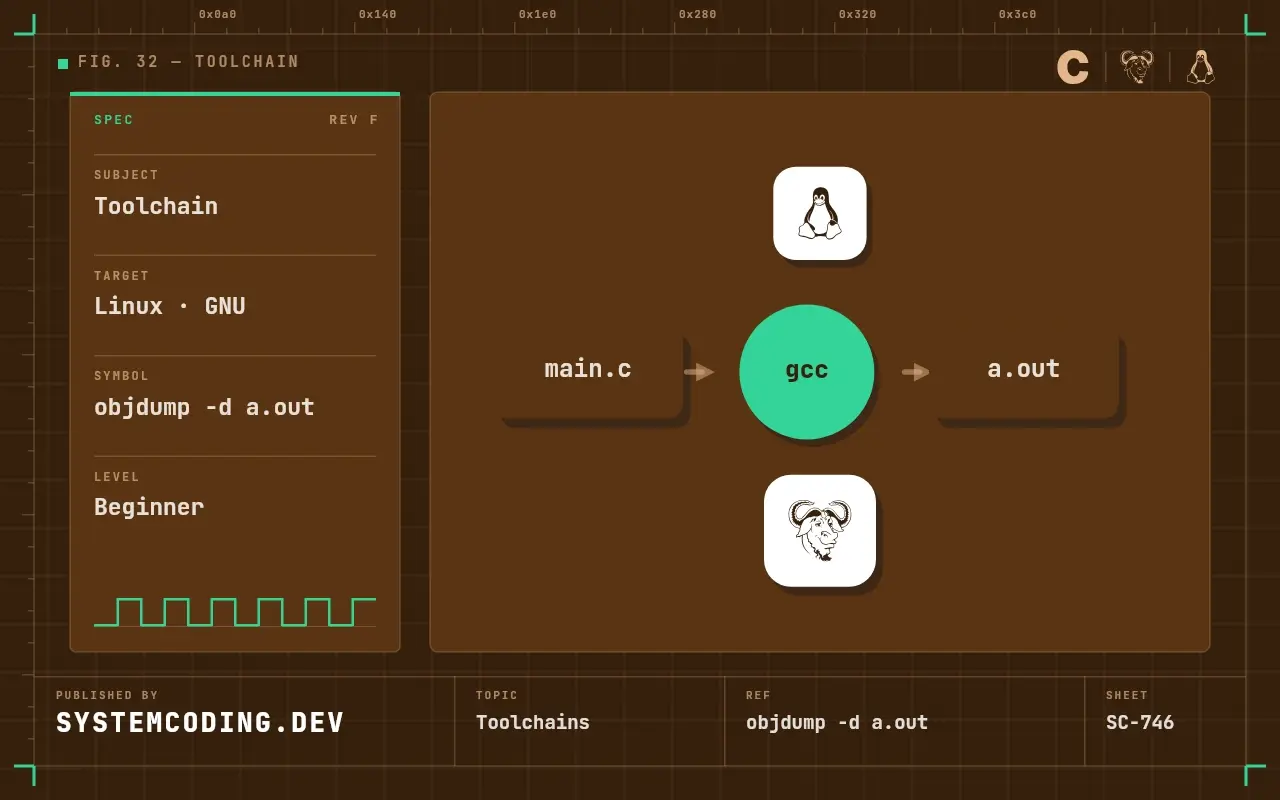
A Linux program built on your machine and copied to another one often fails with error while loading shared libraries: libfoo.so.2: cannot open shared object file. The target does not have the library, or has a different version of it. The remedy that needs no package manager is a bundle: one folder holding your executable and the shared libraries it needs, arranged so that the program finds its own copies wherever the folder is unpacked. This post builds such a bundle by hand, using an $ORIGIN runpath, ldd to collect dependencies, patchelf to set the path, and a check that tells you what the bundle still expects from the host. It uses GCC 14, binutils 2.42 and glibc 2.39 on Linux x86-64. The search rules are defined in the ld.so manual page.
The idea
The dynamic loader searches for each needed library in a fixed order: the executable's DT_RPATH if there is no DT_RUNPATH, then LD_LIBRARY_PATH, then the executable's DT_RUNPATH, then the cache built by ldconfig, and finally the default directories. A runpath containing the token $ORIGIN expands at load time to the directory of the executable itself. So a binary with a runpath of $ORIGIN/../lib looks for libraries in a lib folder next to its bin folder, wherever that pair has been moved. That is the whole mechanism. The rest is collecting the right files and checking the result. The details of $ORIGIN are covered in setting library search paths with rpath and $ORIGIN.
A program with a private library
Create a small shared library and a program that uses it, so there is something to bundle:
#ifndef VEC_H
#define VEC_H

double vec_dot(const double *a, const double *b, int n);

#endif#include "vec.h"
double vec_dot(const double *a, const double *b, int n)
{
double sum = 0;
for (int i = 0; i < n; i++) {
sum += a[i] * b[i];
}
return sum;
}#include <stdio.h>
#include "vec.h"
int main(void)
{
double a[] = {1, 2, 3}, b[] = {4, 5, 6};
printf("dot = %.1f\n", vec_dot(a, b, 3));
return 0;
}Build the library and link the program with a runpath:
mkdir -p stage/bin stage/lib
gcc -O2 -fPIC -shared -Wl,-soname,libvec.so.1 -o stage/lib/libvec.so.1 vec.c
gcc -O2 app.c -o stage/bin/app -Lstage/lib -l:libvec.so.1 \
    -Wl,-rpath,'$ORIGIN/../lib'
The -Wl,-rpath,'$ORIGIN/../lib' argument needs the single quotes so the shell does not expand $ORIGIN. Check what the linker recorded:
readelf -d stage/bin/app | grep -E 'NEEDED|RUNPATH|RPATH' 0x0000000000000001 (NEEDED) Shared library: [libvec.so.1]
0x0000000000000001 (NEEDED) Shared library: [libc.so.6]
0x000000000000001d (RUNPATH) Library runpath: [$ORIGIN/../lib]The runpath entry is there, with the token unexpanded. That is correct: expansion is the loader's job. A modern linker writes RUNPATH, which LD_LIBRARY_PATH can override, while an older one may write RPATH, which cannot. Both support $ORIGIN.
Test from anywhere
Run the program from its folder, then from another, then after moving the whole tree:
./stage/bin/app
cd /tmp && /home/dev/stage/bin/app
mv ~/stage /opt/demo && /opt/demo/bin/appdot = 32.0
dot = 32.0
dot = 32.0All three runs find libvec.so.1 without LD_LIBRARY_PATH, because $ORIGIN resolves to the directory that holds app. That is what relocatable means here: the layout is relative, so the root can change.
Collect dependencies you did not write
Your own library is easy. Third-party libraries need collecting. Ask ldd for the resolved list and copy what you must ship:
ldd stage/bin/app linux-vdso.so.1 (0x00007ffd5a7f2000)
libvec.so.1 => /home/dev/stage/bin/../lib/libvec.so.1 (0x00007f3c1a2d0000)
libc.so.6 => /lib/x86_64-linux-gnu/libc.so.6 (0x00007f3c1a000000)
/lib64/ld-linux-x86-64.so.2 (0x00007f3c1a2f0000)Read the right column. libvec resolves into the bundle, which is the goal. libc.so.6 and the loader resolve to the system. Those two you do not ship, and the next section explains why. For a real application, every other line is a candidate to copy into lib/. Run ldd on each copied library as well, because dependencies have dependencies, and copy until the list stops growing.
What not to bundle
The C library, the dynamic loader and the libraries that talk to the kernel or hardware belong to the host: libc.so.6, libm.so.6, libpthread, ld-linux-x86-64.so.2 and libGL, among others. Shipping your own libc with a program that runs under the host's loader breaks, because the library and loader must come from the same release. Build instead against an old glibc, so the binary needs only symbols that every newer system provides. The check is to list the versions the binary requires:
objdump -T stage/bin/app | grep -o 'GLIBC_[0-9.]*' | sort -uV | tail -1GLIBC_2.34The highest version tag is the oldest glibc the program will run on. Here it is 2.34, so a distribution older than that fails to start it, with an error such as version 'GLIBC_2.34' not found. Build on the oldest system you intend to support, not on the newest. The tag shown is an example.
Rewriting the path after the build
You do not always control the build. For a prebuilt binary, set the runpath with patchelf:
patchelf --set-rpath '$ORIGIN/../lib' stage/bin/app
patchelf --print-rpath stage/bin/app$ORIGIN/../libpatchelf rewrites the dynamic section in place and can also change the interpreter path. It is a third-party tool, not part of binutils, so install it from your distribution. The interpreter matters for one more case, running on a host with an incompatible loader, which needs the bundle to carry its own ld-linux and libc and to start through it. That is a different, heavier design, as used by containers and by tools such as AppImage, and it is the point where a container image becomes the simpler answer.
A launcher that checks the host
A small script catches the common failure before the user sees a cryptic loader error. It runs ldd, looks for the words not found and prints what is missing:
set -eu
here=$(cd "$(dirname "$0")" && pwd)
missing=$(ldd "$here/bin/app" 2>&1 | grep 'not found' || true)
if [ -n "$missing" ]; then
    echo "missing libraries on this host:" >&2
    echo "$missing" >&2
    exit 127
fi
exec "$here/bin/app" "$@"missing libraries on this host:
libpng16.so.16 => not foundThe output shows what a missing system library looks like on a host that lacks it. The launcher turns a loader message into a list the user can act on. Never run ldd on an executable you do not trust: it can run the program's loader on it, so use objdump -p and read the NEEDED lines for untrusted binaries.
When a bundle is the wrong tool
If you can build a distribution package, that is the better deliverable, because it shares security fixes with the system. A bundle freezes the library versions, so a vulnerability in a bundled library stays until you rebuild and redistribute. Choose a bundle when you must run on hosts you do not control, and plan a release process that rebuilds on every library security update.
Packing and verifying the archive
Once the folder works, pack it so the layout survives. A tarball preserves the relative paths and the executable bits, and a short test confirms the unpacked copy runs from a fresh location with an empty environment, which is the closest you can get to the user's machine without another computer:
tar -C stage -czf demo-1.0.tar.gz bin lib
mkdir /tmp/verify && tar -C /tmp/verify -xzf demo-1.0.tar.gz
env -i /tmp/verify/bin/appdot = 32.0env -i clears every environment variable, including LD_LIBRARY_PATH, so a pass proves the runpath did the work. If it fails with cannot open shared object file, run readelf -d on the unpacked binary and compare the RUNPATH to the folder layout. A relative path that is one level off, $ORIGIN/lib where the files sit in ../lib, is the usual cause.