Read Gamepads With the SDL Gamepad API
Detect controllers, read buttons, sticks and triggers with the SDL 3.2 gamepad API in C, apply dead zones, handle hot-plugging and add rumble.
A gamepad looks simple from the outside: two sticks, two triggers, a d-pad and some buttons. Underneath, different manufacturers and operating systems report those controls in different orders with different numbers, so a program that reads raw device data works with one controller and breaks with the next. SDL's gamepad API solves that by mapping every supported device onto one standard layout, so your code asks for "the south face button" or "left stick X" and gets the same answer on an Xbox pad, a PlayStation pad or a Switch controller. This post reads a controller with SDL 3.2 in C: detecting it, polling buttons and sticks, applying a dead zone, surviving unplug and replug, and sending rumble. It belongs with the windowing and input guide.
Joystick versus gamepad
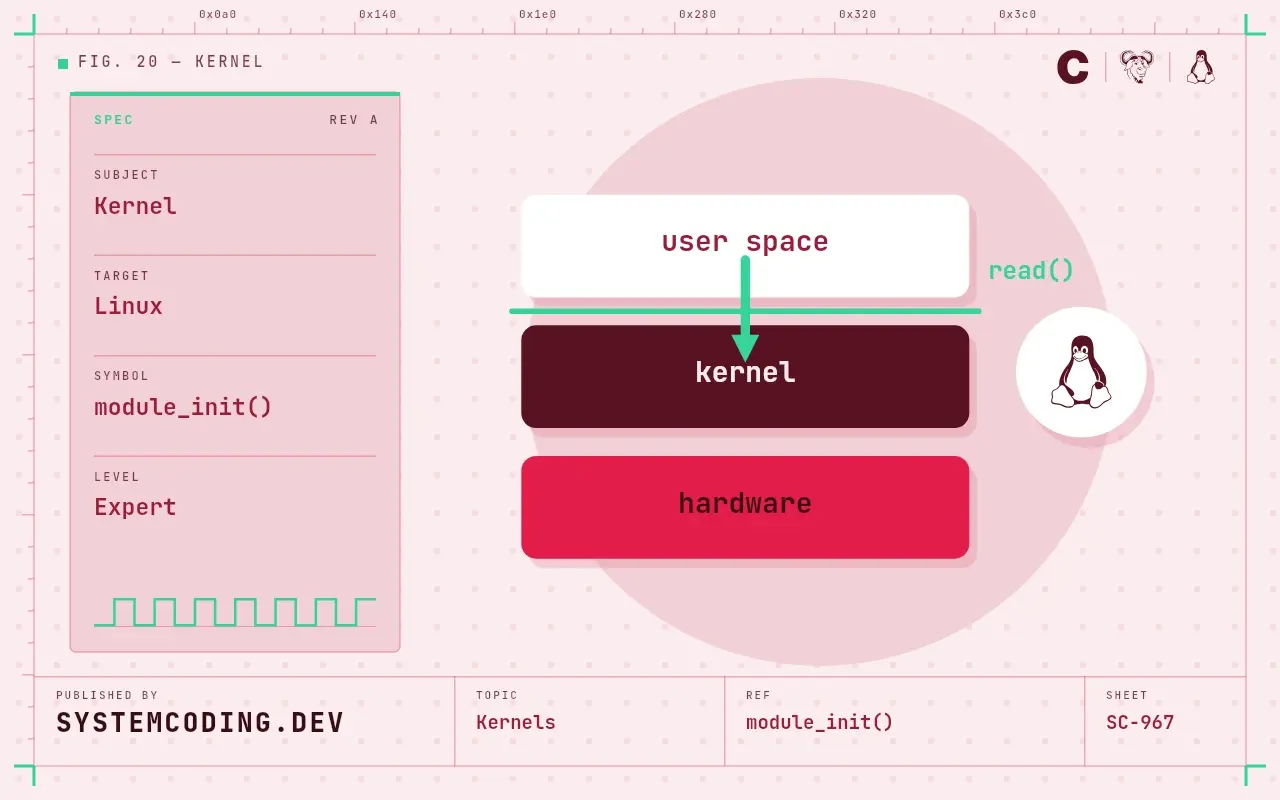
SDL has two layers for controllers. The joystick API reports a device as it arrives: some number of axes, buttons and hats, in whatever order the hardware and driver chose. The gamepad API sits on top and applies a mapping, a table from a device's raw controls to a fixed set of named ones. SDL ships a large database of mappings, and you can add more with SDL_AddGamepadMappingsFromFile. Use the gamepad API for anything that should work with common controllers, and the joystick API only for flight sticks, wheels and other devices that do not fit the standard layout.
The standard layout has these axes, which SDL reports as signed 16-bit numbers: SDL_GAMEPAD_AXIS_LEFTX, LEFTY, RIGHTX, RIGHTY, and the two triggers SDL_GAMEPAD_AXIS_LEFT_TRIGGER and RIGHT_TRIGGER. Stick axes run from -32768 to 32767, and trigger axes run from 0 to 32767. Buttons are named by position, so SDL_GAMEPAD_BUTTON_SOUTH is the bottom face button, labeled A on an Xbox pad and Cross on a PlayStation pad, and EAST, WEST and NORTH follow clockwise.
Initialize the subsystem
Gamepads are their own subsystem, and initializing it also initializes the joystick one beneath it:
#include <SDL3/SDL.h>
#include <stdio.h>

int main(void) {
    if (!SDL_Init(SDL_INIT_VIDEO | SDL_INIT_GAMEPAD)) {
        fprintf(stderr, "SDL_Init failed: %s\n", SDL_GetError());
        return 1;
    }
    // ...
}
The video subsystem is included because SDL pumps device events through a window system loop, and a program with no window gets no gamepad events on some platforms unless it calls SDL_PumpEvents itself.
Detect controllers with events
In SDL3 a controller is opened in response to an event that announces it, and that approach also handles one already plugged in at startup, because SDL posts an added event for each device it finds when the subsystem initializes. The event carries a joystick instance ID, a number SDL assigns when a device appears and never reuses during the run.
SDL_Gamepad* pad = NULL;
SDL_JoystickID pad_id = 0;

SDL_Event e;
while (SDL_PollEvent(&e)) {
    switch (e.type) {
    case SDL_EVENT_GAMEPAD_ADDED:
        if (!pad) {
            pad = SDL_OpenGamepad(e.gdevice.which);
            if (pad) {
                pad_id = e.gdevice.which;
                printf("connected: %s\n", SDL_GetGamepadName(pad));
            }
        }
        break;
    case SDL_EVENT_GAMEPAD_REMOVED:
        if (pad && e.gdevice.which == pad_id) {
            SDL_CloseGamepad(pad);
            pad = NULL;
            printf("disconnected\n");
        }
        break;
    }
}
e.gdevice.which is the instance ID. SDL_OpenGamepad takes that ID and returns a handle, or null on failure. The program keeps the ID so a later removal event can be matched to the open handle. Printing the name shows what SDL thinks the device is, and a few lines of output across a plug and unplug look like this, with the name depending on the device:
connected: Xbox One Controller
disconnected
connected: Xbox One Controller
This handles hot-plugging with no extra code: unplug closes the handle and sets it to null, and replug opens a fresh one. Every read below must tolerate a null pad, since the controller can vanish between any two frames.
Read buttons by event
Buttons also produce events. A button press arrives as SDL_EVENT_GAMEPAD_BUTTON_DOWN with the instance in e.gbutton.which and the button in e.gbutton.button:
case SDL_EVENT_GAMEPAD_BUTTON_DOWN:
    if (e.gbutton.button == SDL_GAMEPAD_BUTTON_SOUTH) {
        printf("jump\n");
    }
    if (e.gbutton.button == SDL_GAMEPAD_BUTTON_START) {
        printf("pause\n");
    }
    break;
Pressing the bottom face button prints jump, and pressing Start prints pause. Use events for one-shot actions, because an event cannot be missed between two frames. The button name stays the same on every controller type, which is why the code uses SOUTH instead of A.
Read sticks and triggers by polling
For continuous input, ask for the current value each frame. SDL_GetGamepadAxis returns a Sint16, and normalizing it to a float simplifies the math:
static float axis_to_float(Sint16 v) {
    return v < 0 ? (float)v / 32768.0f : (float)v / 32767.0f;
}

float lx = axis_to_float(SDL_GetGamepadAxis(pad, SDL_GAMEPAD_AXIS_LEFTX));
float ly = axis_to_float(SDL_GetGamepadAxis(pad, SDL_GAMEPAD_AXIS_LEFTY));
The two divisors exist because the range is asymmetric: the negative side reaches -32768 and the positive side stops at 32767, so dividing each side by its own limit maps both ends to exactly -1 and 1. With the stick pushed fully right, lx is 1.0, and fully left it is -1.0. SDL's Y axis is positive downward, matching screen coordinates, so pushing the stick up gives a negative ly.
Triggers use the same call with the trigger axes and run from 0 to 32767:
float rt = (float)SDL_GetGamepadAxis(pad, SDL_GAMEPAD_AXIS_RIGHT_TRIGGER) / 32767.0f;Half-pressed, rt reads about 0.5.
Apply a dead zone
A stick at rest never reports exactly zero. Springs, wear and sensor noise leave it reading values like 0.03 or -0.05, and a character driven directly by those numbers drifts across the screen. The fix is a dead zone: below a threshold, treat the stick as centered. A circular dead zone, which tests the length of the stick vector, is better than testing each axis separately, because a square zone distorts diagonals.
#include <math.h>

typedef struct { float x, y; } Vec2;

static Vec2 stick_with_deadzone(float x, float y, float dead) {
    float len = sqrtf(x * x + y * y);
    if (len < dead) return (Vec2){0.0f, 0.0f};
    if (len > 1.0f) len = 1.0f;

    float scaled = (len - dead) / (1.0f - dead);
    float k = scaled / len;
    return (Vec2){ x * k, y * k };
}
If the length is under the threshold the result is zero. Otherwise the length is rescaled so that the output starts at 0 just outside the dead zone and reaches 1 at full deflection, which avoids a jump from 0 to the dead zone value when the stick leaves the center. With dead = 0.2 and a stick at (0.6, 0.0), len is 0.6, scaled is (0.6 - 0.2) / 0.8 = 0.5, k is 0.5 / 0.6 = 0.8333, and the result is (0.5, 0.0).
input (0.60, 0.00) -> output (0.50, 0.00)
input (0.10, 0.10) -> output (0.00, 0.00)
The second input has a length of 0.1414, below 0.2, so it is zeroed. Typical dead zones fall between 0.1 and 0.25, and they are best exposed as a setting because controllers wear differently.
Put it together
A small program that moves a position with the left stick for ten seconds and prints it once a second shows the whole path:
#include <SDL3/SDL.h>
#include <math.h>
#include <stdio.h>

typedef struct { float x, y; } Vec2;

static float axis_to_float(Sint16 v) { return v < 0 ? v / 32768.0f : v / 32767.0f; }

static Vec2 deadzone(float x, float y, float dead) {
    float len = sqrtf(x * x + y * y);
    if (len < dead) return (Vec2){0, 0};
    if (len > 1.0f) len = 1.0f;
    float k = ((len - dead) / (1.0f - dead)) / len;
    return (Vec2){ x * k, y * k };
}

int main(void) {
    if (!SDL_Init(SDL_INIT_VIDEO | SDL_INIT_GAMEPAD)) return 1;
    SDL_Window* win = SDL_CreateWindow("pad", 320, 240, 0);
    if (!win) return 1;

    SDL_Gamepad* pad = NULL;
    SDL_JoystickID id = 0;
    Vec2 pos = {0, 0};
    Uint64 last = SDL_GetTicksNS(), report = last;
    bool running = true;

    while (running && SDL_GetTicksNS() < 10ull * 1000000000ull) {
        SDL_Event e;
        while (SDL_PollEvent(&e)) {
            if (e.type == SDL_EVENT_QUIT) running = false;
            if (e.type == SDL_EVENT_GAMEPAD_ADDED && !pad) {
                pad = SDL_OpenGamepad(e.gdevice.which);
                id = e.gdevice.which;
            }
            if (e.type == SDL_EVENT_GAMEPAD_REMOVED && pad && e.gdevice.which == id) {
                SDL_CloseGamepad(pad);
                pad = NULL;
            }
        }

        Uint64 now = SDL_GetTicksNS();
        float dt = (float)(now - last) / 1e9f;
        last = now;

        if (pad) {
            Vec2 s = deadzone(axis_to_float(SDL_GetGamepadAxis(pad, SDL_GAMEPAD_AXIS_LEFTX)),
                              axis_to_float(SDL_GetGamepadAxis(pad, SDL_GAMEPAD_AXIS_LEFTY)), 0.2f);
            pos.x += s.x * 100.0f * dt;
            pos.y += s.y * 100.0f * dt;
        }

        if (now - report >= 1000000000ull) {
            printf("position: %.1f, %.1f\n", pos.x, pos.y);
            report = now;
        }
        SDL_Delay(2);
    }

    if (pad) SDL_CloseGamepad(pad);
    SDL_DestroyWindow(win);
    SDL_Quit();
    return 0;
}
Holding the stick fully to the right for the whole ten seconds moves the position at 100 units per second, so the printout climbs by about 100 each line:
position: 100.0, 0.0
position: 200.0, 0.0
position: 300.0, 0.0
The values are approximate because the report fires on the first frame after each second boundary. SDL_Delay(2) yields the CPU between frames, which is acceptable in a demo, and a real program waits on vertical sync.
Rumble
Many controllers have vibration motors. SDL_RumbleGamepad takes a low-frequency and a high-frequency strength from 0 to 65535 and a duration in milliseconds, and returns bool:
if (!SDL_RumbleGamepad(pad, 0x8000, 0x4000, 250)) {
    fprintf(stderr, "rumble unsupported: %s\n", SDL_GetError());
}
That asks for a medium low-frequency rumble and a lighter high-frequency one, for a quarter of a second. Failure is normal, since not every controller or connection supports it, so treat the call as best-effort. Calling it again before the duration ends replaces the effect.
Why a controller might not appear
When no SDL_EVENT_GAMEPAD_ADDED arrives, check these in order. On Linux the user needs read access to the /dev/input device, which most desktops grant through a udev rule, and a missing rule makes SDL see nothing. A controller can be recognized as a joystick but not as a gamepad when SDL has no mapping for it, and SDL_GetJoysticks shows it while SDL_IsGamepad returns false. Add a mapping line from the community database with SDL_AddGamepadMappingsFromFile("gamecontrollerdb.txt") before the subsystem sees the device, ideally right after SDL_Init. Bluetooth controllers must be paired in the operating system first.
These calls are documented in the SDL3 gamepad category.