Install Clang and Use It as a Drop-In GCC Replacement
Install Clang on Linux, macOS or Windows, point Make, CMake or Meson at it, and fix the handful of warnings and flags that differ from GCC.
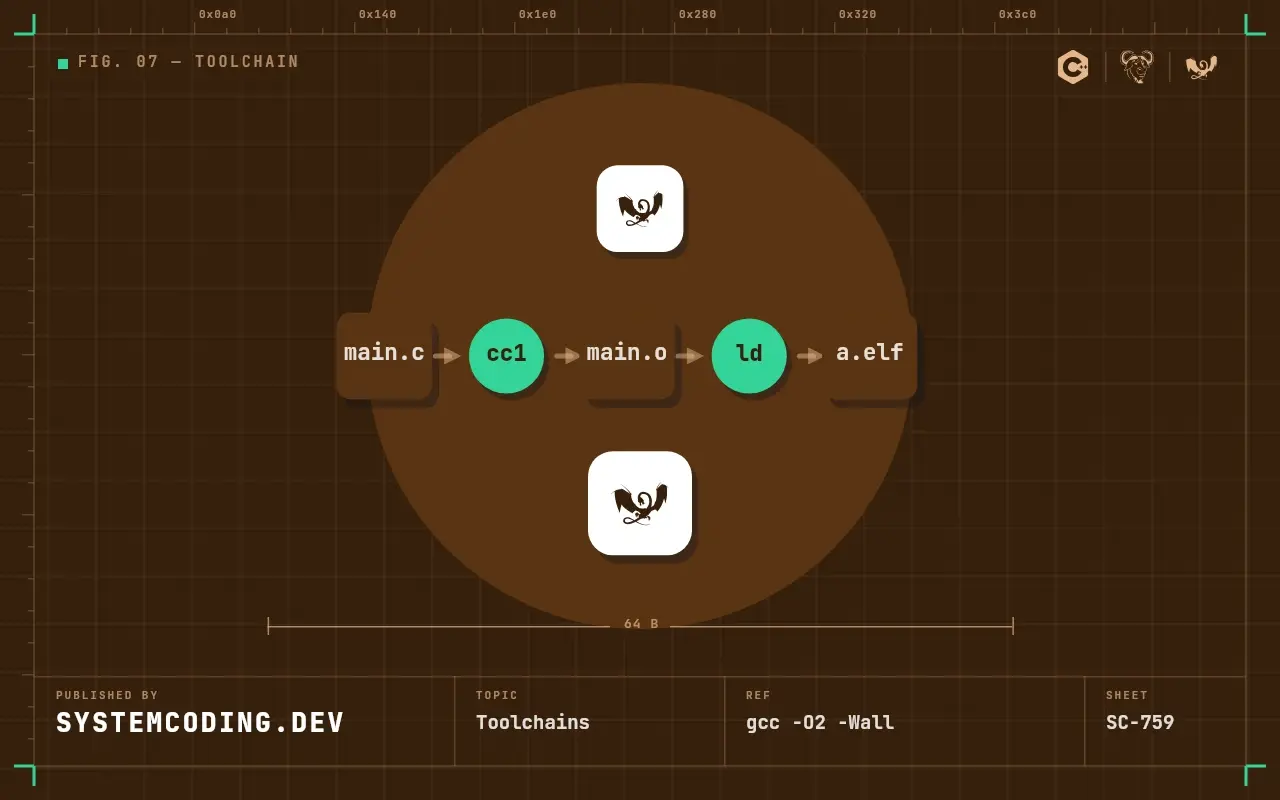
Clang accepts nearly the same command line as GCC, so switching a project from one to the other is mostly a matter of installing the compiler and changing one variable. People switch for the diagnostics, the sanitizers, clangd and clang-tidy, or because their platform ships Clang by default. This post covers installing Clang 18 on the common platforms, checking that it works, telling your build system to use it, and the small set of differences that make a clean GCC build produce errors with Clang. Everything here is for beginners to Clang who already know how to compile C or C++ with GCC.
Install it
On Debian and Ubuntu, the distribution packages are the quickest route. The package names include the major version, and a plain clang package points to the default one:
sudo apt update
sudo apt install clang lld clangd clang-tidy clang-format
If you need a newer version than your release ships, the LLVM project runs an apt repository with an installer script at apt.llvm.org that adds the repository and installs a chosen version, for example 18. On Fedora and Red Hat family systems, sudo dnf install clang lld clang-tools-extra. On Arch Linux, sudo pacman -S clang lld. On macOS, run xcode-select --install to get Apple's build of Clang, or brew install llvm for upstream's, which Homebrew installs without putting it on your PATH so that it does not shadow Apple's. On Windows, winget install LLVM.LLVM installs the LLVM toolchain including clang and clang-cl, and Visual Studio's installer offers a "C++ Clang tools" component.
Check the result:
clang --versionclang version 18.1.8
Target: x86_64-pc-linux-gnu
Thread model: posix
InstalledDir: /usr/binThe version, target and install directory depend on your system. If you installed a versioned package such as clang-18, the command is clang-18 and you can add a symlink or an alternatives entry so that clang points to it:
sudo update-alternatives --install /usr/bin/clang clang /usr/bin/clang-18 100
sudo update-alternatives --install /usr/bin/clang++ clang++ /usr/bin/clang++-18 100
On macOS, gcc and g++ in the default PATH are already Clang under another name, which is a frequent source of confusion: gcc --version prints "Apple clang". Real GCC on a Mac comes from Homebrew as gcc-14.
Compile your first program
#include <stdio.h>

int main(void)
{
    puts("hello from clang");
    return 0;
}clang -Wall -Wextra -O2 hello.c -o hello
./hellohello from clangThe flags are the same ones you would pass to GCC. For C++ use clang++, and for linking C++ programs make sure to use clang++ as the driver, so it adds the C++ standard library.
Point your build at it
The build tools read the compiler from environment variables or a configuration option, and nothing in your source changes.
Make and Autotools. Variables passed on the command line override the Makefile's defaults:
make CC=clang CXX=clang++For configure scripts, set them before running it so that the probes use Clang too: CC=clang CXX=clang++ ./configure.
CMake. Set the compilers when you first configure a build directory. Changing them later in an existing build directory does not take effect, so use a new directory:
cmake -S . -B build-clang -DCMAKE_C_COMPILER=clang -DCMAKE_CXX_COMPILER=clang++
cmake --build build-clang
Meson. CC=clang CXX=clang++ meson setup build-clang.
Cargo, Go and others. Rust and Go call a C compiler for native dependencies, controlled by CC and CGO_CFLAGS; set CC=clang and they follow.
To make the choice permanent for a project, put the compiler in a CMake preset, a Meson native file or the project's .envrc. For one-off use, the command-line variable is enough. If you want a quick sanity check that the build used the right compiler, run strings on the output for a .comment section, or readelf -p .comment hello:
String dump of section '.comment':
  [     0]  Ubuntu clang version 18.1.8
What stays the same
Almost every GCC option you use works unchanged: -O0 to -O3, -Os, -g, -Wall, -Wextra, -Werror, -std=c11, -std=c++20, -fPIC, -fvisibility=hidden, -pthread, -march=native, -D, -I, -L, -l, -MMD, -flto, -fsanitize=address. Clang also accepts most GNU C extensions: statement expressions, typeof, __attribute__((...)) and the GCC builtins such as __builtin_expect and __builtin_popcount. The default language standards in Clang 18 are -std=gnu17 for C and -std=gnu++17 for C++, the same as GCC 14. Precompiled output formats are not interchangeable, but object files for C code are.
What differs, and how to deal with it
A short list of differences accounts for nearly every error you see after switching.
Unknown warning options. GCC-only flags such as -Wno-stringop-overflow or -Wlogical-op make Clang print warning: unknown warning option (and an error if you use -Werror). Clang's own -Wno-unknown-warning-option silences it, and a better fix is to add the flag only when the compiler understands it.
Stricter language checks. Since Clang 16, calling a function with no declaration is an error in C99 and later modes, and passing a function pointer of the wrong type is an error where older compilers warned. Old code that compiled with GCC may fail with:
error: call to undeclared function 'strlcpy'; ISO C99 and later do not support implicit function declarations [-Wimplicit-function-declaration]The correct fix is to include the header that declares it, or to define the function. For a third-party configure script that cannot be changed, you can restore the old behavior with -Wno-error=implicit-function-declaration in CFLAGS, knowing that it hides real mistakes.
Missing GNU extensions. Nested functions in C, a GCC extension, are not supported by Clang. Code that uses them needs a rewrite with a function pointer and a context struct, or must keep building with GCC.
Different warning sets. Clang warns about things GCC does not: for example -Wunused-but-set-variable appeared later in Clang than in GCC, and Clang's -Wshadow is stricter in some cases. A project that builds with -Werror will break the first time. Start without -Werror, fix the warnings, and then turn it on for a pinned compiler version.
Different libraries on Linux. For C++, Clang uses GCC's libstdc++ by default on Linux and finds it through the installed GCC, so GCC's development files must still be present. libc++ is an option you opt into with -stdlib=libc++.
Macros. Clang defines __GNUC__ as 4 and __GNUC_MINOR__ as 2 to look like an old GCC, plus __clang__. Code that tests __GNUC__ >= 7 to decide whether [[fallthrough]] exists will take the wrong branch on Clang; the right test is __has_attribute or __has_cpp_attribute.
A flag list that works on both
Keep the shared flags together and add compiler-specific ones conditionally. With CMake, test the compiler id:
add_compile_options(-Wall -Wextra)

if(CMAKE_C_COMPILER_ID MATCHES "Clang")
  add_compile_options(-Wno-unknown-warning-option)
elseif(CMAKE_C_COMPILER_ID STREQUAL "GNU")
  add_compile_options(-Wlogical-op)
endif()
MATCHES "Clang" covers both Clang and AppleClang. A later post in this series builds a more general version.
Tools that come with it
The reason many people install Clang is the rest of the LLVM toolbox. clangd gives editors code navigation and diagnostics, clang-tidy lints and modernizes code, clang-format enforces a style, lld links faster, and the sanitizers, -fsanitize=address,undefined, find memory errors in tests. You can use all of them with a project that ships built by GCC, because they are separate programs that read your source and your compile commands. A first test of the setup is to rebuild your test suite with -fsanitize=address,undefined -g -O1 and run it, which finds a surprising number of old bugs in a single afternoon.
Verify before you commit to it
Switching compilers is a change worth testing. Build the project with both, run the full test suite with both and compare warnings. Run the benchmark you care about, since the speed of generated code differs by workload in either direction, and check the binary size. Keep GCC in the CI matrix if your users build with it, because two compilers finding different bugs is the point of having both.