Create an OpenGL Window and Context With SDL3
Create an OpenGL 3.3 core window and context with SDL 3.2 in C, load functions with glad, handle the quit event, and clear the screen each frame.
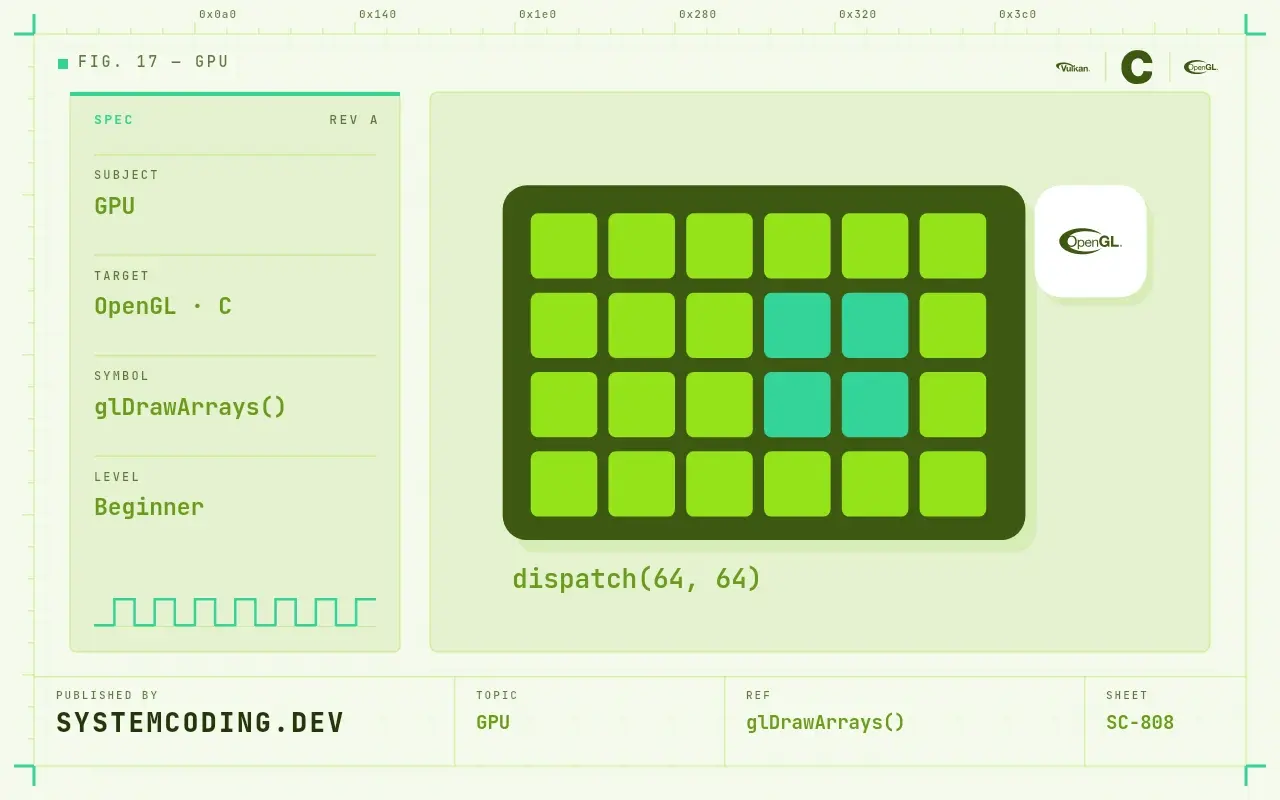
To draw with OpenGL you need two things that the graphics API itself does not provide: a window to show the result, and a context, the object that holds all OpenGL state for that window. SDL3 supplies both. This post builds the smallest useful SDL 3.2 program in C: it asks for an OpenGL 3.3 core profile, creates the window and context, loads the OpenGL functions with glad, and clears the screen in a loop until you close it. It is the SDL counterpart of the GLFW program in the windowing guide, and the two are close enough that you can compare them line by line.
Terms you need
A context is the container for OpenGL state: bound textures, the current shader program, blend settings. Calls such as glClear operate on the context that is current on the calling thread, and no context means no drawing. A profile is a choice of API subset. The core profile removes the old fixed-function calls, and it is the right choice for new code. A loader such as glad fills in the function pointers for OpenGL calls, because the operating system's OpenGL library exports only a small set of old functions directly.
Install SDL3 and glad
SDL 3.2 is the first stable release of the third major version. Install it with your package manager where it is available, and otherwise build it from source with CMake:
git clone --branch release-3.2.x https://github.com/libsdl-org/SDL.git
cmake -S SDL -B SDL/build -DCMAKE_BUILD_TYPE=Release
cmake --build SDL/build
sudo cmake --install SDL/build
Generate glad from the glad2 web service or the glad2 Python package, with API gl:core=3.3, and place the generated include and src folders in third_party/glad. The generated src/gl.c is the only source file you compile.
The program
#include <glad/gl.h>
#include <SDL3/SDL.h>
#include <stdio.h>

int main(void) {
    if (!SDL_Init(SDL_INIT_VIDEO)) {
        fprintf(stderr, "SDL_Init failed: %s\n", SDL_GetError());
        return 1;
    }

    SDL_GL_SetAttribute(SDL_GL_CONTEXT_MAJOR_VERSION, 3);
    SDL_GL_SetAttribute(SDL_GL_CONTEXT_MINOR_VERSION, 3);
    SDL_GL_SetAttribute(SDL_GL_CONTEXT_PROFILE_MASK, SDL_GL_CONTEXT_PROFILE_CORE);
    SDL_GL_SetAttribute(SDL_GL_DOUBLEBUFFER, 1);

    SDL_Window* window = SDL_CreateWindow("SDL3 OpenGL", 800, 600, SDL_WINDOW_OPENGL | SDL_WINDOW_RESIZABLE);
    if (!window) {
        fprintf(stderr, "SDL_CreateWindow failed: %s\n", SDL_GetError());
        SDL_Quit();
        return 1;
    }

    SDL_GLContext context = SDL_GL_CreateContext(window);
    if (!context) {
        fprintf(stderr, "SDL_GL_CreateContext failed: %s\n", SDL_GetError());
        SDL_DestroyWindow(window);
        SDL_Quit();
        return 1;
    }

    if (!gladLoadGL((GLADloadfunc)SDL_GL_GetProcAddress)) {
        fprintf(stderr, "gladLoadGL failed\n");
        return 1;
    }

    SDL_GL_SetSwapInterval(1);
    printf("Renderer: %s\n", glGetString(GL_RENDERER));
    printf("Version:  %s\n", glGetString(GL_VERSION));

    bool running = true;
    while (running) {
        SDL_Event event;
        while (SDL_PollEvent(&event)) {
            if (event.type == SDL_EVENT_QUIT) {
                running = false;
            }
            if (event.type == SDL_EVENT_KEY_DOWN && event.key.key == SDLK_ESCAPE) {
                running = false;
            }
        }

        glClearColor(0.12f, 0.14f, 0.20f, 1.0f);
        glClear(GL_COLOR_BUFFER_BIT);
        SDL_GL_SwapWindow(window);
    }

    SDL_GL_DestroyContext(context);
    SDL_DestroyWindow(window);
    SDL_Quit();
    return 0;
}
Reading it in order
SDL_Init(SDL_INIT_VIDEO) starts the video subsystem. In SDL3 it returns bool, true on success. This is a change from SDL2, where a zero return meant success, so an SDL2 habit of writing if (SDL_Init(...) != 0) now inverts the logic and reports failure on success. Always read the return type of a function in SDL3.
The four SDL_GL_SetAttribute calls describe the context you want. They must run before the window is created, because SDL selects the pixel format when it makes the window. The attributes are requests: the driver may give a higher version that is compatible, though on core profile requests it generally returns the version you asked for or a newer one that includes it.
SDL_CreateWindow takes the title, width, height and a flag bitmask. The window has no position argument in SDL3, since the window manager places it. SDL_WINDOW_OPENGL is what makes the window capable of holding an OpenGL context, and SDL_WINDOW_RESIZABLE lets the user change its size.
SDL_GL_CreateContext creates the context and makes it current on this thread. Only then can the loader run. gladLoadGL takes a function that maps a name to a pointer, and SDL_GL_GetProcAddress is that function. The cast to GLADloadfunc matches the types, since glad's loader type returns a generic function pointer.
SDL_GL_SetSwapInterval(1) asks for vertical sync, so each swap waits for the display's refresh. Without it the loop runs as fast as possible, heating the machine for no benefit. The call returns bool, and it can fail on drivers that cannot control the interval.
The two printf lines make a quick sanity check. With a Mesa driver on Linux they print something like this, and the exact strings depend on your hardware and driver:
Renderer: llvmpipe (LLVM 19.1.1, 256 bits)
Version:  4.5 (Core Profile) Mesa 25.0.7
The version string is 4.5 even though we asked for 3.3, which is normal: a core profile request returns a context of at least that version, and Mesa gives its highest core version. Your code must not depend on features above 3.3 unless you checked.
The loop and events
The loop has two nested parts. The inner while (SDL_PollEvent(&event)) drains the queue of pending events. SDL puts every input and window event there, and SDL_PollEvent returns true while an event was written into the struct. The outer loop then renders one frame. If you skip the drain, the queue grows and the window stops responding.
SDL_EVENT_QUIT is posted when the user closes the last window, so the loop must set running to false in response. SDL_EVENT_KEY_DOWN carries event.key.key, the keycode, which equals SDLK_ESCAPE for the Escape key. In SDL3 the field is key, where SDL2 used keysym.sym.
Each frame clears the color buffer with glClearColor and glClear, then calls SDL_GL_SwapWindow to show the back buffer. OpenGL draws into a hidden back buffer, and the swap exchanges it with the visible front buffer, which prevents the user from seeing a half-drawn frame. The window shows a dark blue rectangle that stays until you close it.
Handle the window being resized
When the user drags the window edge, the drawable area changes size, and OpenGL's viewport stays at the old size unless you update it. The viewport is the rectangle of the framebuffer that rendering maps to. Add an event case and set it once at startup too:
int pw = 0, ph = 0;
SDL_GetWindowSizeInPixels(window, &pw, &ph);
glViewport(0, 0, pw, ph);

// inside the event loop:
if (event.type == SDL_EVENT_WINDOW_PIXEL_SIZE_CHANGED) {
    glViewport(0, 0, event.window.data1, event.window.data2);
}
SDL_GetWindowSizeInPixels returns the size in pixels, which is the unit OpenGL uses, as opposed to SDL_GetWindowSize, which returns points. On a display with scaling the two differ, and only the pixel size is right for glViewport. A clear covers the whole framebuffer regardless of the viewport, so this program looks correct even without the resize code, and the bug appears only once you draw geometry.
Build it
cmake_minimum_required(VERSION 3.20)
project(sdl_gl C)

set(CMAKE_C_STANDARD 11)
find_package(SDL3 3.2 REQUIRED CONFIG)

add_library(glad third_party/glad/src/gl.c)
target_include_directories(glad PUBLIC third_party/glad/include)

add_executable(main main.c)
target_link_libraries(main PRIVATE SDL3::SDL3 glad)cmake -S . -B build
cmake --build build
./build/mainWhat goes wrong
Three failures cover most first runs. SDL_GL_CreateContext failed: Could not create GL context often means the requested version is higher than the driver supports, or the process is running in a virtual machine without 3D acceleration, so lower the version or enable acceleration. A black window with no errors usually means the loader ran before the context existed, so glClear called a null pointer or a dummy, and the order shown above prevents it. A crash inside the first gl call is the same cause, and it usually occurs when gladLoadGL returned 0 and the program ignored it.
SDL3 also renamed several functions that SDL2 programs use. SDL_GL_DeleteContext became SDL_GL_DestroyContext, SDL_GetWindowSize stayed the same but gained a sibling for pixels, and SDL_CreateWindow lost its position arguments. When you search for examples, check that they target SDL3, since old tutorials will not compile.
The behavior described comes from the SDL3 documentation for video and OpenGL and the OpenGL 3.3 core specification.