Write Your First RTEMS Application With the Classic API
Write an RTEMS 6 program with the Classic API, an Init task, rtems_task_create, rtems_task_wake_after and a confdefs.h configuration, then build and run it.
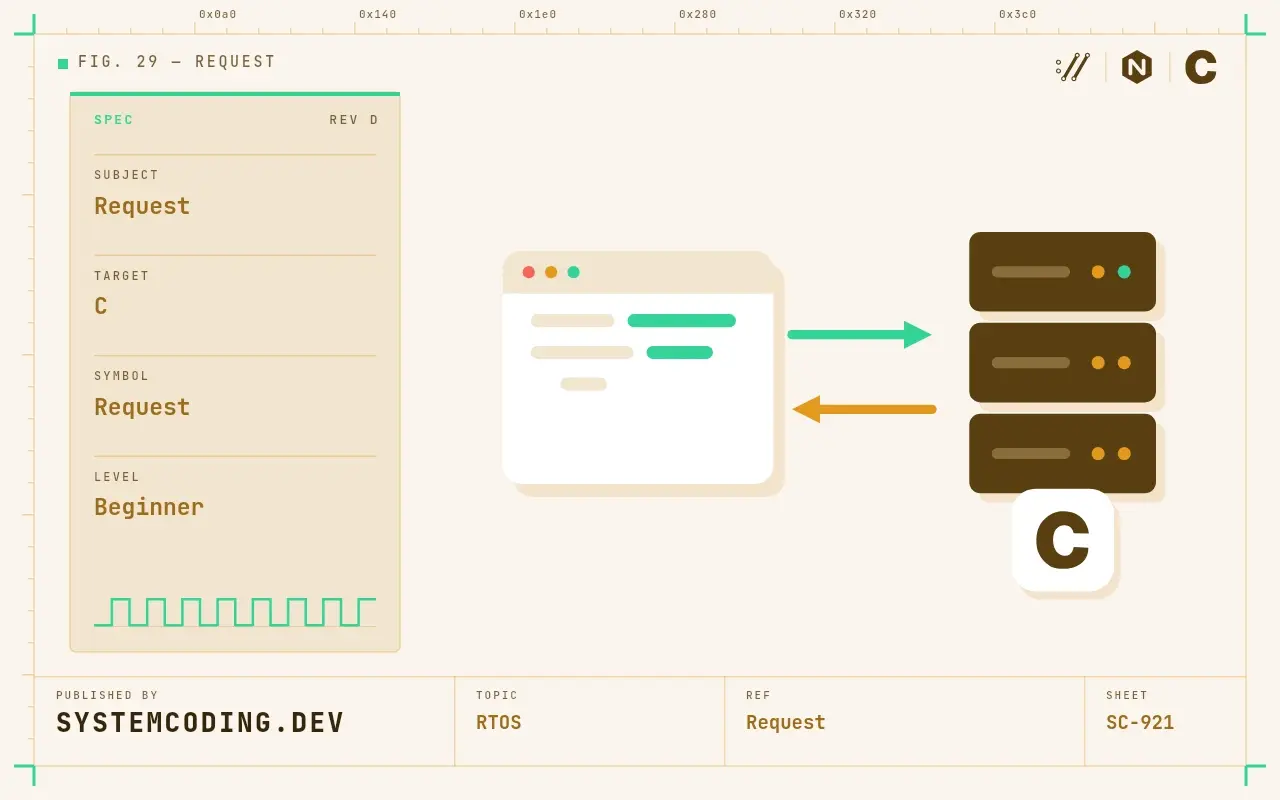
With a toolchain and a BSP installed, as in the previous post, the next step is a program of your own. RTEMS offers several programming interfaces: the POSIX API, the ITRON API and the original RTEMS Classic API, which is the native interface and the one most RTEMS documentation uses. This post writes a Classic API program for RTEMS 6 that creates two tasks, runs them for a few seconds and exits, on the SPARC erc32 BSP built earlier. It follows the structure of the samples in the RTEMS tree and the RTEMS Classic API Guide, which is the reference for every call used here.
How an RTEMS program is put together
An RTEMS application is not a program with main() in the usual sense. The kernel starts, initializes the BSP and the drivers, and then creates one or more initialization tasks that you define. The usual one is called Init. It runs first, creates whatever else the application needs and either keeps working or deletes itself.
The second unusual part is configuration. RTEMS does not allocate memory for objects dynamically at run time in the way a desktop program does; it reserves its tables at link time according to a set of CONFIGURE_ macros that you define before including the header rtems/confdefs.h. If you ask for four tasks, space for four tasks is reserved, and a fifth creation fails. This gives predictable memory use, and it is the step beginners forget.
The program
#include <rtems.h>
#include <stdio.h>
#include <stdlib.h>

rtems_task Init(rtems_task_argument argument);
rtems_task Worker(rtems_task_argument argument);

rtems_task Worker(rtems_task_argument argument)
{
	for (int i = 0; i < 3; i++) {
		printf("worker %d: step %d\n", (int)argument, i);
		rtems_task_wake_after(100);
	}
	rtems_task_delete(RTEMS_SELF);
}

rtems_task Init(rtems_task_argument argument)
{
	rtems_id id[2];
	rtems_status_code sc;

	printf("Init: starting two workers\n");

	for (int n = 0; n < 2; n++) {
		sc = rtems_task_create(
			rtems_build_name('W', 'K', 'R', '0' + n),
			100 + n,
			RTEMS_MINIMUM_STACK_SIZE * 2,
			RTEMS_DEFAULT_MODES,
			RTEMS_DEFAULT_ATTRIBUTES,
			&id[n]);
		if (sc != RTEMS_SUCCESSFUL) {
			printf("create failed: %s\n", rtems_status_text(sc));
			exit(1);
		}

		sc = rtems_task_start(id[n], Worker, n + 1);
		if (sc != RTEMS_SUCCESSFUL) {
			printf("start failed: %s\n", rtems_status_text(sc));
			exit(1);
		}
	}

	rtems_task_wake_after(500);
	printf("Init: done\n");
	exit(0);
}

#define CONFIGURE_APPLICATION_NEEDS_CLOCK_DRIVER
#define CONFIGURE_APPLICATION_NEEDS_CONSOLE_DRIVER
#define CONFIGURE_MAXIMUM_TASKS 4
#define CONFIGURE_RTEMS_INIT_TASKS_TABLE
#define CONFIGURE_INIT

#include <rtems/confdefs.h>
Read it from the bottom, because the configuration block makes the rest make sense. CONFIGURE_APPLICATION_NEEDS_CLOCK_DRIVER links the timer interrupt driver that gives RTEMS its tick; without it rtems_task_wake_after() never returns. CONFIGURE_APPLICATION_NEEDS_CONSOLE_DRIVER links the serial console so printf has somewhere to write. CONFIGURE_MAXIMUM_TASKS 4 reserves room for four tasks: the two workers, the Init task and a spare. CONFIGURE_RTEMS_INIT_TASKS_TABLE tells the configuration header to build a default table with one initialization task named Init. Finally CONFIGURE_INIT asks confdefs.h to emit the actual tables in this file, which must happen in exactly one source file.
What the calls mean
rtems_task Init(rtems_task_argument argument) is the entry point's type: rtems_task is a function returning nothing, and the argument is an unsigned value-sized integer passed at start. rtems_task_create() takes a name, a priority, a stack size, mode flags, attributes and a pointer where it stores the task's identifier. The name is a 32-bit value made of four characters by rtems_build_name(); it is for humans and debugging tools, and the identifier returned in the last argument is what the program uses afterwards. The priority is a number from 1 to 255, and in RTEMS lower numbers are more urgent, so the workers at 100 and 101 run at a lower urgency than a priority-50 task. RTEMS_MINIMUM_STACK_SIZE is a BSP-dependent minimum; multiplying it gives headroom for printf, which is stack-hungry. RTEMS_DEFAULT_MODES makes the task preemptible with interrupts enabled, and RTEMS_DEFAULT_ATTRIBUTES means no floating point, which is what you want unless the task does floating-point work.
rtems_task_start(id, entry, argument) makes a created task ready to run. Creating and starting are separate steps so you can create many objects before any runs. rtems_task_wake_after(ticks) sleeps for a number of clock ticks; the tick length is set by CONFIGURE_MICROSECONDS_PER_TICK, whose default is 10,000 microseconds, so 100 ticks is one second. rtems_task_delete(RTEMS_SELF) ends the calling task. Every call returns an rtems_status_code, with RTEMS_SUCCESSFUL for success, and rtems_status_text() turns a code into a readable string, which is why the example prints it on failure.
Build it
Compile with the cross compiler from the installed BSP. The RTEMS manual's command line for a single file uses the BSP's library directory and the specs file:
export RTEMS_PREFIX=$HOME/quick-start/rtems/6
export PATH=$RTEMS_PREFIX/bin:$PATH

sparc-rtems6-gcc -B$RTEMS_PREFIX/sparc-rtems6/erc32/lib/ \
    -specs bsp_specs -qrtems -O2 -g hello.c -o hello.exe
The option -B tells the compiler where the BSP's start files and libraries are, -specs bsp_specs and -qrtems apply the RTEMS linking rules, and the result is an ELF executable. Real projects use a wscript or a Makefile derived from the RTEMS examples, but one command is enough to see it work. If the compiler complains that it cannot find rtems.h, the PATH or -B path is wrong.
Run it on the simulator
The Source Builder's SPARC set includes the SIS simulator. Start it with the executable:
sparc-rtems6-sis hello.exeAt its prompt, type run. The program output appears on the simulator's console:
Init: starting two workers
worker 1: step 0
worker 2: step 0
worker 1: step 1
worker 2: step 1
worker 1: step 2
worker 2: step 2
Init: done
The workers alternate because they have almost the same priority and sleep for the same time, and the order of two simultaneous wakeups is decided by the kernel's ready queue. The interleaving of the two worker lines in a given step can differ from one run to the next if the timing differs, but each worker's steps are in order and Init: done comes last, after 500 ticks. Use quit to leave the simulator.
Common errors
A program that hangs at the first rtems_task_wake_after() is missing the clock driver macro. A program that prints nothing is missing the console driver, or the BSP's console is on a different device than the simulator shows. An RTEMS_TOO_MANY status from rtems_task_create() means CONFIGURE_MAXIMUM_TASKS is too small. An error at link time about duplicate tables means CONFIGURE_INIT appears in more than one file. A crash right after start-up often means the stack size is too small for printf.
Why the fixed tables are a feature
New users often find the configuration macros tedious, so it is worth saying why they exist. A real-time system must know, before it runs, that it has enough memory for everything it will ever do, because an allocation failure in the field is a failure of the product. By making you state the number of tasks, semaphores and queues up front, RTEMS can reserve them at link time and report the total, and creation calls cannot fail for lack of memory later. The cost is the need to update the numbers when the design grows; the benefit is that the memory map is a known quantity. If you need more flexibility, the Classic API also supports an unlimited mode for some objects, where the pool grows from the heap, at the price of predictability.
Where to go next
The Classic API has semaphores, message queues, events, partitions and timers, each with its own rtems_*_create() and identifier. Every one needs its CONFIGURE_MAXIMUM_ setting. Learn the task, then the semaphore and the message queue; they cover most programs. The RTEMS Classic API Guide is organized by manager, and each chapter lists its directives with status codes.