USB Descriptors, Endpoints and Enumeration Explained
Understand what a USB device tells the host when plugged in: device, configuration, interface and endpoint descriptors and the enumeration steps.
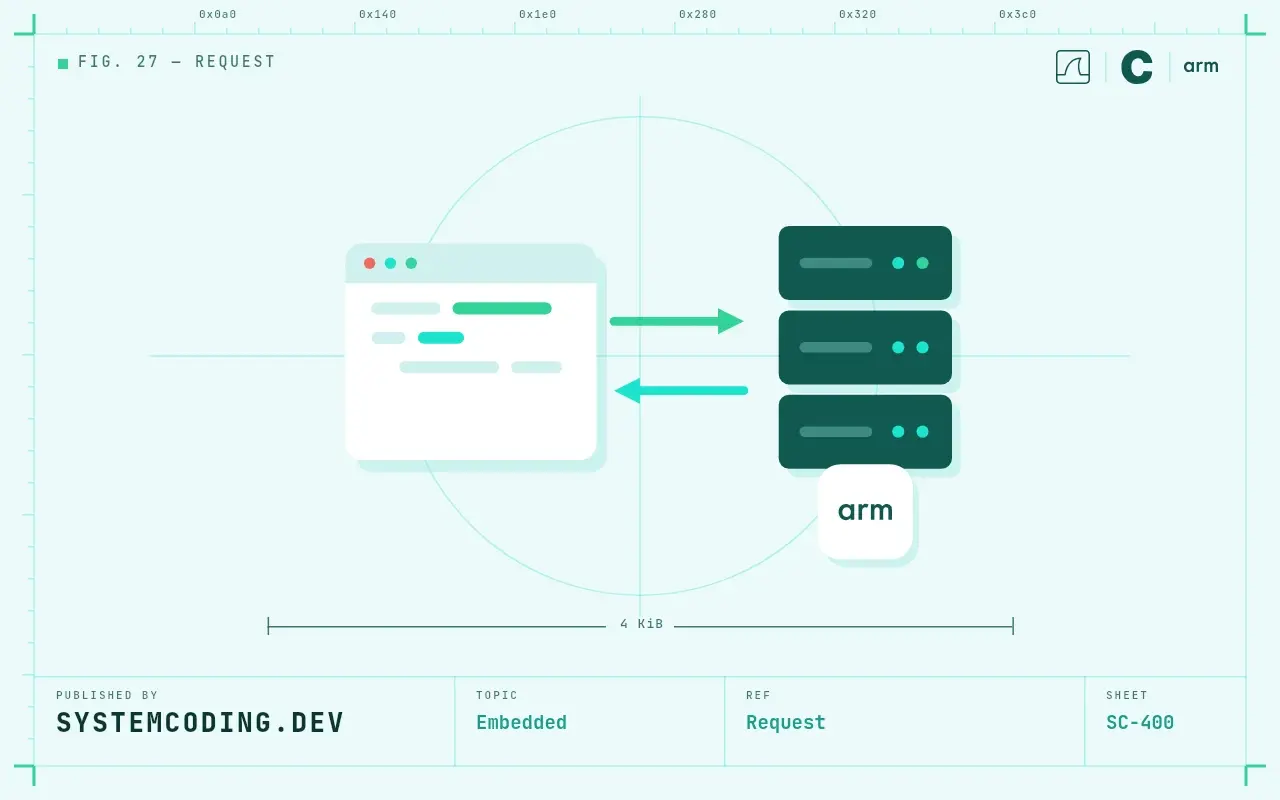
When you plug in a USB device, nothing in the host knows what it is. There is no driver loaded, no address assigned and no way to guess whether the thing on the cable is a keyboard, a flash drive or a serial adapter. The host finds out by asking, and the device answers with a set of small binary structures called descriptors. Everything a firmware engineer writes for a USB device comes down to getting those descriptors right and then moving data through the endpoints they declare. This post explains the descriptor hierarchy, the layout of each descriptor, the control request that fetches them and the enumeration sequence the host follows, using the USB 2.0 specification (chapter 9, "USB Device Framework") as the reference.
The hierarchy
A device presents its identity as a tree:
| Level | Descriptor | What it answers |
|---|---|---|
| Device | One per device | Who are you (vendor ID, product ID), what USB version, how big is endpoint 0? |
| Configuration | One or more | A power and capability profile; the host selects exactly one |
| Interface | One or more per configuration | One function, such as "serial port" or "keyboard"; carries the class code |
| Endpoint | Zero or more per interface | One data pipe: direction, transfer type, packet size |
A composite device (a headset with audio and buttons, or a serial port plus a mass storage disk) has one configuration with several interfaces. The host reads the whole configuration tree in one request, because the configuration descriptor's wTotalLength covers the configuration descriptor and everything below it.
The device descriptor
The device descriptor is exactly 18 bytes:
| Offset | Field | Size | Example | Meaning |
|---|---|---|---|---|
| 0 | bLength | 1 | 0x12 | Size of this descriptor, 18 |
| 1 | bDescriptorType | 1 | 0x01 | Device |
| 2 | bcdUSB | 2 | 0x0200 | USB version 2.0 |
| 4 | bDeviceClass | 1 | 0x02 | Communications device, or 0x00 to defer to the interfaces |
| 5 | bDeviceSubClass | 1 | 0x00 | |
| 6 | bDeviceProtocol | 1 | 0x00 | |
| 7 | bMaxPacketSize0 | 1 | 0x40 | Endpoint 0 packet size: 8, 16, 32 or 64 |
| 8 | idVendor | 2 | 0x1209 | Vendor ID assigned by the USB-IF |
| 10 | idProduct | 2 | 0x0001 | Product ID chosen by the vendor |
| 12 | bcdDevice | 2 | 0x0100 | Device release number |
| 14 | iManufacturer | 1 | 0x01 | Index of a string descriptor, or 0 for none |
| 15 | iProduct | 1 | 0x02 | |
| 16 | iSerialNumber | 1 | 0x03 | |
| 17 | bNumConfigurations | 1 | 0x01 | Number of configurations |
Multi-byte fields are little-endian. The vendor ID is the part that costs money: the USB Implementers Forum sells vendor IDs. Projects that cannot buy one use 0x1209 with a product ID from the pid.codes registry (0x0001 is its test ID, and not for products), or a vendor ID from a chip vendor's licensing program. Never ship a product with an ID you do not own.
In C the descriptor is a byte array, and writing it as bytes makes the layout obvious:
#include <stdint.h>

static const uint8_t device_desc[18] = {
	18,             /* bLength */
	1,              /* bDescriptorType: device */
	0x00, 0x02,     /* bcdUSB 2.00 */
	0x00,           /* bDeviceClass: defined at interface level */
	0x00,           /* bDeviceSubClass */
	0x00,           /* bDeviceProtocol */
	64,             /* bMaxPacketSize0 */
	0x09, 0x12,     /* idVendor 0x1209 */
	0x01, 0x00,     /* idProduct 0x0001 */
	0x00, 0x01,     /* bcdDevice 1.00 */
	1, 2, 3,        /* iManufacturer, iProduct, iSerialNumber */
	1,              /* bNumConfigurations */
};
The configuration and what hangs off it
A configuration descriptor is 9 bytes: bLength (9), bDescriptorType (2), wTotalLength (the total of this and every following descriptor), bNumInterfaces, bConfigurationValue (the number the host uses to select it, usually 1), iConfiguration, bmAttributes (bit 7 must be 1; bit 6 self-powered; bit 5 remote wakeup) and bMaxPower in units of 2 mA. A bus-powered device that draws 100 mA sets bMaxPower to 50, and the host may refuse to configure a device that asks for more than the port can give.
An interface descriptor is also 9 bytes: its number, an alternate setting, the number of endpoints it uses (not counting endpoint 0), and the class, subclass and protocol codes that tell the host which driver to bind. Class 0x03 is HID, 0x02 and 0x0A are the two interfaces of a CDC serial port, 0x08 is mass storage, 0xFF is vendor-specific.
An endpoint descriptor is 7 bytes:
| Field | Meaning |
|---|---|
bEndpointAddress | Low 4 bits are the endpoint number; bit 7 is the direction, 1 for IN (device to host) and 0 for OUT |
bmAttributes | Low 2 bits give the transfer type: 0 control, 1 isochronous, 2 bulk, 3 interrupt |
wMaxPacketSize | Largest packet the endpoint handles: up to 64 bytes for full-speed bulk and interrupt |
bInterval | Polling interval in milliseconds (full-speed interrupt) |
Direction is always from the host's point of view. An endpoint "IN 1" (address 0x81) is where the device puts data for the host to read; "OUT 2" (address 0x02) is where the host sends data. Beginners swap them constantly. Endpoint 0 is special: it is bidirectional, always control, never declared in an endpoint descriptor, and its size comes from bMaxPacketSize0.
The four transfer types
| Type | Delivery | Typical use |
|---|---|---|
| Control | Guaranteed, with a setup stage; reserved bandwidth | Enumeration, configuration requests |
| Bulk | Guaranteed, no timing guarantee; fills leftover bandwidth | Serial data, mass storage |
| Interrupt | Guaranteed, bounded latency; polled at bInterval | Keyboards, mice, small status data |
| Isochronous | Timing guaranteed, no retry on error | Audio, video |
The host schedules everything. A device never speaks first: it answers when the host polls an endpoint, which is why "send data" on a device means "load a buffer and wait to be polled".
The control request that fetches descriptors
All enumeration traffic runs on endpoint 0 as control transfers. A control transfer starts with an 8-byte setup packet:
| Field | Size | Meaning |
|---|---|---|
bmRequestType | 1 | Direction (bit 7), type (standard, class, vendor), recipient |
bRequest | 1 | The request number |
wValue | 2 | Request-specific |
wIndex | 2 | Request-specific |
wLength | 2 | Number of bytes in the data stage |
To read the device descriptor, the host sends bmRequestType = 0x80 (device to host, standard, device), bRequest = 6 (GET_DESCRIPTOR), wValue = 0x0100 (descriptor type 1 in the high byte, index 0 in the low) and wLength = 64. The device returns its 18 bytes, shorter than wLength, which ends the data stage.
The enumeration sequence
Attach. The device pulls D+ high (full-speed) through a 1.5 kilo-ohm resistor, which the host detects as a connection.
Reset. The host drives a bus reset, and the device is in the default state with address 0.
**First
GET_DESCRIPTOR(device).** The host asks for the first 8 bytes at address 0, mainly to learnbMaxPacketSize0. The bytes are the start of the device descriptor, up to and including that field.**Second reset (on many hosts), then
SET_ADDRESS** (bRequest = 5, address inwValue). The device must switch to the new address after the status stage of this request completes.**Full
GET_DESCRIPTOR(device)** at the new address, thenGET_DESCRIPTOR(configuration)first for 9 bytes to readwTotalLengthand again for the whole thing, and string descriptors for the manufacturer, product and serial number.**
SET_CONFIGURATION** (bRequest = 9, configuration value inwValue). The device enables its endpoints, and class drivers on the host bind to the interfaces.
On Linux, lsusb -v prints the result of all of this, and it is the fastest way to check your descriptors:
Bus 001 Device 007: ID 1209:0001 Generic pid.codes Test PID
Device Descriptor:
  bLength                18
  bDescriptorType         1
  bcdUSB               2.00
  bDeviceClass            0
  bMaxPacketSize0        64
  idVendor           0x1209 Generic
  idProduct          0x0001 pid.codes Test PID
  bcdDevice            1.00
  bNumConfigurations      1
On Windows, USBView and the device's properties page show the same data. When enumeration fails, the host's kernel log is the best clue: on Linux, dmesg lines like device descriptor read/64, error -71 mean the device did not answer the first request, which is almost always a firmware crash, a wrong clock or a wiring problem on D+ and D-.
Strings
Descriptors point at strings by index. String descriptor 0 is a list of supported language IDs (0x0409 for US English), and the other indices return UTF-16LE text with a length byte and type 3. A device can omit all strings by setting the indices to 0, but a missing serial number makes two identical devices indistinguishable to the host, and Windows treats a device without one as the same device on different ports.
Common mistakes
**Wrong wTotalLength. The most frequent cause of a device that enumerates and then does nothing: the host reads only as many bytes as the field says, so a total that is too small cuts the endpoint descriptors off. Wrong endpoint direction bit. An interface that declares OUT where the firmware sends IN produces a device that enumerates fine and never transfers data. bMaxPacketSize0 not matching the hardware. Control transfers with data stages longer than the declared size fail in confusing ways. Not responding to SET_ADDRESS correctly.** The new address takes effect after the status stage; changing it earlier makes the host's next request vanish.