Step Through Code With next, step, finish and until in GDB
Move through a C program one line at a time in GDB with next, step, finish, until and advance, and learn which one to use when a line calls a function.
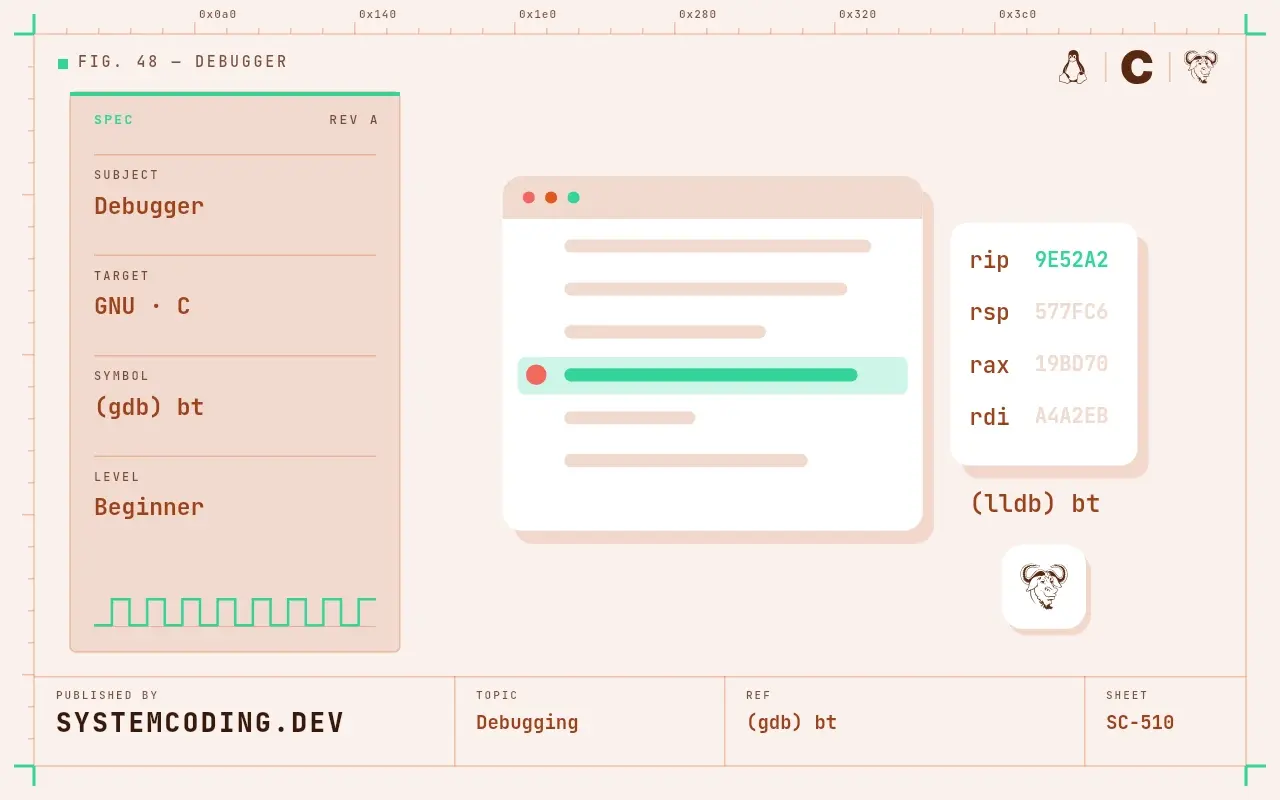
Once a breakpoint has stopped the program, the next question is always where to go from there. GDB has a small family of stepping commands, and the difference between them is a single idea: what happens when the current line calls a function. next runs the call and stays in your function. step goes into the call. finish runs until the current function returns. until and advance run to a place further on. Pick the wrong one and you either skip the line you needed to see, or you end up forty frames deep in the C library. This post uses one small program to show each command and what it prints, on GDB 16.3 with GCC 14 at -g -O0.
The program
The program computes a running average of a few readings, through two functions, so there is something to step into and a loop to step out of.
#include <stdio.h>

static int square(int x)
{
    return x * x;
}

static int sum_of_squares(const int *v, int n)
{
    int acc = 0;
    for (int i = 0; i < n; i++) {
        int sq = square(v[i]);
        acc += sq;
    }
    return acc;
}

int main(void)
{
    int readings[] = {3, 4, 5};
    int n = 3;
    int total = sum_of_squares(readings, n);
    printf("total = %d\n", total);
    return 0;
}
The squares are 9, 16 and 25, so the total is 50. Build it and stop at the call in main.
gcc -g -O0 -Wall -Wextra -o avg avg.c
gdb -q ./avg(gdb) break 22
Breakpoint 1 at 0x1181: file avg.c, line 22.
(gdb) run
Starting program: /home/dev/avg
Breakpoint 1, main () at avg.c:22
22 int total = sum_of_squares(readings, n);The line about to run calls sum_of_squares. Everything below starts from this stop.
next: run the line, stay here
next, abbreviated n, executes the current source line completely and stops at the next line in the same function. If the line contains a call, the whole call runs, including everything it calls, and you do not see inside it.
(gdb) next
23	    printf("total = %d\n", total);
(gdb) print total
$1 = 50
The call finished, and total already holds 50. This is the right command when you trust the function and want to see its result, or when the call is to something huge such as printf, where stepping inside would show you library code with no source.
Pressing Enter on an empty line repeats the previous command, so after one next, a run of Enter presses walks the program forward line by line. That behaviour is deliberate and applies to step, stepi and a few others, but not to run, which would be dangerous to repeat by accident.
step: go into the call
Start again from the same stop and use step instead.
(gdb) run
The program being debugged has been started already.
Start it from the beginning? (y or n) y
Starting program: /home/dev/avg

Breakpoint 1, main () at avg.c:22
22	    int total = sum_of_squares(readings, n);
(gdb) step
sum_of_squares (v=0x7fffffffe0e4, n=3) at avg.c:10
10 int acc = 0;step, abbreviated s, stops at the first line of the called function and prints the function header with its arguments. You are now one frame deeper. Another step runs line 10 and stops on the for line. Stepping once more enters the loop body, and the next step on int sq = square(v[i]); dives into square.
(gdb) step
11	    for (int i = 0; i < n; i++) {
(gdb) step
12	        int sq = square(v[i]);
(gdb) step
square (x=3) at avg.c:5
5	    return x * x;
step only enters functions that have line information. A call into a library without debug symbols is stepped over, as if you had typed next, so step on a printf line will not drop you into libc. If you want it to enter such a function anyway, set step-mode on makes it stop at the function's first instruction, but without source you will be reading assembly.
finish: run until the function returns
You are inside square and have seen enough. finish, abbreviated fin, runs until the selected frame returns to its caller, then stops and prints the return value.
(gdb) finish
Run till exit from #0  square (x=3) at avg.c:5
0x0000555555555174 in sum_of_squares (v=0x7fffffffe0e4, n=3) at avg.c:12
12	        int sq = square(v[i]);
Value returned is $2 = 9
Two things to notice. The stop is in the middle of line 12, shown with an address, because the return lands after the call instruction and the assignment to sq has not happened yet. And GDB recorded the value 9 as $2, so you can use it later in an expression. The first line, Run till exit from, names the frame that is about to be left, with its frame number.
finish is the command to reach for after you step into something by accident. It is also the fastest way to answer "what does this function return for this input?".
until: leave a loop, or run to a line
until, abbreviated u, is next with one difference: it does not go backwards. At the end of a loop body, next jumps back to the top of the loop, and you walk the same lines again for every iteration. until at the bottom of a loop keeps running until a line greater than the current one is reached, which means the loop has finished.
(gdb) next
13	        acc += sq;
(gdb) next
11	    for (int i = 0; i < n; i++) {
(gdb) until
12	        int sq = square(v[i]);
That until did not leave the loop, because the jump back to line 12 is a forward move from line 11, where we stood. The behaviour that surprises people is at the final line of the body. Used on line 13's closing jump, it continues until the loop is over. A reliable way to leave a loop is to give until a location.
(gdb) until 15
sum_of_squares (v=0x7fffffffe0e4, n=3) at avg.c:15
15	    return acc;
until LOCATION runs until the program reaches that location or the current frame returns, whichever comes first. The frame check is what makes it safe: if the function returns before line 15, GDB stops in the caller rather than running away. advance LOCATION is nearly the same but does not stop at the end of the current frame, so it can run into the caller and onward.
What each command does with a call
| Command | Runs | On a call to a function with debug info | Stops when |
|---|---|---|---|
next | one line | runs the call, does not enter | the next line in this frame |
step | one line | enters the call | the first line of the callee |
finish | until return | n/a | the current frame returns |
until | until a later line | runs calls | a line after the current one, or frame exit |
until LOC / advance LOC | to a location | runs calls | LOC is reached (until also stops at frame exit) |
continue | until a breakpoint | runs everything | the next breakpoint, signal or exit |
All of these accept a count: next 3 repeats three times and step 2 enters twice. The count stops early if a breakpoint hits first.
Breakpoints inside the code you skip
next and finish run the code they skip, so a breakpoint inside it still fires. If you type next over sum_of_squares while a breakpoint sits in square, you stop in square with a normal breakpoint report, not at the next line. That is correct and useful, but it surprises people who expected next to go to the next line. Use info breakpoints to see what is set, or disable the one that is in the way.
Stepping out of the end of a function
When next or step reaches the closing brace and runs it, GDB returns to the caller and shows the line that made the call, mid-line, with the address, in the same form finish printed. A second next completes that line. After main returns you land in the C library's startup code, where next prints __libc_start_call_main (...) at ../sysdeps/nptl/libc_start_call_main.h:74 and 74 ../sysdeps/nptl/libc_start_call_main.h: No such file or directory. Source for libc is usually not installed, which is why the message appears. Type continue to let the program exit.
Optimised code
All the behaviour above assumes -O0. In an optimised build, lines are reordered, calls are inlined and next may seem to jump back and forth or skip lines entirely. That is the compiler's line table, not a bug in GDB, and the post on debugging optimised builds explains how to cope with it.