Serve a Web Page From ESP32 With esp_http_server
Run a web server on an ESP32 with esp_http_server in ESP-IDF v5.4: register GET and POST handlers, embed an HTML file and return JSON.
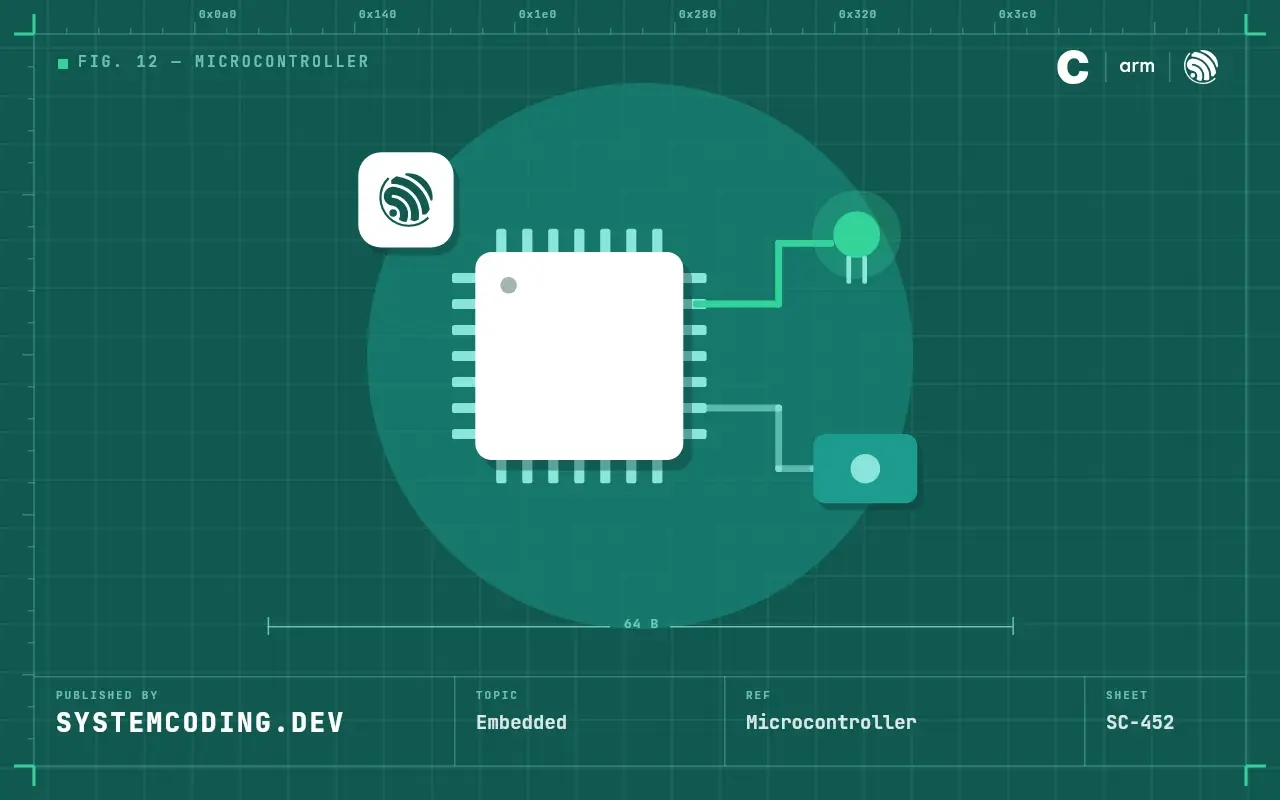
Once an ESP32 has an IP address, a web page is the quickest way to give it a user interface: a status page, a form to enter settings, a JSON endpoint for a script. ESP-IDF includes a small HTTP server component, esp_http_server, that runs in its own task and dispatches requests to handler functions you register by URI and method. This post builds a server in ESP-IDF v5.4 that serves an embedded HTML page, answers a JSON status request, accepts a form POST that changes a setting, and shuts down cleanly. It assumes the device is already connected to Wi-Fi as in the station-mode post, and it uses the standard HTTP/1.1 behaviour described in RFC 9110 and 9112.
An embedded server is not a general web server. It has a handful of connections, limited memory and no TLS unless you use the HTTPS variant. Design the pages with that in mind.
Start the server and register handlers
The component is esp_http_server. Add it to REQUIRES in main/CMakeLists.txt if your code does not reach it by default. The server is created from a configuration struct filled by a macro with sensible defaults, then each URI is registered as a httpd_uri_t:
#include <string.h>
#include "esp_http_server.h"
#include "esp_log.h"

static const char *TAG = "web";

static esp_err_t index_get(httpd_req_t *req);
static esp_err_t status_get(httpd_req_t *req);
static esp_err_t led_post(httpd_req_t *req);

static const httpd_uri_t uris[] = {
  { .uri = "/",           .method = HTTP_GET,  .handler = index_get  },
  { .uri = "/api/status", .method = HTTP_GET,  .handler = status_get },
  { .uri = "/api/led",    .method = HTTP_POST, .handler = led_post   },
};

httpd_handle_t web_start(void)
{
  httpd_config_t config = HTTPD_DEFAULT_CONFIG();
  config.stack_size = 6144;
  config.max_uri_handlers = 8;
  config.lru_purge_enable = true;

  httpd_handle_t server = NULL;
  if (httpd_start(&server, &config) != ESP_OK) {
    ESP_LOGE(TAG, "failed to start server");
    return NULL;
  }

  for (size_t i = 0; i < sizeof(uris) / sizeof(uris[0]); i++) {
    ESP_ERROR_CHECK(httpd_register_uri_handler(server, &uris[i]));
  }
  ESP_LOGI(TAG, "server listening on port %d", config.server_port);
  return server;
}

void web_stop(httpd_handle_t server)
{
  if (server) {
    httpd_stop(server);
  }
}
HTTPD_DEFAULT_CONFIG() sets port 80, a stack of 4096 bytes for the server task, and 8 URI handlers. The handler stack is where your callback functions run, so raise stack_size if a handler formats large strings on the stack. lru_purge_enable lets the server close the least recently used connection when it runs out of sockets, which stops a browser holding idle keep-alive connections from locking out the next client. The default limit on open sockets is 7, set by max_open_sockets, and it is also bounded by the lwIP socket count in menuconfig.
Serve an embedded HTML file
Typing HTML into C strings is error-prone. ESP-IDF can embed a file into the firmware at build time with the EMBED_FILES or EMBED_TXTFILES option in idf_component_register, which makes the file's contents available through linker symbols. Create main/index.html:
<!doctype html>
<html>
<head><meta charset="utf-8"><title>ESP32</title></head>
<body>
  <h1>ESP32 control</h1>
  <p id="uptime">loading...</p>
  <form method="post" action="/api/led">
    <button name="state" value="on">LED on</button>
    <button name="state" value="off">LED off</button>
  </form>
  <script>
    fetch('/api/status').then(r => r.json()).then(s => {
      document.getElementById('uptime').textContent = 'uptime ' + s.uptime_s + ' s';
    });
  </script>
</body>
</html>
Register it in the component file:
idf_component_register(SRCS "main.c" "web.c"
                       INCLUDE_DIRS "."
                       EMBED_TXTFILES "index.html")
EMBED_TXTFILES appends a terminating zero byte, so the symbol can be used as a C string, while EMBED_FILES embeds the bytes without one. The generated symbols are named _binary_index_html_start and _binary_index_html_end, derived from the file name with punctuation turned into underscores. The handler sends the bytes between them:
#include "esp_http_server.h"
#include "esp_system.h"
#include "esp_timer.h"
#include "driver/gpio.h"
#include <stdio.h>
#include <string.h>

extern const char index_html_start[] asm("_binary_index_html_start");
extern const char index_html_end[]   asm("_binary_index_html_end");

#define LED_GPIO GPIO_NUM_2

esp_err_t index_get(httpd_req_t *req)
{
  httpd_resp_set_type(req, "text/html");
  return httpd_resp_send(req, index_html_start,
                         index_html_end - index_html_start - 1);
}

esp_err_t status_get(httpd_req_t *req)
{
  char body[96];
  int64_t uptime_s = esp_timer_get_time() / 1000000;
  int len = snprintf(body, sizeof(body),
                     "{\"uptime_s\":%lld,\"free_heap\":%lu}",
                     (long long)uptime_s,
                     (unsigned long)esp_get_free_heap_size());
  httpd_resp_set_type(req, "application/json");
  return httpd_resp_send(req, body, len);
}
The - 1 drops the added zero byte from the length. In status_get, the response is small enough for a stack buffer; for larger JSON, use httpd_resp_send_chunk in pieces instead of buffering the whole body, because ESP32 RAM is the limit.
A request from another machine, with an uptime of 154 seconds and 281,000 bytes of free heap, returns:
GET /api/status HTTP/1.1
200 OK
Content-Type: application/json

{"uptime_s":154,"free_heap":281000}
The values on your board will differ. Headers other than Content-Type and Content-Length, which the server adds, are not shown.
Handle a form POST
The POST handler must read the request body. req->content_len gives its size, and httpd_req_recv reads it, possibly in several calls, so loop until all bytes arrive. Reject requests larger than the buffer, because accepting an unbounded body is how a small device runs out of memory:
#include <string.h>
#include "esp_http_server.h"
#include "driver/gpio.h"

#define LED_GPIO GPIO_NUM_2

esp_err_t led_post(httpd_req_t *req)
{
  char buf[32];

  if (req->content_len >= sizeof(buf)) {
    httpd_resp_send_err(req, HTTPD_413_CONTENT_TOO_LARGE, "body too large");
    return ESP_FAIL;
  }

  size_t received = 0;
  while (received < req->content_len) {
    int n = httpd_req_recv(req, buf + received, req->content_len - received);
    if (n <= 0) {
      if (n == HTTPD_SOCK_ERR_TIMEOUT) {
        continue;
      }
      return ESP_FAIL;
    }
    received += n;
  }
  buf[received] = '\0';

  if (strcmp(buf, "state=on") == 0) {
    gpio_set_level(LED_GPIO, 1);
  } else if (strcmp(buf, "state=off") == 0) {
    gpio_set_level(LED_GPIO, 0);
  } else {
    httpd_resp_send_err(req, HTTPD_400_BAD_REQUEST, "unknown state");
    return ESP_FAIL;
  }

  httpd_resp_set_status(req, "303 See Other");
  httpd_resp_set_hdr(req, "Location", "/");
  return httpd_resp_send(req, NULL, 0);
}
A browser submitting the form sends application/x-www-form-urlencoded, so the body for the first button is exactly state=on. The handler answers with a 303 redirect back to the page, which is the standard way to stop a browser re-submitting the form on refresh. Returning ESP_FAIL from a handler tells the server to close the connection.
The constant for the 413 status is named HTTPD_413_CONTENT_TOO_LARGE in ESP-IDF v5.4; older releases call it HTTPD_413_PAYLOAD_TOO_LARGE, so check the header if you build against another version.
Mind the limits
The server runs your handler in its own task and handles requests one at a time per server instance, so a slow handler blocks other clients. Do slow work, such as reading a slow sensor, in another task and let the handler return the last value. Never call a blocking function with a long timeout inside a handler.
There is no authentication by default. Anyone on the network can send the POST above. For anything that controls hardware, add at least HTTP Basic or a token check in the handler, and use the HTTPS server, esp_https_server, because Basic credentials on plain HTTP are readable on the network. TLS costs RAM and flash, and a certificate must be embedded in the same way as the HTML file.
Browsers also ask for /favicon.ico. An unregistered URI returns a 404 and logs a message, which is harmless, but you can register a handler that returns 204 to keep the log quiet. A catch-all error handler for 404 is set with httpd_register_err_handler(server, HTTPD_404_NOT_FOUND, handler).
Stopping and restarting with Wi-Fi events
A server bound to an interface that goes away should be stopped and restarted when the IP address returns. The usual pattern keeps a server handle in a global and starts it from the IP_EVENT_STA_GOT_IP handler and stops it on WIFI_EVENT_STA_DISCONNECTED, using httpd_stop, which closes all connections and frees the task.
Testing a handler without a browser
A handler is a function from a request to a response, so test it as one. From a laptop on the same network, curl exercises each route and shows exactly what the browser would receive:
curl -i http://192.168.1.42/api/status
curl -i -X POST -d 'state=on' http://192.168.1.42/api/led
curl -i -X POST -d 'state=bogus' http://192.168.1.42/api/ledHTTP/1.1 200 OK
Content-Type: application/json
Content-Length: 35
{"uptime_s":154,"free_heap":281000}
HTTP/1.1 303 See Other
Location: /
Content-Length: 0
HTTP/1.1 400 Bad Request
Content-Type: text/html
Content-Length: 15
unknown stateThe third request proves the error path, which people forget to test. The header set can differ slightly between ESP-IDF versions, so compare status codes and bodies rather than the full header block. Keep the three commands in a script in the repository, so a regression in a handler shows up the next time someone runs it.
For more automation, ESP-IDF's pytest-embedded framework can run such requests against a connected board in continuous integration. That needs hardware in the loop, so reserve it for the endpoints that control something, and cover pure parsing, such as the form decoder, with host tests.