Memory Latency vs Memory Bandwidth Explained
Latency is the wait for one memory access and bandwidth is bytes moved per second. See how they differ, how Little's law links them and which limits your loop.
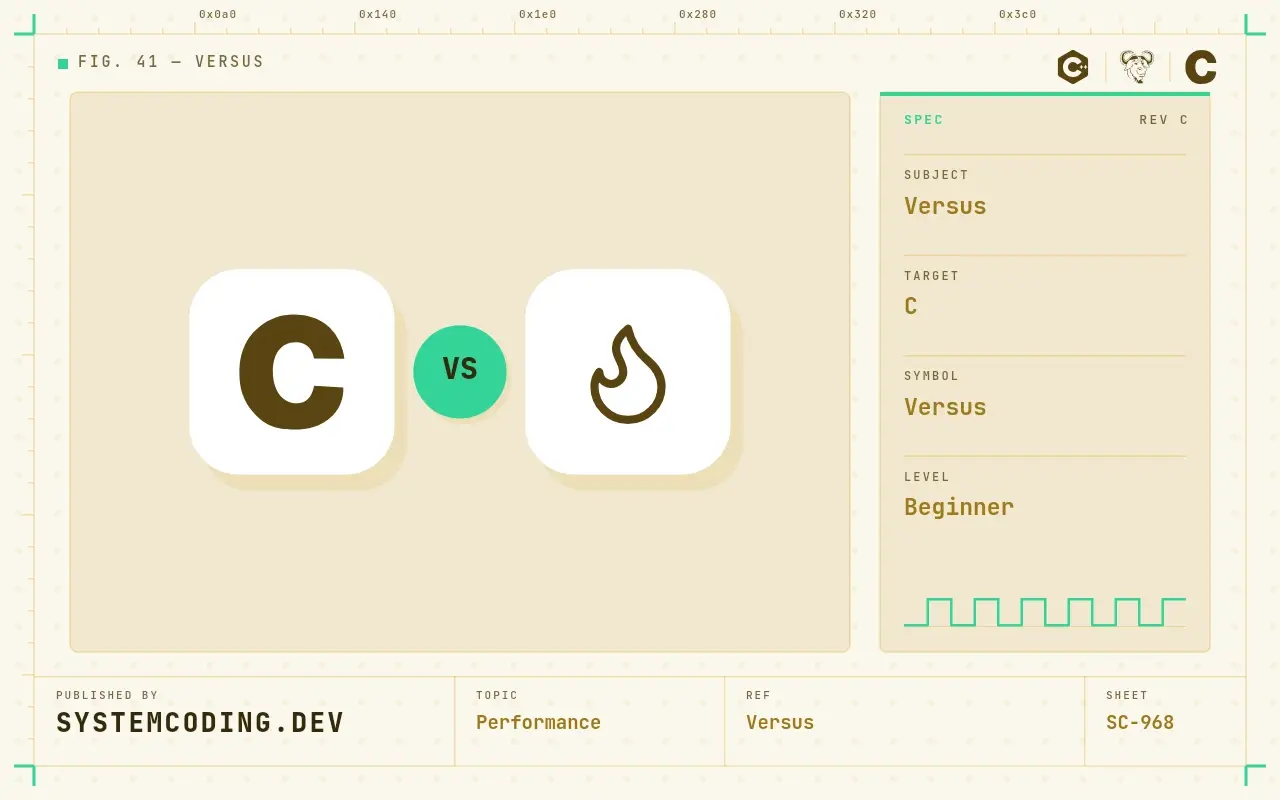
Two programs can read the same amount of memory and run at completely different speeds. One adds up a large array and finishes quickly. The other follows a chain of pointers through an array of the same size and crawls. The memory is the same, the bytes touched are the same, and the machine is the same. What differs is which of two properties of memory the program leans on: latency or bandwidth. Telling them apart is the first step in any memory-bound performance problem, and it decides whether the fix is a different data layout, more parallelism or a different algorithm. This post defines both terms from scratch, relates them with one equation, and shows the two access patterns in C. The wider picture is in the complete guide to memory bandwidth, NUMA and huge pages.
Latency is the time for one access
Memory latency is the time between a processor asking for a piece of data and receiving it. If a load misses every cache and goes to main memory, the core cannot continue with anything that depends on that value until it arrives. Latency is measured in time, nanoseconds, or in processor cycles. It is a property of a single request.
Closer memory is faster. Registers are available immediately. Level 1 cache answers in a few cycles. Each further level, then main memory, takes longer. The exact numbers depend on the processor, so they are measured rather than assumed, and a later post covers measuring loaded memory latency with Intel's Memory Latency Checker. What matters for the concept is the ordering: a main memory access costs far more than a cache hit, by a large factor on current hardware.
Bandwidth is bytes moved per second
Memory bandwidth is the rate at which data can be moved between memory and the processor over a period of time. It is measured in bytes per second, usually gigabytes per second. It is a property of the memory system as a whole: how many channels, how wide, how fast they are clocked. It says nothing about how long a single access waits.
An analogy that holds up: a pipe has a length and a width. Latency is the time for one drop to travel the length of the pipe. Bandwidth is how many liters per second flow out of the far end once the pipe is full. A long, wide pipe has high latency and high bandwidth. A short narrow pipe has the reverse.
The equation that connects them
The two are connected by the number of requests in flight at once. This is Little's law from queueing theory, applied to memory:
bytes in flight = bandwidth x latencyRearranged, the bandwidth a program can reach is the amount of data it keeps outstanding divided by the latency of each request:
achieved bandwidth = bytes in flight / latencyTake hypothetical numbers purely to show the arithmetic: if each request takes 100 ns and a core can have 10 cache lines of 64 bytes outstanding, it has 640 bytes in flight, and the ceiling is 640 bytes per 100 ns, which is 6.4 bytes per nanosecond. If the program can only issue one request at a time, because the next address depends on the previous result, then only 64 bytes are in flight and the same latency gives one tenth of that rate. The memory system could deliver far more, and the program cannot ask for it.
That single idea explains the two programs from the opening. The array sum has addresses known in advance, so the hardware prefetcher and the out-of-order engine keep many loads in flight, and it is limited by bandwidth. The pointer chase has each address depend on the previous load, so exactly one load is in flight, and it is limited by latency.
Two loops in C
This program builds both patterns over the same number of elements and prints a result that does not depend on timing, so the output is exact.
#include <stdint.h>
#include <stdio.h>
#include <stdlib.h>

#define N (1u << 22)   /* 4,194,304 elements */

static uint64_t seed = 88172645463325252ull;
static uint32_t rnd(void) {
    seed ^= seed << 13;
    seed ^= seed >> 7;
    seed ^= seed << 17;
    return (uint32_t)(seed >> 32);
}

int main(void) {
    uint32_t *data = malloc(N * sizeof *data);
    uint32_t *next = malloc(N * sizeof *next);
    if (!data || !next) return 1;

    for (uint32_t i = 0; i < N; i++) { data[i] = 1; next[i] = i; }

    /* Sattolo's algorithm: a random permutation that is one single cycle. */
    for (uint32_t i = N - 1; i > 0; i--) {
        uint32_t j = rnd() % i;          /* 0 <= j < i */
        uint32_t t = next[i]; next[i] = next[j]; next[j] = t;
    }

    /* Bandwidth-bound: addresses are independent and sequential. */
    uint64_t sum = 0;
    for (uint32_t i = 0; i < N; i++) sum += data[i];

    /* Latency-bound: each address comes from the previous load. */
    uint32_t p = 0;
    for (uint32_t i = 0; i < N; i++) p = next[p];

    printf("sum=%llu end=%u\n", (unsigned long long)sum, p);
    free(data);
    free(next);
    return 0;
}
The first loop reads sequential memory with no dependency between iterations. The CPU can issue many loads together and the prefetcher recognizes the stride. The second loop visits every element of a single cycle, so after N steps it returns to the starting index 0, whatever the shuffle produced. Sattolo's algorithm, which picks j strictly below i, guarantees one cycle covering all N elements.
sum=4194304 end=0The shuffle also defeats the prefetcher, because the next address is unpredictable. Run the two loops separately under a timer and the second will be much slower even though it reads the same number of 4-byte entries. The comparison is a measurement you make on your own machine, which is why this post gives no figure for it.
Which one is your program
A quick way to classify a loop: ask whether the address of the next load depends on the value of the previous one. Linked lists, tree traversals, hash chains and pointer-heavy object graphs are latency-bound, because the dependency serializes the misses. Streaming over arrays, matrix operations, image filters and column scans are bandwidth-bound, because the addresses are computable ahead of time.
The remedies differ. For latency, shorten the chain: use arrays instead of linked structures, store indices rather than pointers so data packs tightly, prefetch explicitly, or interleave several independent chains so more requests are in flight. For bandwidth, move fewer bytes: use smaller types, compress, fuse loops so data is read once, or spread the work across more cores and memory channels. Throwing more threads at a latency-bound single chain does nothing, and a bandwidth-bound loop stops scaling once the memory channels saturate.
Where this simplification stops
The model above treats memory as one level. Real systems have caches, and a program that fits in cache sees cache latency and cache bandwidth, which are much better. Multi-socket machines add a third dimension, where the distance to memory changes both numbers, as explained in what NUMA is and why remote memory is slower. Latency also grows under load: once bandwidth is nearly saturated, queueing delays make each request take longer, so the two are not independent at the limit. For the foundations behind all of this, see Ulrich Drepper's paper What Every Programmer Should Know About Memory.