JCL Syntax Rules: Columns, Continuations and Comments
The fixed rules of JCL syntax on z/OS: the // identifier, name, operation and operand fields, column 72, continuing a statement, and comment lines with //*.
JCL is a fixed-format language from the era of punched cards, and its rules are exactly as strict as that sounds. Position on the line matters, a missing comma changes meaning, and a character in the wrong column turns a valid statement into an error message. The rules are few, and once you hold them in your head, a JCL error becomes easy to read. This post sets them out for z/OS 3.1: the fields of a statement, the columns they occupy, how to continue a statement onto a second line, how comments work, and the delimiter statements that end data. Examples are shown as they appear in a dataset with 80-byte records.
The shape of a statement
A JCL statement is one or more 80-byte records. The first record starts with // in columns 1 and 2, called the identifier field. Then the statement has four fields, separated by blanks:
| Field | Starts at | Content |
|---|---|---|
| Name | Column 3 | An optional name of one to eight characters |
| Operation | After at least one blank | JOB, EXEC, DD and so on |
| Operand | After at least one blank | Parameters, separated by commas, with no blanks inside |
| Comment | After at least one blank | Free text, ignored |
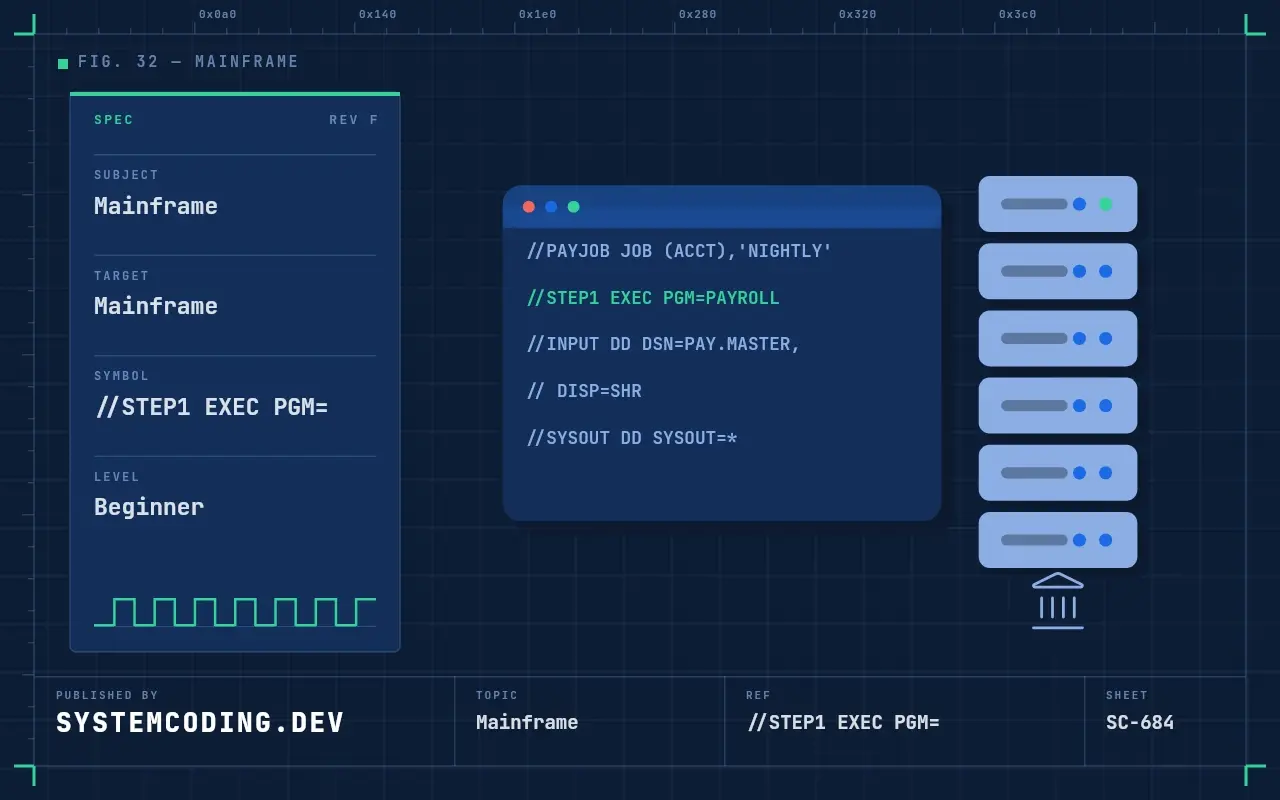
//STEP1 EXEC PGM=IEFBR14 THIS COMMENT IS IGNOREDIf a name is present, it begins in column 3, directly after the slashes, with no blank between. If there is no name, column 3 must be blank. The operation field then starts at least one blank later, and by convention in column 12, which is why the examples in this series line up that way. The convention is not enforced, but a column-aligned job is readable, and misalignment is how people discover a hidden error.
What a name may contain
A name is one to eight characters. The first must be a letter or one of the national characters @, # and $, and the rest may be letters, digits or national characters. Names identify jobs, steps and DD statements, and duplicate step names in one job are an error.
Operands, commas and blanks
Operands in the operand field are separated by commas and contain no blanks, because a blank ends the field. The first blank after the operand field starts the comment. So this statement has a comment that was not intended:
//SYSUT2 DD DSN=TEST.COPY, DISP=(NEW,CATLG)The blank after the comma ends the operands, and the system reads DISP=(NEW,CATLG) as a comment. The dataset then has no DISP, so it defaults to NEW,DELETE, and the job runs without complaint and discards its output. A blank inside the operand field is the most common silent error in JCL.
Operand values that contain blanks, commas or other special characters are written in apostrophes: 'COPY CUSTOMERS'. A literal apostrophe inside is written as two apostrophes.
Column 72 and the continuation rule
JCL statements are read only through column 71. Column 72 is a continuation marker, and columns 73 to 80 are ignored, which once held card sequence numbers. A statement that does not fit in one record continues on the next, under three rules:
End the first line at a comma, after a complete operand, and leave the rest of the line blank. Nothing needs to go in column 72 for a normal continuation.
Begin the next line with
//in columns 1 and 2, followed by at least one blank.Begin the continued operands between column 4 and column 16.
//SYSUT2   DD DSN=TEST.CUSTOMER.COPY,
//             DISP=(NEW,CATLG,DELETE),
//             UNIT=SYSDA,SPACE=(CYL,(5,5),RLSE),
//             DCB=(RECFM=FB,LRECL=80)
The three continuation lines start their operands in column 14, within the allowed range. If an operand started in column 17 or later, the system would treat the line as a comment.
Comments can follow the operands on the last line of a statement, and a comment can also continue after a comma: text after the operand field on a continued line is ignored, the same as on any other. A line that ends in the middle of a quoted string needs the special form: put a nonblank character in column 72, and begin the continuation in column 16 with the rest of the string.
Comment lines
A line with //* in columns 1 to 3 is a comment. It is printed in the job's listing and has no other effect. Use it for the title of a step, the author, or a warning:
//*---------------------------------------------------------------
//* NIGHTLY CUSTOMER LOAD. RUNS AFTER THE EXTRACT JOB FINISHES.
//* CHANGE LOG: SEE MEMBER CHANGES IN THIS LIBRARY.
//*---------------------------------------------------------------
//LOAD     EXEC PGM=CUSTLOAD
Comment lines may appear anywhere between statements, including between a statement and its continuation, though doing so is hard to read. Reading //* as the first characters of every comment makes a long job much easier to scan.
Data in the stream and delimiters
A DD * statement says the data follows in the job. The data ends at a line that starts with /* in columns 1 and 2, the delimiter statement, or at the next statement that begins with //. Data in the stream is data, not JCL, so a line that starts with // inside it ends the data, which is a problem when the data is JCL itself. In that case use DD DATA with a delimiter you choose:
//SYSUT1   DD DATA,DLM=ZZ
//COPYJOB  JOB (ACCT),'STORED JCL'
//STEP1    EXEC PGM=IEFBR14
ZZ
The data now ends at a line that starts with ZZ, so lines starting with // are read as data. The later post on in-stream data covers this form fully.
The null statement is a line that contains only // in columns 1 and 2, with nothing after it. It marks the end of the job, and the system ignores any lines that follow. It is optional, since the end of the input also ends the job, but some people place it at the end as a marker.
Case and special characters
The system treats unquoted JCL text as upper case in most places, and the dataset names in DSN= are upper case. Lower case inside apostrophes or in in-stream data is kept as written. Avoid tabs, which an editor may convert to blanks and shift your columns, and avoid hidden characters pasted from documents, such as non-breaking spaces or smart quotes, which the system reports as an unidentified operation field.
Reading a JCL error with these rules
When a job fails with a JCL error, the message names the statement and the kind of problem. With the rules above, three questions find most of them:
Does every statement start with
//in columns 1 and 2?Are there any blanks inside the operand field, other than after it?
Do continued lines end with a comma and restart with
//and operands in columns 4 to 16?
Check the line before the one the system names, too. A missing comma at the end of the previous line makes the current line look like a new, malformed statement.
When this does not fit
Tools that generate JCL, and editors with JCL support, keep the syntax right for you, and many sites use them. Procedures and INCLUDE members hold lines of JCL that must follow the same rules, but they may be shorter and have no JOB statement. The rules do not change when JCL is submitted through Zowe or an API: the system's reader sees the same 80-byte records.