How Rust's std Wraps libc and System Calls
Rust's standard library does not talk to the kernel directly on Linux. It calls libc, which issues the syscall. See the layers from File::open down to openat.
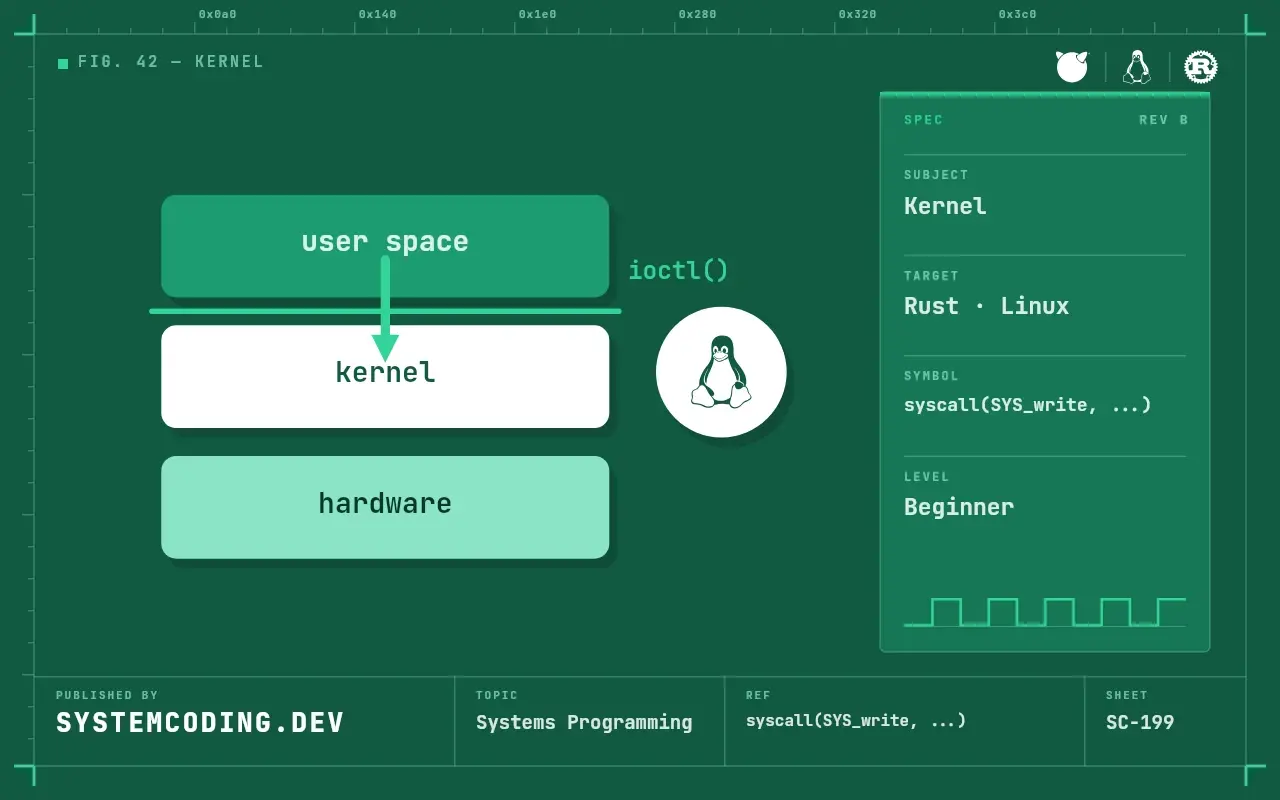
When you write File::open("/etc/hostname") in Rust, no Rust code ever executes the syscall instruction. The call goes through a thin layer inside the standard library, then into the C library on your machine, and only the C library crosses into the kernel. That arrangement surprises people who expect Rust to be a world of its own, and it explains a lot: why a Rust binary on Linux is dynamically linked to libc.so.6 by default, why errno shows up in error messages, and why a statically linked musl build behaves a little differently from a glibc one.
This post follows one call from your source down to the kernel, so you know which layer to read when something goes wrong. The examples assume Rust 1.85 on Linux 6.12 with glibc 2.41.
The layers, from your code down
There are four layers between your program and the kernel. Reading them top to bottom is the fastest way to build a mental model.
Your code calls a public API such as
std::fs::File::open.**The platform-independent part of
std** definesFile,io::Errorand theReadandWritetraits. It contains no operating system calls itself.The platform layer, the
sysmodules in the standard library source, holds one implementation per operating system. On Linux it is the Unix flavor, and it calls functions from thelibccrate.The C library (glibc or musl) provides
open64,read,writeand friends. Each is a small function that places arguments in registers and executes thesyscallinstruction.
You can read the platform layer yourself. The standard library lives in the [rust-lang/rust repository under library/std](https://github.com/rust-lang/rust/tree/master/library/std/src/sys), and the Unix file implementation is a short, readable file. It is the best primary source for what std really does, and it changes less often than you might expect.
What File::open does
The public method is one line. The work happens a few calls down, where std converts the path to a C string and calls open64 with flags it chooses for you.
use std::fs::File;
use std::io::Read;

fn main() -> std::io::Result<()> {
    let mut file = File::open("/etc/hostname")?;
    let mut text = String::new();
    file.read_to_string(&mut text)?;
    print!("{text}");
    Ok(())
}buildboxThe hostname is whatever your machine holds, so the output will differ. What matters is what std asked the kernel for. Run the program under strace and the relevant lines look like this:
openat(AT_FDCWD, "/etc/hostname", O_RDONLY|O_CLOEXEC) = 3
statx(3, "", AT_STATX_SYNC_AS_STAT|AT_EMPTY_PATH, STATX_BASIC_STATS, {...}) = 0
read(3, "buildbox\n", 9)                = 9
read(3, "", 32)                         = 0
close(3)                                = 0
The descriptor number and the byte counts depend on the file. Three details are worth noticing. First, File::open asked for O_CLOEXEC, so the descriptor will not leak into a child process after exec. Rust sets that flag on every file it opens, which is a safer default than C gives you. Second, glibc turns the open64 call into the openat syscall, because modern kernels route everything through openat. Third, read_to_string asked for the file size with statx, allocated a buffer of that size, and then made a second read to confirm it had reached the end.
Where errors come from
The kernel reports failure by returning a small negative number. glibc converts that into a return value of -1 and stores the positive code in the thread-local errno. Rust's std reads it back immediately.
use std::fs::File;

fn main() {
    match File::open("/no/such/file") {
        Ok(_) => println!("opened"),
        Err(e) => {
            println!("kind: {:?}", e.kind());
            println!("os error: {:?}", e.raw_os_error());
            println!("message: {e}");
        }
    }
}kind: NotFound
os error: Some(2)
message: No such file or directory (os error 2)The raw_os_error value of 2 is ENOENT. The message text comes from the C library's strerror_r, which is why it matches what ls prints. std maps the common codes onto the portable io::ErrorKind enum, so your code can match on NotFound without knowing it is 2 on Linux and a different number on Windows. The [io::Error documentation](https://doc.rust-lang.org/std/io/struct.Error.html) lists the mapping rules and says that kind() is the portable way to branch.
One more thing std does for you: it retries a call that fails with EINTR. If a signal interrupts a read, the Unix layer repeats it instead of reporting Interrupted to you. In C you write that loop yourself, and forgetting it is a classic bug.
What happens before main
The wrapper does more than forward calls. Before your main runs, the Rust runtime does a few jobs that C programs skip.
It makes sure file descriptors 0, 1 and 2 are open. If a parent process closed them,
stdopens/dev/nullin their place, so a laterFile::opencannot accidentally land on descriptor 1 and receive yourprintln!output.It sets
SIGPIPEto ignored, so writing to a closed pipe returns anEPIPEerror instead of killing the process. That is whyprintln!can panic with a broken pipe error when you pipe a Rust program intohead.It installs a guard page and a handler for stack overflow, so a runaway recursion prints a message instead of corrupting memory.
None of these are visible in your source, but all of them change how a Rust program behaves compared with the same logic in C. The runtime entry point is lang_start in the standard library, and reading it takes five minutes.
Why it links to libc at all
A language could skip the C library and issue syscalls itself, as Go does on Linux. Rust chose not to for three reasons. The syscall numbers and structures are stable on Linux but not on macOS, Windows or the BSDs, where libc, or in the case of Windows the system DLLs, is the supported interface. Many things people need, like name resolution and the dynamic loader, live in libc and are not syscalls at all. And sharing libc means a Rust library and a C library in the same process agree on errno, on the heap and on locale state.
The cost is a dependency. A default x86_64-unknown-linux-gnu binary needs a compatible glibc on the target machine, which is the classic "version GLIBC_2.39 not found" error when you build on a new distribution and run on an old one. The alternative is the x86_64-unknown-linux-musl target, which links musl statically and runs anywhere. You trade glibc's feature set and some performance in malloc for portability. The platform support page lists every target and its tier.
Going below std
Everything std does is available to you through the libc crate, which exposes the raw C declarations, and the nix crate, which wraps them safely. If you need a syscall the standard library has no wrapper for, you declare it with extern "C" or call it through libc::syscall. That path is unsafe, because the compiler cannot check that you passed the right pointer and length. The rest of this series covers when that is worth it.


