Handle GPIO Interrupts in TinyGo With SetInterrupt
Attach a handler to a pin edge with machine.Pin.SetInterrupt in TinyGo 0.37, keep the handler short with atomics, and debounce a button in the main loop.
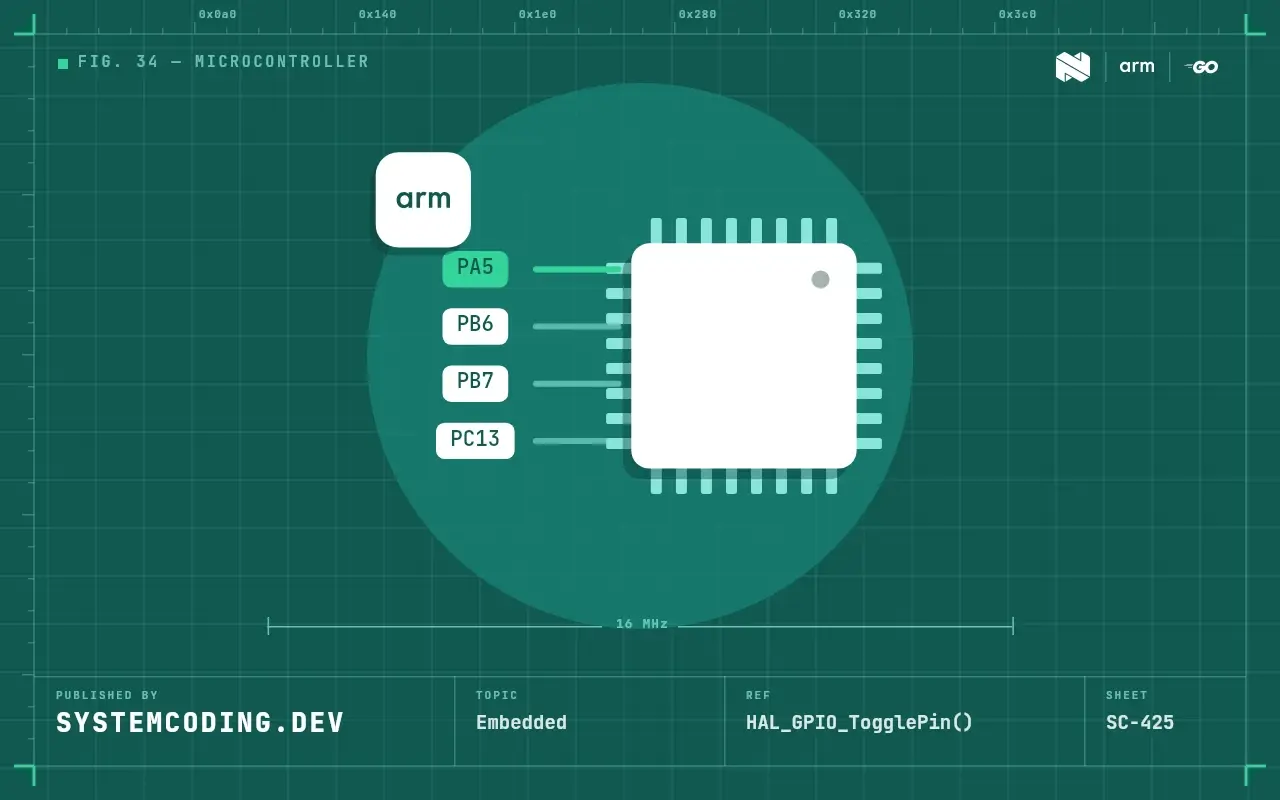
A loop that polls a button every few microseconds wastes the processor and still misses a press that is shorter than one pass. An interrupt reverses the arrangement: the hardware watches the pin, and the processor runs your code only when the level changes. TinyGo exposes this as one method, Pin.SetInterrupt, with a handler written as an ordinary Go function. The difficulty is not the call. It is knowing what a handler may do, because the same Go code that is fine in main can crash or stall inside an interrupt. This post uses TinyGo 0.37 on a Raspberry Pi Pico, and it covers the call, the rules, a counter with atomics, and debouncing. It assumes the Pico blinky from the earlier post and a push button between GPIO 15 and ground.
The function is documented in the machine package reference, and what follows is the rule set that reference implies.
Attach a handler to an edge
package main

import (
	"machine"
	"time"
)

func main() {
	led := machine.LED
	led.Configure(machine.PinConfig{Mode: machine.PinOutput})

	button := machine.GPIO15
	button.Configure(machine.PinConfig{Mode: machine.PinInputPullup})

	err := button.SetInterrupt(machine.PinFalling, func(p machine.Pin) {
		led.Set(!led.Get())
	})
	if err != nil {
		println("SetInterrupt failed:", err.Error())
		return
	}

	for {
		time.Sleep(time.Hour)
	}
}
With the pull-up enabled the pin reads high at rest, and pressing the button pulls it to ground. machine.PinFalling means the interrupt fires on the high-to-low edge, which is the press. The other values are machine.PinRising, for the release, and machine.PinToggle, which triggers on both. SetInterrupt returns an error when the chip cannot provide that interrupt for that pin or mode, so check it.
The handler receives the pin that triggered, which lets one function serve several pins. After registration the processor can do anything or nothing: the for loop sleeps for an hour per iteration, which on TinyGo puts the core into a low-power wait until an event arrives. Pressing the button wakes it, runs the handler, which flips the LED, and returns to waiting.
Passing nil as the callback removes the interrupt, so a pin can be reconfigured later: button.SetInterrupt(0, nil).
What the handler runs in
An interrupt handler is not a goroutine. The processor suspends whatever was running, at any instruction, and jumps to your function. The TinyGo runtime has no opportunity to schedule, so a handler is bound by rules that ordinary code is not.
| Do | Do not |
|---|---|
| Read or write pin levels | Call time.Sleep or block on anything |
Update a variable with sync/atomic | Allocate memory: append, make, string concatenation, fmt |
| Set a flag or increment a counter | Take a mutex that main code can hold |
| Keep it to a few instructions | Print to the serial port for logging |
Allocation is the subtle one. If the main program was inside the memory allocator when the interrupt arrived, a second allocation from the handler corrupts the allocator's state. That is the same constraint described for MicroPython, and it comes from the same cause. Mutexes fail differently: if main code holds the lock and the handler tries to take it, the handler waits for code that cannot run until the handler returns. The program freezes.
The safe design is the oldest one in embedded work: the handler records that something happened, and the main loop does the work.
Count presses with atomics
Atomics make a shared variable safe against interruption, because a read-modify-write on an atomic is one indivisible operation:
package main

import (
	"machine"
	"sync/atomic"
	"time"
)

var presses uint32

func main() {
	button := machine.GPIO15
	button.Configure(machine.PinConfig{Mode: machine.PinInputPullup})
	button.SetInterrupt(machine.PinFalling, func(p machine.Pin) {
		atomic.AddUint32(&presses, 1)
	})

	var last uint32
	for {
		n := atomic.LoadUint32(&presses)
		if n != last {
			println("presses:", n)
			last = n
		}
		time.Sleep(10 * time.Millisecond)
	}
}
Suppose you press the button three times with clean contacts. The console shows:
presses: 1
presses: 2
presses: 3
The handler is one atomic addition. The main loop wakes every 10 milliseconds, loads the counter, and prints only when it changed. Printing happens in the loop, never in the handler. On a Cortex-M0+ such as the RP2040, the processor has no native atomic add instruction, and TinyGo implements these functions by briefly disabling interrupts, which is correct and cheap for a single operation.
Why the real output is noisier
A mechanical button does not produce one clean edge. The contacts bounce for a few milliseconds, and each bounce is an edge. The same three presses can print:
presses: 4
presses: 7
presses: 9
The counts jump by several because the handler fired on every bounce, and the loop's 10 ms polling sampled the counter between bursts. The exact numbers depend on the switch and are different every time. Fix it in software with a lockout.
Debounce in the main loop
The handler records the event, and the main loop accepts it only if enough time has passed since the last accepted one:
package main

import (
	"machine"
	"sync/atomic"
	"time"
)

var pending uint32

func main() {
	button := machine.GPIO15
	button.Configure(machine.PinConfig{Mode: machine.PinInputPullup})
	button.SetInterrupt(machine.PinFalling, func(p machine.Pin) {
		atomic.StoreUint32(&pending, 1)
	})

	accepted := 0
	for {
		if atomic.SwapUint32(&pending, 0) == 1 {
			accepted++
			println("press", accepted)
			time.Sleep(50 * time.Millisecond) // ignore bounces
			atomic.StoreUint32(&pending, 0)   // drop edges seen during the lockout
		}
		time.Sleep(time.Millisecond)
	}
}press 1
press 2
press 3SwapUint32 reads the flag and clears it in one step, so an edge that arrives between the read and the clear is not lost or double counted. After accepting a press, the loop sleeps 50 ms, a duration longer than typical bounce times, then clears the flag again to discard edges that arrived during the sleep. Three real presses give three lines regardless of bounce. If your switch is worse, lengthen the lockout, and measure it with a logic analyzer if the exact value matters.
A hardware alternative is an RC filter and a Schmitt-trigger input, which removes bounce before it reaches the pin. It costs two components per button and no code.
Share a pin interrupt with other work
A handler for one pin does not stop other pins. Each pin has its own configuration, though several share one underlying interrupt on many chips, so the TinyGo runtime dispatches to the right callback based on which pin changed. If two handlers run for simultaneous edges, they run one after the other, and the second waits.
Long handlers have a cost beyond correctness: while one runs, lower-priority interrupts are delayed, and on some chips an interrupt that cannot be serviced in time is lost. Keep handlers to a handful of instructions.
If an interrupt must wake a goroutine, the portable way in current TinyGo is to set a flag and have the goroutine poll it with a short sleep, as above. Communicating from a handler through channels is not a pattern the documentation promises is safe, so avoid it.
Check these when it does not fire
| Symptom | Likely cause |
|---|---|
SetInterrupt returns an error | The pin or the edge type is not supported on that chip; try PinToggle and filter in the handler |
| The handler never runs | The pin is not configured as an input, or the pull-up is missing so the pin floats |
| The program freezes on the first press | The handler allocates or takes a lock |
| Counts are higher than presses | Contact bounce; add the lockout |
| Counts are lower than presses | The main loop sleeps longer than the burst, or two edges merged into one flag |