Fix an S0C7 Data Exception in a COBOL Batch Job
Find and fix an S0C7 in COBOL: read the CEE3207S message, locate the statement, check packed and zoned fields in the dump, and validate input with IS NUMERIC.
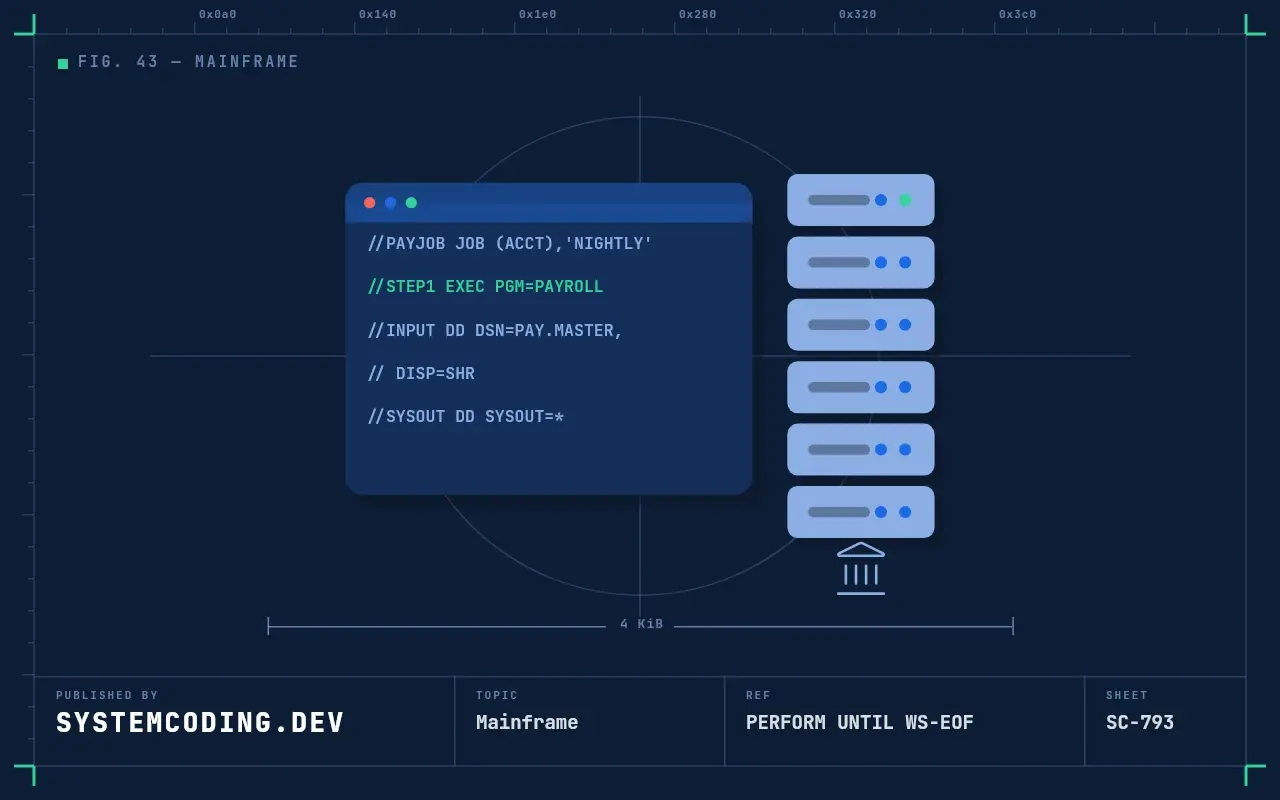
The overnight job stopped, and the log says this:
CEE3207S The system detected a data exception (System Completion Code=0C7).
         From compile unit PAYRPT at entry point PAYRPT at statement 87
         at compile unit offset +000002A6 at address 1B7F54A6.
IEF450I PAYRPT RUNPAY - ABEND=S0C7 U0000 REASON=00000007
An S0C7 is the most common abend in COBOL batch, and one of the most fixable. It means a numeric instruction was given data that is not a valid number for the field's type. The machine does not guess: it stops. This post takes the error from the log to the cause for Enterprise COBOL for z/OS 6.4 on z/OS 3.1: what the abend means, how to find the statement and the field, the five usual causes, the fix in the program and the habit that prevents it. It is a specific case of the method in the complete guide to z/OS abend codes and how to fix them.
What a data exception is
COBOL stores numbers in several forms, and the hardware instructions that work on them expect exact bit patterns.
| Picture and usage | Stored as | What makes it valid |
|---|---|---|
PIC 9(5) (display) | One EBCDIC digit per byte, F0 to F9 | Every byte's zone is F, and its digit half is 0 to 9; the last byte may carry a sign in the zone |
PIC S9(5) COMP-3 (packed) | Two digits per byte, the sign in the last half-byte | Every digit nibble is 0 to 9, and the last nibble is a sign: C, F for positive, D for negative |
PIC S9(9) COMP (binary) | A two's-complement integer | Any bit pattern is valid, so binary never causes S0C7 |
When an instruction such as AP (add packed) or ZAP (zero and add packed) reads a field and finds a nibble that is not a digit, or a last nibble that is not a sign, the hardware raises a data exception, interruption code 7, and the system reports S0C7. The cause is always the same: a numeric field contains data that is not a number. The reasons it happens are what you have to find.
Step 1: find the statement
The LE message gives the statement number, 87, and the offset. If the program was compiled with the OFFSET or LIST option, the compile listing maps the offset to a source line. In the listing for this program:
LineID  Source
  000085  MOVE IN-QTY TO WS-QTY
  000086  MOVE IN-PRICE TO WS-PRICE
  000087  COMPUTE WS-TOTAL = WS-QTY * WS-PRICE
Statement 87 is the COMPUTE, with two operands. One of them holds invalid data. If the abend message lacks a statement number, because the program was compiled without the right options, use the offset and the listing's assembler section, or rebuild with the options on, which costs minutes and saves hours.
Step 2: find the field
The COMPUTE uses WS-QTY and WS-PRICE. Both were set by MOVE statements from an input record. Which one is bad? Look at their contents. In the formatted dump the data map from the listing gives the location of each field in working storage, and the dump shows the bytes. If the dump is not available, add a DISPLAY before the statement in a test run, displaying the fields in hexadecimal with a FUNCTION HEX-OF call:
           DISPLAY 'QTY   ' FUNCTION HEX-OF(WS-QTY)
           DISPLAY 'PRICE ' FUNCTION HEX-OF(WS-PRICE)
For a record with a blank price, the output is:
QTY   00125C
PRICE 40404040
WS-QTY is 00125C: digits 0, 0, 1, 2, 5 and the sign C, a valid positive 125. WS-PRICE is 40404040, four EBCDIC spaces. A packed field's last nibble must be a sign, and here it is 0, and the digit nibbles are 4, which are not decimal digits, so the field is invalid. That is the exception.
Step 3: find why the data is bad
Five causes account for nearly all S0C7 abends. Check them in this order.
1. Spaces or low-values in an input field. The input record has blanks where a number should be. A file produced by another program, a vendor or a sort that padded a field leaves 40 (space) or 00 (low-value) bytes. Moving a PIC X field of spaces to a numeric field copies the spaces, and the next arithmetic fails. This is the cause in the example.
2. An uninitialized field. A working-storage numeric item with no VALUE clause and no INITIALIZE holds whatever the storage held. If that was not a valid number, the first arithmetic on it fails; if it happened to be zeros, the program works until the storage differs. The abend appears to be random, and is a sign of this cause.
3. A record layout that does not match the file. A copybook that is a byte off, or an input record of a different version, puts a field at the wrong position, so part of a name lands in a numeric field. The data looks like text in the dump. Compare the record in the dump with the layout.
**4. A REDEFINES or group move that overlays numeric fields with character data.** A group MOVE is a byte copy with no conversion, so moving a group that contains spaces over a group that contains packed fields makes the numeric fields invalid.
5. Subscripting or storage overlay. A table subscript out of range reads or writes the wrong bytes, so a numeric field is overwritten by neighboring data. If the field's contents look like pieces of another record, suspect this and check with SSRANGE, as in fix an S0C4 protection exception in a z/OS program.
To find which input record triggers it, rerun with a count of records read, or look at the file around the failing position. ISPF's HEX ON shows the bytes of a record in a dataset browser, which makes spaces in a packed position obvious, as shown in inspect packed decimal fields in a dataset with ISPF HEX ON.
The fix in the program
The program should never trust that an input field is numeric. The standard test is the NUMERIC class condition:
       IDENTIFICATION DIVISION.
       PROGRAM-ID. FIXPAY.
       DATA DIVISION.
       WORKING-STORAGE SECTION.
       01  IN-REC.
           05 IN-QTY           PIC X(03).
           05 IN-PRICE         PIC X(05).
       01  WS-QTY              PIC 9(03).
       01  WS-PRICE            PIC 9(03)V99.
       01  WS-TOTAL            PIC 9(07)V99.
       01  WS-REJECTS          PIC 9(05) VALUE ZERO.
       PROCEDURE DIVISION.
           MOVE '125     ' TO IN-REC
           IF IN-QTY IS NUMERIC AND IN-PRICE IS NUMERIC
               MOVE IN-QTY   TO WS-QTY
               MOVE IN-PRICE TO WS-PRICE
               COMPUTE WS-TOTAL = WS-QTY * WS-PRICE
               DISPLAY 'TOTAL ' WS-TOTAL
           ELSE
               ADD 1 TO WS-REJECTS
               DISPLAY 'REJECTED RECORD: ' IN-REC
           END-IF
           DISPLAY 'REJECTS ' WS-REJECTS
           GOBACK.
The test is on the input fields, which are PIC X, because the class test on an alphanumeric field checks that every byte is a digit. The MOVE and the COMPUTE run only for a clean record. For the record above, whose price field is blank, the output is:
REJECTED RECORD: 125
REJECTS 00001
A real program writes the rejected record to an error file and continues, and ends with a nonzero return code if there were rejects, so the next step or the operator knows. The rule of thumb is to validate at the boundary: every field that comes from outside the program, a file, a database column that can be bad, a parameter, is checked once, where it arrives, and from there on the program trusts it.
For packed fields read directly from a file, the test IF FIELD IS NUMERIC works on COMP-3 items too, and checks that the digit nibbles are valid and the sign is a recognized one. It does not check the range, so a field that is numeric may still be too large for a business rule.
Let the compiler check it
Enterprise COBOL 6.3 and later offer the NUMCHECK compiler option, which generates code that checks zoned decimal and packed decimal data when it is used in a computation, and issues a runtime message at the offending statement instead of an S0C7 deeper in. The option is NUMCHECK(ZON,PAC) for both types. It costs extra instructions, so many shops enable it in test builds and in selected programs, and a failing run then names the field in the message. It does not replace validation: a message is still an abend.
Make a bad record impossible to repeat
After the immediate fix, ask where the bad record came from. If a program upstream produced spaces in a numeric field, fixing it removes the source. If the field is legitimately absent in some records, define what absence means, a zero, a default, a rejection, and handle it in one place. If the data comes from a vendor, a validation step at the front of the job stream that checks every incoming file once protects every program behind it.
Rerun after the fix from the right place. A job that abended in step 3 with steps 1 and 2 complete can restart at step 3 once the input is corrected, unless the failed step wrote output that needs deleting first.
When it is not the data
Occasionally an S0C7 is not caused by the contents of a field but by a program that is executing the wrong instructions. A branch to the wrong address, a corrupted return address or a call with mismatched parameters can make the machine interpret data as instructions, and a data exception is one of the ways that shows. Signs are an offset that does not fall inside any statement, a statement number that makes no sense, or a failing instruction that is not an arithmetic one. In that case, treat it as the addressing family of abends: check parameter lists and called program names.
The message text and options are documented in the Language Environment Runtime Messages and the Enterprise COBOL Programming Guide on the IBM Documentation site.