Configure ESP-IDF Projects With idf.py menuconfig and sdkconfig
Use idf.py menuconfig, sdkconfig and sdkconfig.defaults to set ESP-IDF options, add your own Kconfig.projbuild entries and read them as CONFIG_ macros in C.
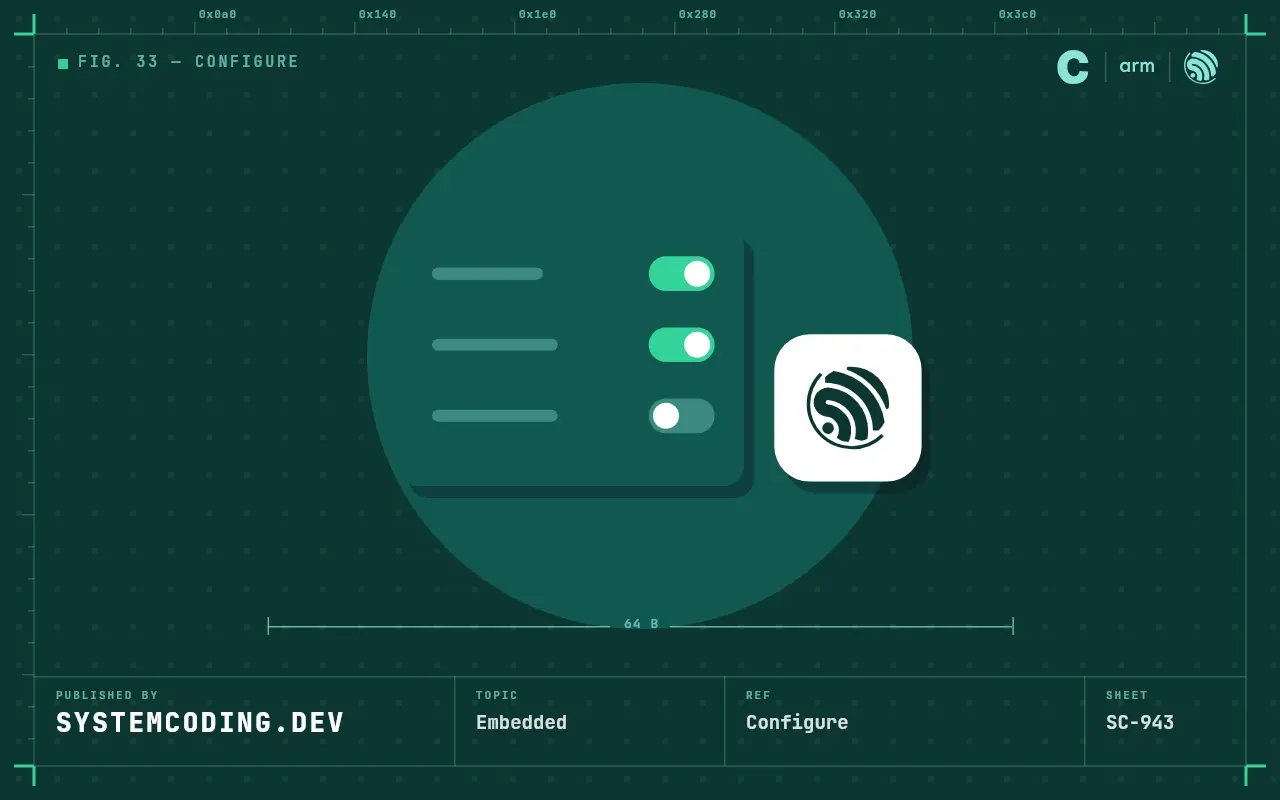
Every ESP-IDF project has hundreds of options: the flash size, the FreeRTOS tick rate, the log level, how many Wi-Fi buffers to allocate. They are not set in C or CMake files. They live in a configuration system borrowed from the Linux kernel, Kconfig, and you edit them through idf.py menuconfig. The result is saved to a file named sdkconfig, and each option becomes a CONFIG_ macro in your C code. Beginners trip on this in two ways: they change an option in menuconfig and then lose the change when they run set-target, or they commit a 2,000-line sdkconfig that differs on every machine. This post explains how the pieces fit together in ESP-IDF v5.4 and how to keep configuration under control.
The three files in play
Three files and a menu matter. Understanding which one wins is most of the topic.
| File | Role | Commit it? |
|---|---|---|
Kconfig and Kconfig.projbuild files in components | Define the options, their types, defaults and menus | Yes |
sdkconfig.defaults | Your project's overrides of the defaults | Yes |
sdkconfig | The full generated result for this build | Usually no, or yes with care |
build/config/sdkconfig.h | The C header with CONFIG_ macros | No, generated |
menuconfig reads the Kconfig definitions from ESP-IDF and your components, loads your existing sdkconfig if there is one, and writes the file back. sdkconfig.defaults is read only when sdkconfig does not exist, or when you regenerate it. That is the behaviour that surprises people, and it is why a change added to the defaults file seems to do nothing until you delete sdkconfig.
Open the menu
idf.py menuconfigA text interface opens in the terminal. Navigate with the arrow keys, press Enter to open a submenu, Space or Enter to toggle a value, / to search, ? for help on the highlighted option, S to save, and Q to quit. Search is the feature to learn first, because the tree has hundreds of entries: type /, enter part of the option name such as FLASHSIZE, and the results list shows the exact path and the symbol name.
The top-level menus in ESP-IDF v5.4 that a beginner uses most are "Serial flasher config" for the flash size and the flash mode, "Partition Table" for the layout of flash, "Component config" for everything that belongs to a library (FreeRTOS, Wi-Fi, log output, heap), and "Compiler options" for optimization level and assertions.
Take one common change as an example. A board with 4 MB of flash but a default of 2 MB wastes half of it, and an image larger than 2 MB will fail. Under "Serial flasher config" set "Flash size" to 4 MB. The symbol it changes is CONFIG_ESPTOOLPY_FLASHSIZE_4MB.
What lands in sdkconfig
After saving, open sdkconfig. Each option is a line, and an option that is off is written as a comment that ends in "is not set":
CONFIG_ESPTOOLPY_FLASHSIZE_4MB=y
CONFIG_ESPTOOLPY_FLASHSIZE="4MB"
CONFIG_FREERTOS_HZ=100
CONFIG_LOG_DEFAULT_LEVEL_INFO=y
Bool options are =y when on and written as a comment ending in "is not set" when off, strings are quoted, and numbers are bare. The file is generated, so edit it through menuconfig or the defaults file, not by hand, because menuconfig also resolves dependencies: turning one option on may force others, and a hand edit can produce a combination that the next menuconfig run silently rewrites.
Keep your choices in sdkconfig.defaults
Treat sdkconfig as the build's output and sdkconfig.defaults as your source. A defaults file lists only the options you want to differ from ESP-IDF's defaults:
CONFIG_ESPTOOLPY_FLASHSIZE_4MB=y
CONFIG_FREERTOS_HZ=1000
CONFIG_COMPILER_OPTIMIZATION_SIZE=y
CONFIG_LOG_DEFAULT_LEVEL_INFO=y
CONFIG_PARTITION_TABLE_CUSTOM=y
CONFIG_PARTITION_TABLE_CUSTOM_FILENAME="partitions.csv"
This file is short enough to review in a pull request, and it carries the intent, while the 2,000-line sdkconfig carries every default as well. To apply a change after editing the defaults, delete the generated file and rebuild:
rm sdkconfig
idf.py reconfigure
idf.py reconfigure runs CMake and Kconfig again without compiling. The new sdkconfig is created from the defaults, and you can check the result with grep FREERTOS_HZ sdkconfig.
To save the changes you made interactively back into a defaults file instead of retyping them, use idf.py save-defconfig, which writes a minimal sdkconfig.defaults-style file containing only options that differ from the defaults. That is the safest way to move a menu session into version control.
Per-target and per-environment defaults
A project built for several chips often needs different settings for each. ESP-IDF supports sdkconfig.defaults.<target> files that are layered on top of the base defaults when the target matches, so sdkconfig.defaults.esp32s3 is applied only for an S3 build:
CONFIG_SPIRAM=y
CONFIG_SPIRAM_MODE_OCT=y
You can also point at extra files for a build variant through the SDKCONFIG_DEFAULTS CMake variable or an environment variable, for example a sdkconfig.debug that raises log levels and enables assertions. Pass the list in the order they should apply, and a later file overrides an earlier one:
idf.py -D SDKCONFIG_DEFAULTS="sdkconfig.defaults;sdkconfig.debug" -B build-debug buildA separate build directory per variant, as -B build-debug does, keeps the two builds from overwriting each other's sdkconfig.
Read options in C
Every enabled option appears as a macro in sdkconfig.h, which ESP-IDF includes for you through sdkconfig.h in the component include path. Bool options are defined as 1 when on and not defined at all when off, so test them with #if:
#include <stdio.h>
#include "sdkconfig.h"

void print_config(void)
{
#if CONFIG_FREERTOS_HZ == 1000
  printf("tick period 1 ms\n");
#else
  printf("tick rate %d Hz\n", CONFIG_FREERTOS_HZ);
#endif

#ifdef CONFIG_SPIRAM
  printf("PSRAM enabled\n");
#endif

  printf("flash size option: %s\n", CONFIG_ESPTOOLPY_FLASHSIZE);
}
With the earlier defaults, the function prints:
tick period 1 ms
flash size option: 4MB
The PSRAM enabled line is absent because CONFIG_SPIRAM is not set for the build. Note that an undefined macro in an #if expression evaluates as 0, which hides typos: a misspelled CONFIG_FREERTOS_H2 silently compiles the wrong branch. #ifdef has the same weakness. The compiler flag -Wundef, which ESP-IDF enables for its own components, warns on this, and you can turn it on for yours.
Define your own options
Your component can add menu entries with a file named Kconfig.projbuild in the component directory. Entries in it appear in menuconfig under a top-level menu you name, and become CONFIG_ macros in the same way:
menu "Application"

    config APP_SENSOR_INTERVAL_MS
        int "Sensor read interval in milliseconds"
        range 100 60000
        default 1000
        help
            How often the sensor task reads and publishes.

    config APP_ENABLE_DEBUG_PINS
        bool "Toggle debug pins in the sensor task"
        default n

endmenu
After idf.py reconfigure, the options are in menuconfig under "Application" and the macro CONFIG_APP_SENSOR_INTERVAL_MS is available:
vTaskDelay(pdMS_TO_TICKS(CONFIG_APP_SENSOR_INTERVAL_MS));Project-specific constants as Kconfig options let you change a build from the menu or the defaults file without editing source, and the range line makes menuconfig reject a value outside it. The cost is indirection, so use it for values that really vary between builds, not for every constant.
Options that people get wrong
A few settings come up repeatedly.
Flash size. If the configured size is larger than the chip's flash, the bootloader fails to read the partition table. If it is smaller, you waste space. Check the module's datasheet, or let esptool detect it: its log prints the detected flash size.
Flash mode and frequency. Quad and dual modes, and 40 or 80 MHz, depend on the module. The defaults work for development boards; changing them without need risks a board that does not boot.
Optimization level. The default is a debug-friendly level, which produces larger and slower code than CONFIG_COMPILER_OPTIMIZATION_SIZE or the performance level. Switch when you measure a need.
FreeRTOS tick rate. CONFIG_FREERTOS_HZ defaults to 100, which makes vTaskDelay(1) last 10 ms. Raising it to 1000 gives 1 ms resolution at the cost of more scheduler interrupts.
Log level. CONFIG_LOG_DEFAULT_LEVEL sets what prints at run time, and CONFIG_LOG_MAXIMUM_LEVEL sets what is compiled in. A debug message above the maximum is removed from the binary.
When you change targets or versions
idf.py set-target deletes sdkconfig and the build directory, because option sets differ between chips. Your sdkconfig.defaults survives and is reapplied, which is another reason to keep intent there. After upgrading ESP-IDF, options may be renamed or removed. Delete sdkconfig, rebuild, and read the warnings; ESP-IDF prints a message for a deprecated option in your defaults file and often maps it to the new name for one release.