Code the DISP Parameter for New, Old, Shared and Mod Datasets
Code the JCL DISP parameter with its status, normal and abnormal dispositions for NEW, OLD, SHR and MOD datasets, with the defaults and the job log messages.
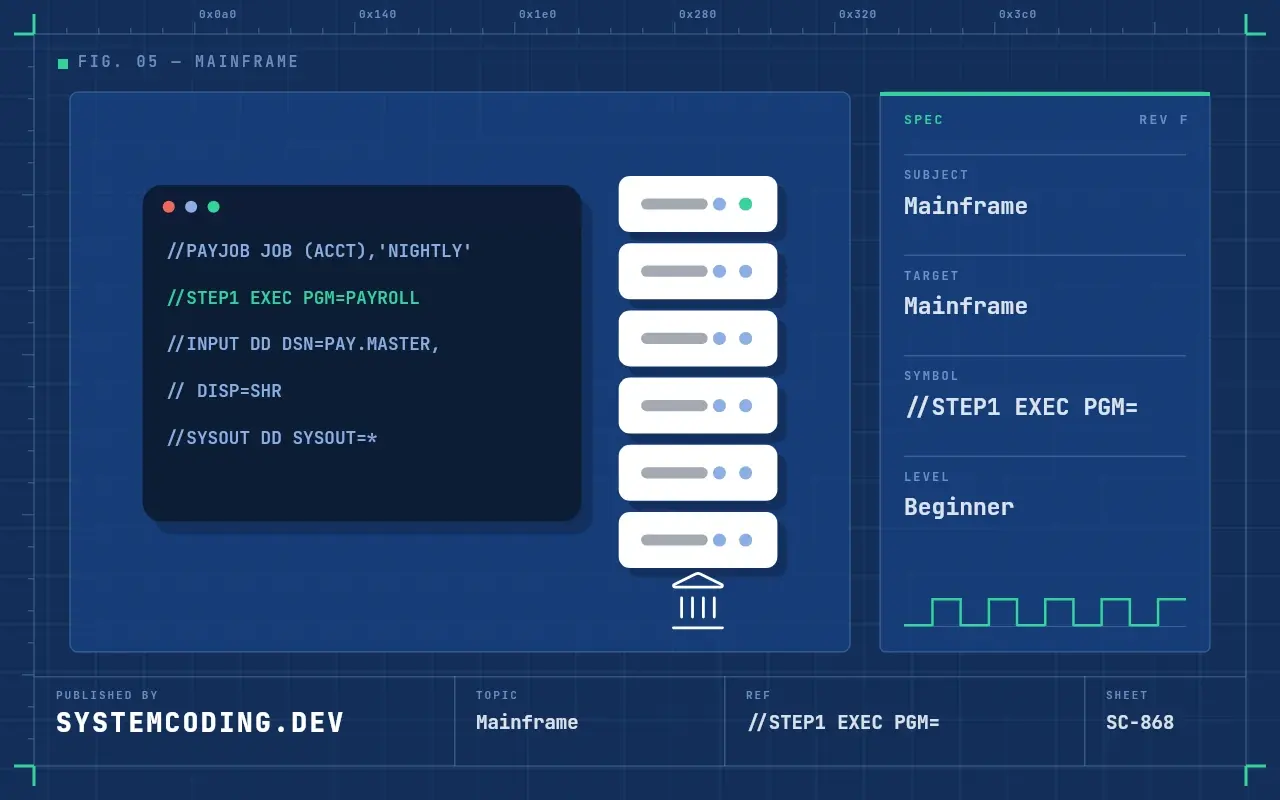
Every DD statement that names a dataset answers a question the system needs settled before the step starts and again after it ends: does this dataset exist, may other jobs use it while I do, and what should happen to it when I finish, or fail. The DISP parameter answers all three. It is the most used parameter in JCL and the one whose mistakes cost the most, since a wrong disposition can delete a dataset you meant to keep or lock out every other job on the system. This post explains the three positions of DISP and the values each takes, with examples on z/OS 3.1, the defaults when you leave parts out, and the log messages that confirm what happened.
The three positions
DISP has up to three subparameters, written in parentheses and separated by commas:
//OUTFILE DD DSN=TEST.CUSTOMER.COPY,DISP=(NEW,CATLG,DELETE)The first is the status: what state the dataset is in when the step starts. The second is the normal disposition: what to do with it if the step ends normally. The third is the abnormal disposition: what to do if the step ends abnormally. If you code only a status, you can drop the parentheses: DISP=SHR.
The status
| Status | Meaning |
|---|---|
NEW | The dataset does not exist; create it now |
OLD | The dataset exists; use it exclusively |
SHR | The dataset exists; use it, and allow other jobs to read it at the same time |
MOD | Add to the end of the dataset if it exists, or create it if not |
NEW needs the other parameters that describe the dataset to be created: UNIT, SPACE and record attributes, which later posts cover. The dataset must not already be cataloged under that name, or the job fails.
OLD gives the job exclusive control. While your step runs, no other job can open the dataset for any purpose, and your step waits at the start if someone else holds it. Use it when you will update or replace the contents.
SHR is for reading. Many jobs can hold the same dataset SHR together. Using it on a dataset you write to is dangerous, because a second writer or a reader can see a half-written file; the system does not stop you, and the access method may not protect the data. Reserve SHR for datasets you only read.
MOD appends. For a sequential dataset the records you write go after the existing ones, which is how a log file grows from one job to the next. If the dataset does not exist, MOD creates it as NEW would, provided you code the space and attributes.
The normal and abnormal dispositions
| Disposition | Effect when the step ends |
|---|---|
KEEP | Keep the dataset and leave its catalog entry unchanged |
DELETE | Delete the dataset, and uncatalog it if it was cataloged |
CATLG | Keep the dataset and put it in the catalog |
UNCATLG | Keep the dataset but remove its catalog entry |
PASS | Keep it and pass it to a later step of the same job (normal disposition only) |
Both positions accept these values, except that PASS is not allowed for the abnormal disposition.
CATLG is what you want for a new dataset that later jobs will find by name. Without cataloging, a later job must say which volume holds the dataset, and the dataset is easy to lose. DELETE on the abnormal position cleans up a half-built file when a step abends, so a rerun does not hit a NEW collision with a leftover. KEEP is for datasets you want left in place, such as an input file you only read. PASS is for intermediate files that the next step will use and that should disappear at the end of the job, and it is how temporary datasets with names beginning && are normally treated.
The defaults
You may leave out the second and third positions, and the system fills them in. This is where beginners lose data, so the rules are worth learning exactly.
| You code | Normal disposition becomes | Abnormal disposition becomes |
|---|---|---|
DISP=SHR or DISP=OLD | KEEP | KEEP |
DISP=NEW | DELETE | DELETE |
DISP=MOD | KEEP | KEEP |
DISP=(NEW,CATLG) | CATLG | CATLG |
DISP=(NEW,KEEP) | KEEP | KEEP |
When a DD statement for a dataset has no DISP at all, the status is NEW, and the disposition is DELETE. The system therefore creates a temporary dataset and removes it at the end of the step. That is right for scratch space and disastrous for a file you meant to keep. The rule worth carrying is that a new dataset you want to keep must say so with CATLG or KEEP.
DISP=(NEW,CATLG) sets the abnormal disposition to CATLG too, as the table shows: if the step abends, the half-written dataset stays in the catalog. Most jobs that create files should code the third position explicitly, DISP=(NEW,CATLG,DELETE), so a failed step removes its own output.
A working example
The job creates a dataset in the first step and reads it in the second, passing it by name:
//DISPJOB  JOB (ACCT),'DISP DEMO',CLASS=A,MSGCLASS=X
//MAKE     EXEC PGM=IEBGENER
//SYSPRINT DD SYSOUT=*
//SYSIN    DD DUMMY
//SYSUT1   DD *
ALPHA RECORD
BETA RECORD
/*
//SYSUT2   DD DSN=STUDENT1.DISP.DEMO,DISP=(NEW,CATLG,DELETE),
//             UNIT=SYSDA,SPACE=(TRK,(1,1)),
//             DCB=(RECFM=FB,LRECL=80,BLKSIZE=0)
//SHOW     EXEC PGM=IEBGENER
//SYSPRINT DD SYSOUT=*
//SYSIN    DD DUMMY
//SYSUT1   DD DSN=STUDENT1.DISP.DEMO,DISP=OLD
//SYSUT2   DD SYSOUT=*
In the first step, SYSUT2 is new, so it is created and cataloged on success. In the second step, the same name is used as OLD, and the system finds it through the catalog. The job log reports each decision:
IEF285I   STUDENT1.DISP.DEMO                           CATALOGED
IEF285I   STUDENT1.DISP.DEMO                           KEPT
IEF142I DISPJOB SHOW - STEP WAS EXECUTED - COND CODE 0000
IEF285I states the disposition that was applied at the end of each step, which is how you check the dataset was cataloged, kept, deleted or passed. If you submit the job a second time without deleting the dataset, the first step fails, because the name is already cataloged and NEW cannot create it.
Why it fails
Dataset not found. OLD or SHR on a name that does not exist gives IEF212I ... DATA SET NOT FOUND and the step does not run. Check the spelling and the catalog.
Duplicate dataset name. NEW on a name that is already cataloged fails at allocation. Delete the old one first, in a prior step with DISP=(OLD,DELETE), or choose a different name.
Waiting for a dataset. An OLD request on a dataset someone else holds makes your job wait, and the job log shows an allocation recovery message while it waits. The wait ends when the holder releases it. If it is a forgotten session of your own, close it.
Deleting by accident. DISP=(OLD,DELETE) on a dataset you meant to keep deletes it at the end of the step. Read the second position before submitting any job that names a production dataset.
When this does not fit
Datasets managed by SMS may have their space and disposition behavior influenced by the installation's rules, which can override or supply values you leave out. VSAM files are usually defined with the IDCAMS utility and used with DISP=SHR or OLD and no NEW. Members of a partitioned dataset are named in the DSN as PDS(MEMBER) and use the dataset's disposition, not their own, so two jobs writing different members of one PDS still need exclusive access to the whole dataset unless it is a PDSE.