Calculate Dataset Space in Tracks and Cylinders From Record Counts
Work out how many tracks and cylinders a z/OS dataset needs from record count, LRECL and block size on 3390 DASD, with a worked example and the SPACE parameter.
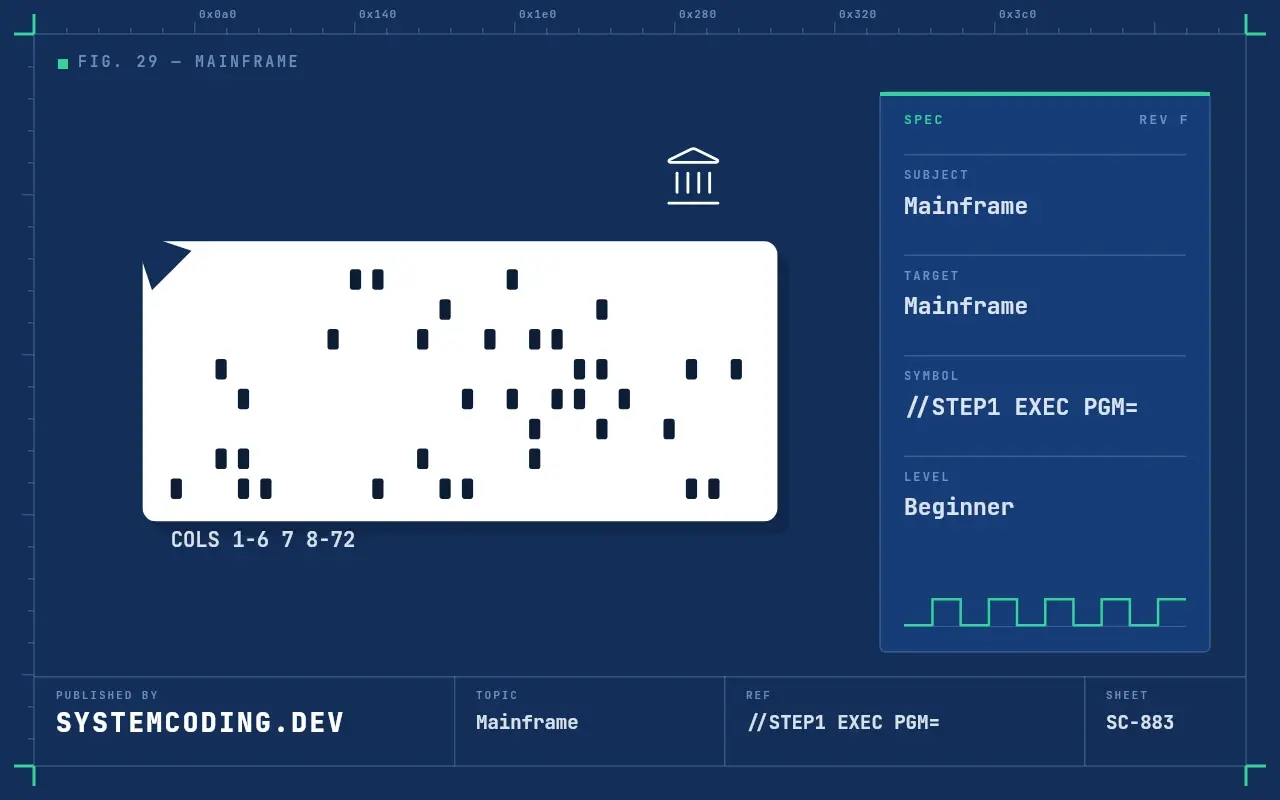
A job abends with SB37 in the middle of the night because the output dataset ran out of room. The SPACE parameter on its DD statement was a guess, and the guess was too small when the input grew. Sizing a dataset is arithmetic, and a person who can do it on paper stops guessing. This post shows the calculation from the number of records to tracks and cylinders on 3390-type DASD, with a worked example, the JCL to code it, and the shortcuts that let the system do part of the work. It applies to z/OS 3.1, and the figures are those of the 3390 device geometry, which is the basis for the disk volumes z/OS sees even on modern storage systems. The abend it prevents is described in the complete guide to z/OS abend codes and how to fix them.
The units
A disk volume is divided into cylinders, and each cylinder into tracks. On a 3390, a cylinder has 15 tracks. A track holds 56,664 bytes of raw capacity. Data on a track is written in blocks, and every block carries some overhead, so the usable amount depends on the block size. The unit of space allocation is the track or the cylinder, and a dataset's space is a whole number of them.
| Unit | On a 3390 |
|---|---|
| Track | 56,664 bytes raw |
| Cylinder | 15 tracks |
| 3390-3 volume | 3,339 cylinders |
| 3390-9 volume | 10,017 cylinders |
Emulated 3390 volumes of larger sizes exist, with the same track and cylinder geometry and more cylinders, and extended address volumes extend further, so the formula below is stable even when volumes differ.
Records, blocks and tracks
A dataset's records are grouped into blocks. Three attributes decide the shape:
LRECL is the length of one logical record, in bytes.
RECFM is the record format, such as
FBfor fixed blocked andVBfor variable blocked.BLKSIZE is the length of one block, in bytes. For
FBit is a multiple of the LRECL.
The block size decides how many blocks fit on a track, and it is the lever that matters most. On a 3390, the best usable block size is the half-track blocksize, which puts two blocks on each track, the largest block that fits twice. For most record lengths the maximum for that is 27,998 bytes or the largest multiple of the LRECL that is not more than it. A smaller block wastes space in the gaps between blocks, because every block has a fixed overhead.
For FB with LRECL=100, the half-track block size is the largest multiple of 100 not above 27,998, which is 27,900. That block holds 279 records.
You rarely need to compute this by hand, because the system can do it: coding BLKSIZE=0 on a DD statement for a new dataset, or omitting it, lets the system choose an optimal block size, which for DASD is generally the half-track value. That is the recommended practice.
The calculation
With the block size known, the steps are:
Records per block = BLKSIZE / LRECL, for fixed-length records.
Blocks per track = 2 for half-track blocking.
Records per track = records per block × blocks per track.
Tracks needed = total records / records per track, rounded up.
Cylinders needed = tracks / 15, rounded up.
A worked example. A file will hold 1,000,000 records of RECFM=FB, LRECL=100, with BLKSIZE=27900.
Records per block   = 27,900 / 100            = 279
Blocks per track    = 2
Records per track   = 279 x 2                  = 558
Tracks needed       = 1,000,000 / 558          = 1,792.1  -> 1,793
Cylinders needed    = 1,793 / 15               = 119.5    -> 120
So the dataset needs 1,793 tracks, or 120 cylinders, for the data. Adding a margin for growth is a decision for the people who run the job: a file that grows by 10 percent between runs needs about 2,000 tracks, and a file with a seasonal peak needs the peak, not the average.
Coding the SPACE parameter
The SPACE parameter of the DD statement asks for the allocation. The unit comes first, then the primary and secondary quantities:
//OUTFILE  DD DSN=PAY.REPORT.DATA,DISP=(NEW,CATLG,DELETE),
//             UNIT=SYSDA,
//             SPACE=(CYL,(120,20),RLSE),
//             DCB=(RECFM=FB,LRECL=100,BLKSIZE=27900)
CYL is the unit, (120,20) is the primary and secondary quantity, and RLSE releases unused space when the dataset is closed. The primary is the space allocated when the dataset is created. The secondary is the amount added each time the dataset needs more, up to the extent limit of the volume. Using tracks:
//OUTFILE  DD DSN=PAY.REPORT.DATA,DISP=(NEW,CATLG,DELETE),
//             UNIT=SYSDA,
//             SPACE=(TRK,(1800,200),RLSE),
//             RECFM=FB,LRECL=100,BLKSIZE=27900
Specifying space by cylinders is simpler for large files and matches how the volume allocates. Specifying by tracks is finer for small ones.
A third form lets the system convert from records. With the average record length as the unit, and the AVGREC parameter giving the quantity multiplier:
//OUTFILE  DD DSN=PAY.REPORT.DATA,DISP=(NEW,CATLG,DELETE),
//             UNIT=SYSDA,
//             SPACE=(100,(1000,100)),AVGREC=K,
//             RECFM=FB,LRECL=100
Here the first value, 100, is the average record length in bytes, the primary is 1000 and the secondary is 100, and AVGREC=K says the quantities are in thousands of records, so the primary is 1,000,000 records and the secondary is 100,000. AVGREC=U means units, M means millions. The system converts that to tracks using the block size it chooses. This form fits SMS-managed datasets and puts the arithmetic in the system's hands, which is good when the block size is system-determined.
Variable-length records
For RECFM=VB, the record length varies, so the calculation uses the average length. The block size is the maximum, each block holds as many records as fit, and each record has a four-byte record descriptor word in front of it, and each block a four-byte block descriptor word. A rough count is: usable bytes per block = BLKSIZE minus 4, records per block = usable bytes divided by (average record length + 4). Because the average is an estimate, give VB datasets a larger margin. With an average LRECL of 80 and a block size of 27,998:
Usable bytes per block   = 27,998 - 4              = 27,994
Average record + RDW     = 80 + 4                  = 84
Records per block        = 27,994 / 84             = 333.3  -> 333
Records per track        = 333 x 2                 = 666
With 1,000,000 records that is 1,000,000 / 666 = 1,501.5 tracks, so 1,502, or 101 cylinders. The result is as good as the average, and a file whose average drifts needs the allocation revisited.
Primary, secondary and extents
A dataset on a volume can have a limited number of extents, pieces of space that are not contiguous. A sequential dataset on one volume, without special attributes, can have up to 16 extents there, and a primary allocation plus 15 secondaries is the limit, so the total space for a dataset with SPACE=(CYL,(120,20)) is at most 120 + 15 × 20 = 420 cylinders per volume. If the data needs more, the job abends SB37 with the message IEC030I, and the fix is a larger primary or secondary. Datasets that are extended-format or large-format, or that are SMS-managed with the right data class, can have far more extents and can span volumes; check what your site's data classes provide.
The two common out-of-space abends have distinct causes:
| Abend | Meaning |
|---|---|
| B37 | The volume had no more space for the request, or the dataset reached its extent limit |
| D37 | The primary space was full and no secondary quantity was coded |
| E37 | The dataset needed another volume and none was available |
The message that accompanies a B37 shows what the dataset was doing:
IEC030I B37-04,IFG0554P,PAYRPT,RUNPAY,OUTFILE,0A9A,PRD001,PAY.REPORT.DATAIt names the abend and reason (B37-04), the job and step, the DD name, the device address and volume, and the dataset. Reason 04 means the extent limit or the volume was exhausted on the dataset's last volume, and the manual lists the others.
Check against reality
After a run, look at the dataset's actual use, with ISPF option 3.2 or the data set information panel described in check a dataset's extents, used space and volumes with ISPF data set information. It shows the allocated and used tracks and the extents, so you can compare with your calculation and adjust. A file allocated at 1,800 tracks that shows 1,793 used matches the arithmetic above, and one that shows 3,000 used has a longer record than you assumed, or a smaller block size than you set.
When the arithmetic is not the answer
Do not size by hand when the system can. For SMS-managed datasets, a data class can supply the attributes, and AVGREC with a record count lets the system choose. Do not size to the byte for a file that grows unpredictably: use a secondary allocation and the extent limits as the safety net, and monitor. And do not forget the other consumers of the volume: a job that fits in isolation fails when the volume is full, and space on the volumes is a shared resource that the storage team manages.
The SPACE and AVGREC parameters are described in the z/OS MVS JCL Reference on the IBM Documentation site.